WordPress runs a large share of the web, which makes it the most automated target on the internet. Almost none of that traffic is a person choosing your site — it is scripts trying known weaknesses against every domain they can reach.

Advertisement. We earn a commission if you sign up through this link, at no extra cost to you.
That shapes what is worth doing. A handful of measures remove nearly all of the realistic risk. Another handful are widely recommended, cost real effort, and mostly reduce noise in your logs. Here is which is which.
The three that matter most
Keep everything updated
Not exciting, and it is the actual answer. The overwhelming majority of compromised WordPress sites were running a plugin with a publicly known vulnerability and an available patch. The attacker did not find anything; they used a published exploit against sites that had not applied a fix that already existed.
Turn on automatic updates for core minor releases at minimum. For plugins, auto-update the ones you trust and check the rest weekly. And delete what you are not using — an unused plugin is unpatched code sitting on your server, still reachable, still exploitable.
Two-factor authentication
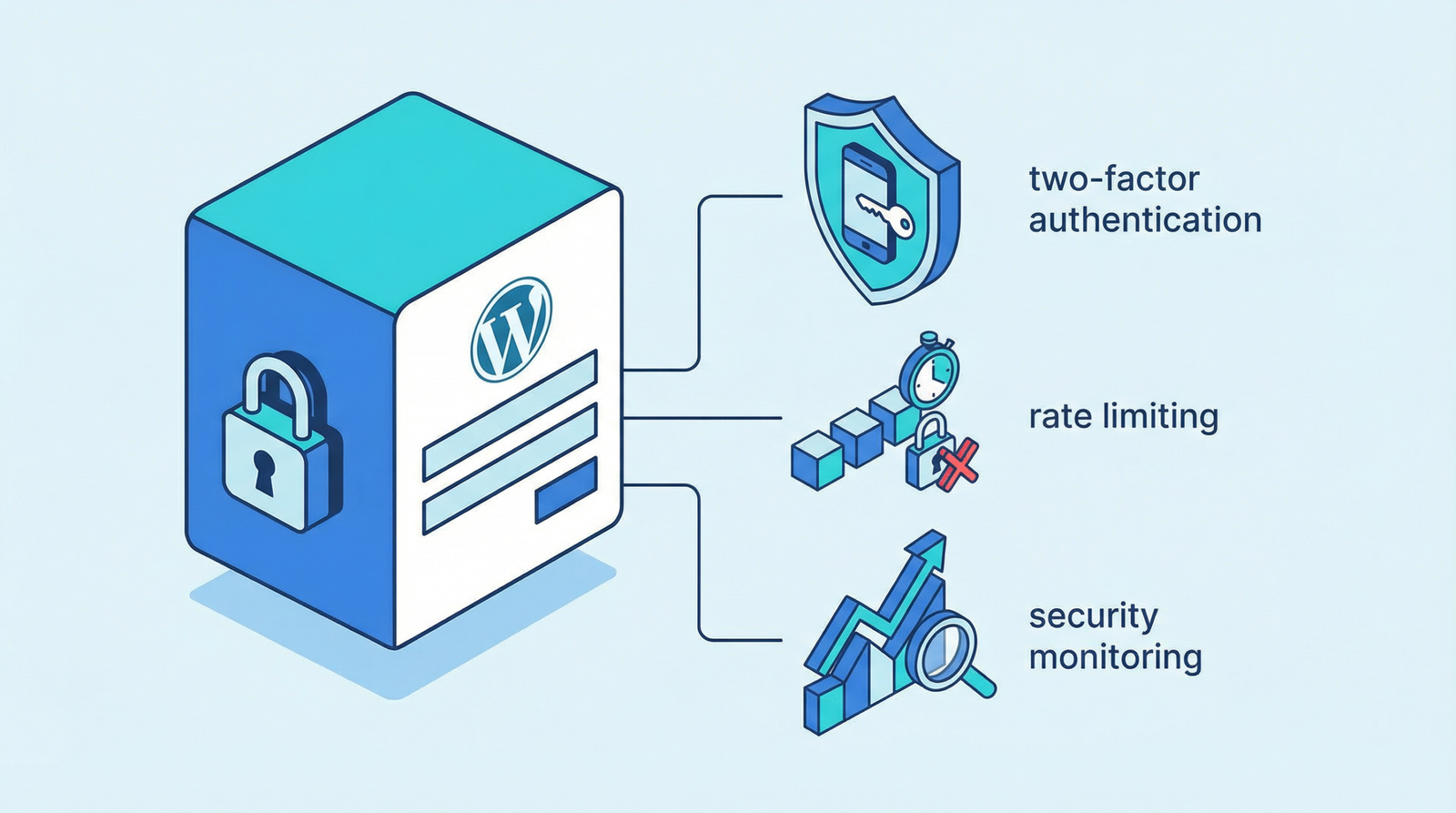
The single highest-value control on this page. With 2FA on administrator accounts, a stolen or guessed password is not enough, which defeats the entire category of credential attacks in one step.
Use an authenticator app rather than SMS. Every serious security plugin includes it, and there are good standalone ones. Enforce it for administrators and editors; for subscribers it rarely justifies the friction.
If you do one thing from this article, do this one.
Backups you have actually restored
Not prevention, but it is what determines whether an incident is an afternoon or a catastrophe.
Off-site — a backup on the same server is gone with the server. Automated, because manual backups stop happening. Versioned, because a compromise may not be noticed for weeks and last night’s backup may already contain it. And tested: a backup nobody has restored is a hypothesis, not a safety net. Restore one to a staging site once and find out whether it works.
Worth doing, straightforward
Limit login attempts
Unlimited password guesses is the default, and it makes brute force free. Rate limiting by IP turns a viable attack into an impractical one. Every security plugin does this, and most managed hosts do it at the server.
Strong, unique passwords
WordPress generates strong ones by default; people replace them with memorable ones. A password manager solves this properly. The specific thing to check: nobody reusing a password from elsewhere, because credential-stuffing lists are how many sites are entered.
Least privilege
Administrator is not the default anyone should have. Authors get Author, editors get Editor, the developer who left last year gets deleted. Audit the user list — it is usually longer than expected and includes accounts nobody recognizes.
Disable the file editor
The built-in theme and plugin editor lets anyone with admin access run arbitrary PHP from the browser. It is a convenience that turns a compromised login into full server access. One line in wp-config.php:
define('DISALLOW_FILE_EDIT', true);Disable XML-RPC, probably
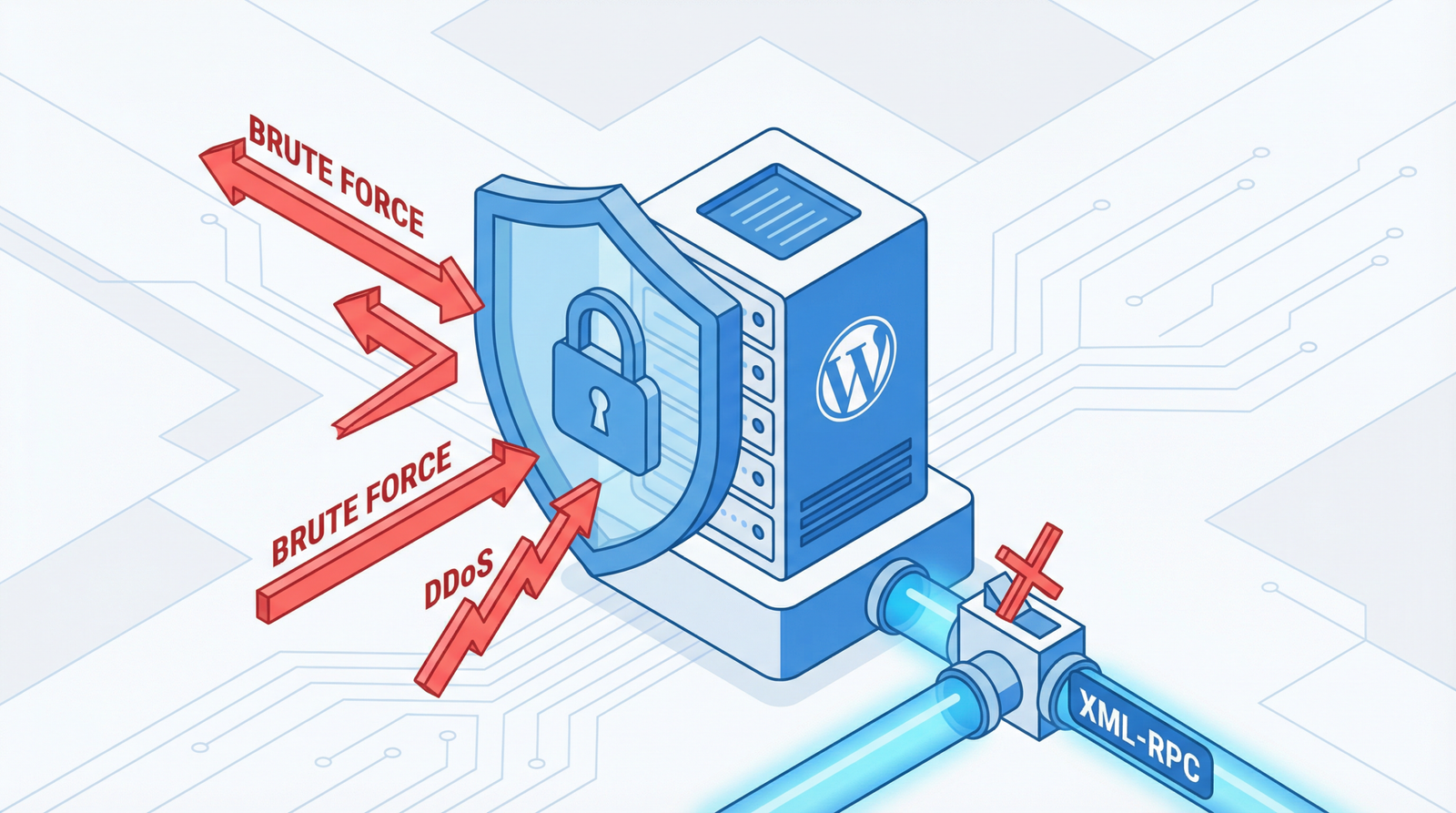
XML-RPC predates the REST API and is largely obsolete. Two things make it worth turning off: system.multicall lets an attacker attempt hundreds of passwords in a single request, bypassing most rate limiting, and the pingback method has been used to bounce denial-of-service traffic off other people’s WordPress sites.
Check first whether you need it. The Jetpack mobile app and some older publishing tools still use it. If nothing does, disable it in your security plugin or block /xmlrpc.php at the server.
The one that is usually done wrong
The REST API
“Disable the REST API” is common advice and it is wrong, because the block editor, the site editor and a great deal of modern plugin functionality run on it. Turning it off breaks your admin.
The actual concern is narrower: /wp-json/wp/v2/users lists your usernames to anyone who asks. Combined with unlimited login attempts, that hands an attacker half the credential for free.
So restrict the users endpoint to authenticated requests rather than disabling the API. Every security plugin has a specific toggle for this, and it is the correct one to use.
The same information leaks through author archives — /?author=1 redirects to a URL containing the username. Worth closing both, and worth checking that your display name is not identical to your login name, which is the most common way this leaks regardless of what you block.
Mostly theater
Not useless, but consistently oversold, and each costs something.
Hiding the login URL
Moving /wp-login.php to /secret-door/ stops automated scanners that only check the default path, which does reduce log noise. It is obscurity, not security: anyone targeting your site specifically will find it, and a fingerprint of your site betrays that it is WordPress in a dozen other ways.
The cost is real. Plugins that expect the standard path break, password reset flows get confusing, and the eventual “where is the login page” moment happens to everyone.
Reasonable if it is a toggle in a plugin you already run. Not a substitute for 2FA and rate limiting, and if you have those, the noise it removes was already harmless.
Hiding the WordPress version
Removing the generator tag does not hide much — the paths, the script handles and the asset URLs all give it away. Fine to do, do not count it as protection.
CAPTCHA everywhere
CAPTCHA on the login page addresses a problem that rate limiting and 2FA already solve, at the cost of friction for every real login.
On forms it is a different matter — spam through contact forms is a genuine, constant nuisance. Options worth knowing, since reCAPTCHA is no longer the automatic answer:
- Cloudflare Turnstile — free, usually invisible, no Google dependency, better privacy posture.
- hCaptcha — privacy-focused, a drop-in alternative.
- Honeypot fields — a hidden field bots fill and humans cannot see. Zero friction, no third party, and surprisingly effective against ordinary spam.
- reCAPTCHA v3 — invisible and effective, and it sends visitor data to Google on every page it loads, which is a GDPR consideration if you have European visitors.
Start with a honeypot. Escalate only if the spam continues.
Server-level basics
Below WordPress, and often overlooked:
- File permissions — 644 for files, 755 for directories, and never 777 for anything.
- Block PHP execution in uploads. If an attacker manages to place a file in wp-content/uploads, this is what stops it from running.
- Protect wp-config.php at the server level.
- Disable directory listing, so a stray directory does not display its contents.
- Use SFTP or SSH, never plain FTP, which sends credentials in the clear.
A sensible order
- Turn on 2FA for every administrator. Today.
- Update everything, and delete what you do not use.
- Enable login rate limiting.
- Audit users and roles. Remove accounts, downgrade permissions.
- Verify backups work by restoring one somewhere safe.
- Disable the file editor and XML-RPC if nothing needs it.
- Restrict the users endpoint and close author enumeration.
- Check server permissions and block PHP in uploads.
The first five remove most realistic risk. The rest is worth doing and none of it substitutes for them.
The short version
Update everything, turn on two-factor authentication, limit login attempts, and hold backups you have actually restored. Disable the file editor and XML-RPC. Restrict the users endpoint rather than disabling the REST API, because disabling it breaks your own admin. Treat hiding the login URL as noise reduction rather than defense — and if you have 2FA, that noise was never the threat.
Working through this list on your own site and would rather not? That is what an Expert Web Audit is for.

Advertisement. We earn a commission if you sign up through this link, at no extra cost to you.