XML-RPC: The Persistent WordPress Security Threat You Can’t Ignore in 2025/2026
The Silent Threat: Why XML-RPC Remains a WordPress Vulnerability in 2025/2026
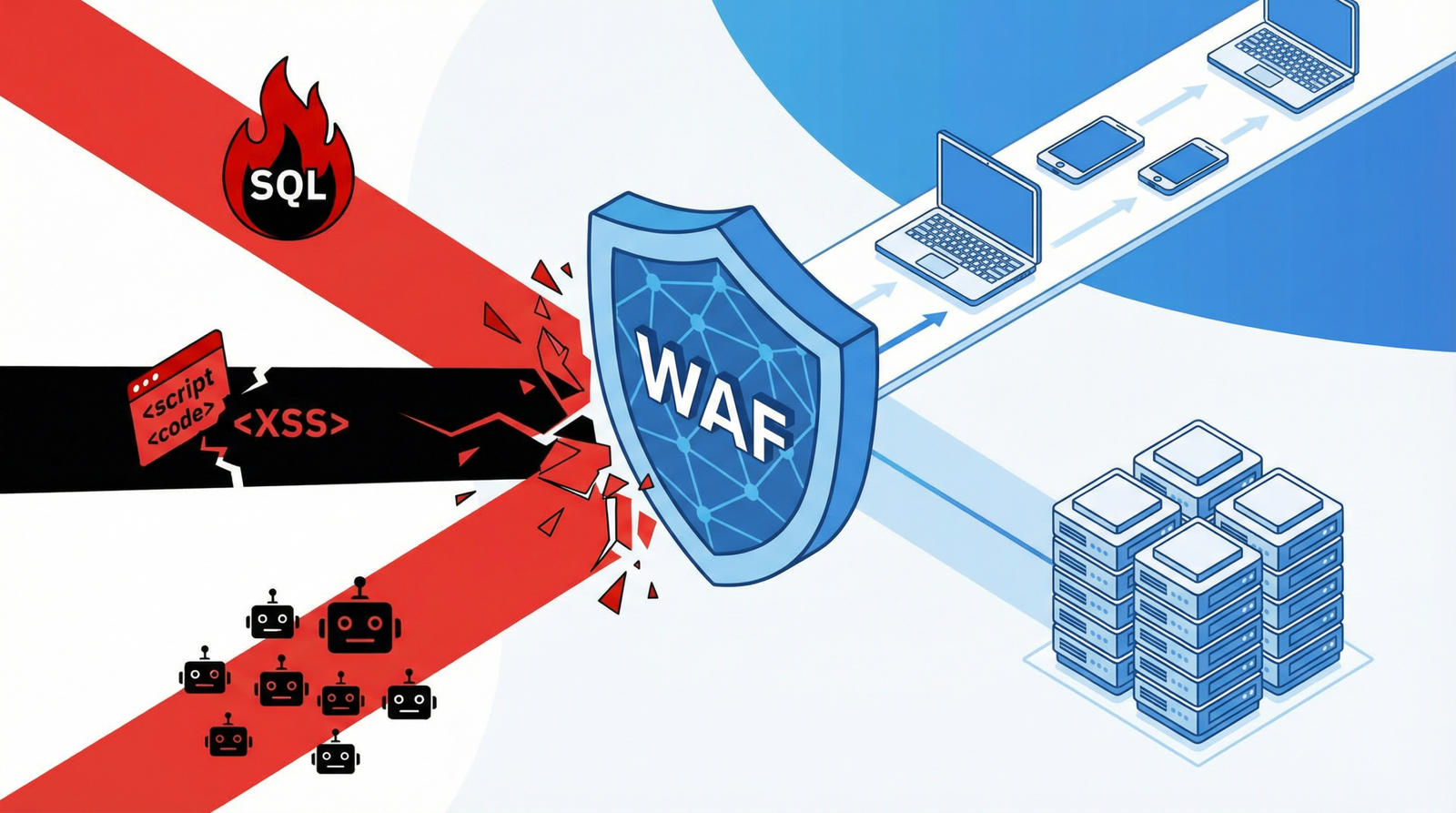
In the ever-evolving landscape of web security, some threats persist despite advancements. One such lingering vulnerability for WordPress sites is the **XML-RPC** protocol. While its utility has largely diminished for modern websites, its presence can still pose significant risks, acting as a gateway for malicious activities like brute-force attacks and Distributed Denial of Service (DDoS) amplification.
For WordPress users, understanding and mitigating this often-overlooked security hole is paramount. This post will delve into why XML-RPC remains a concern, how to identify if your site is vulnerable, and provide actionable, up-to-date steps to secure your WordPress installation against these threats.
What is XML-RPC and Why is it a Problem?
XML-RPC (XML Remote Procedure Call) is a protocol that allows data to be exchanged between different systems over the internet using HTTP as the transport mechanism and XML as the encoding. In its heyday, it was crucial for enabling features like pingbacks, trackbacks, and remote publishing from desktop clients (e.g., Windows Live Writer) to WordPress.
However, with the advent of the WordPress REST API, most of XML-RPC’s functionalities have been superseded by more secure and efficient alternatives. Despite this, XML-RPC often remains enabled by default on many WordPress installations, creating an unnecessary attack surface. Malicious actors can exploit this protocol for:
Brute-Force Attacks: Attackers can use XML-RPC’s `system.multicall` function to try thousands of username and password combinations with a single request, bypassing traditional login rate limits and overwhelming your server.
DDoS Amplification Attacks: XML-RPC can be used to send pingbacks to thousands of sites, effectively turning your server into a participant in a DDoS attack against another target, consuming your resources and potentially getting your IP blacklisted.
Resource Consumption: Even without a direct attack, legitimate but excessive XML-RPC requests can consume valuable server resources, leading to slower site performance and a poor user experience.
How to Check if Your WordPress Site Has an Enabled XML-RPC
Before you can fix the problem, you need to confirm its existence. Here are several ways to check if XML-RPC is active on your WordPress site:
Direct URL Check: Navigate to yoursite.com/xmlrpc.php in your browser. If you see a message like "XML-RPC server accepts POST requests only" or similar XML-RPC server information, it’s enabled.
Source Code Inspection: View the source code of your website’s homepage. Look for references to xmlrpc.php or an X-Pingback header in the <head> section.
Online XML-RPC Testing Tools: Several online tools can quickly check the status of XML-RPC on your site. A quick search for "XML-RPC checker" will yield many options.
Server Log Analysis: Examine your server access logs for frequent requests to xmlrpc.php. A high volume of requests, especially from suspicious IPs, could indicate ongoing attacks.
Actionable Steps to Disable XML-RPC and Secure Your WordPress Site
Given the persistent threat, disabling XML-RPC is a crucial step for enhancing your WordPress security and performance. Here are the recommended methods:
1. Disable XML-RPC Completely via WordPress Code (Recommended for most users)
This is the most effective way to disable XML-RPC directly within WordPress. Add the following code snippets to your theme’s functions.php file or, preferably, to a custom plugin to ensure updates don’t overwrite your changes. This method also removes associated headers and links.
// Disable XML-RPC
add_filter('xmlrpc_enabled', '__return_false');

// Remove XML-RPC pingback ping
add_filter('wp_xmlrpc_server_class', '__return_false');

// Remove X-Pingback header
add_filter('wp_headers', function($headers) {
    unset($headers['X-Pingback']);
    return $headers;
});

// Remove XML-RPC Really Simple Discovery link
remove_action('wp_head', 'rsd_link');

// Remove Windows Live Writer link
remove_action('wp_head', 'wlwmanifest_link');
2. Block XML-RPC at the Server Level
For an additional layer of security, you can block access to xmlrpc.php at the server level. This prevents requests from even reaching your WordPress installation.
For Apache (.htaccess):
Add the following to your .htaccess file in the root of your WordPress installation:
# Block access to xmlrpc.php
<Files xmlrpc.php>
    Order Deny,Allow
    Deny from all
</Files>
For Nginx:
Add the following to your Nginx server block configuration:
Many reputable WordPress security plugins offer robust XML-RPC protection as part of their feature set. These plugins provide an easy way to manage this setting without manual code edits.
Wordfence Security: A comprehensive security plugin that includes options to block XML-RPC requests.
iThemes Security: Offers various security hardening features, including XML-RPC protection.
Disable XML-RPC: A lightweight, dedicated plugin specifically designed to disable XML-RPC with a single click.
4. Monitor for XML-RPC Attacks (Advanced)
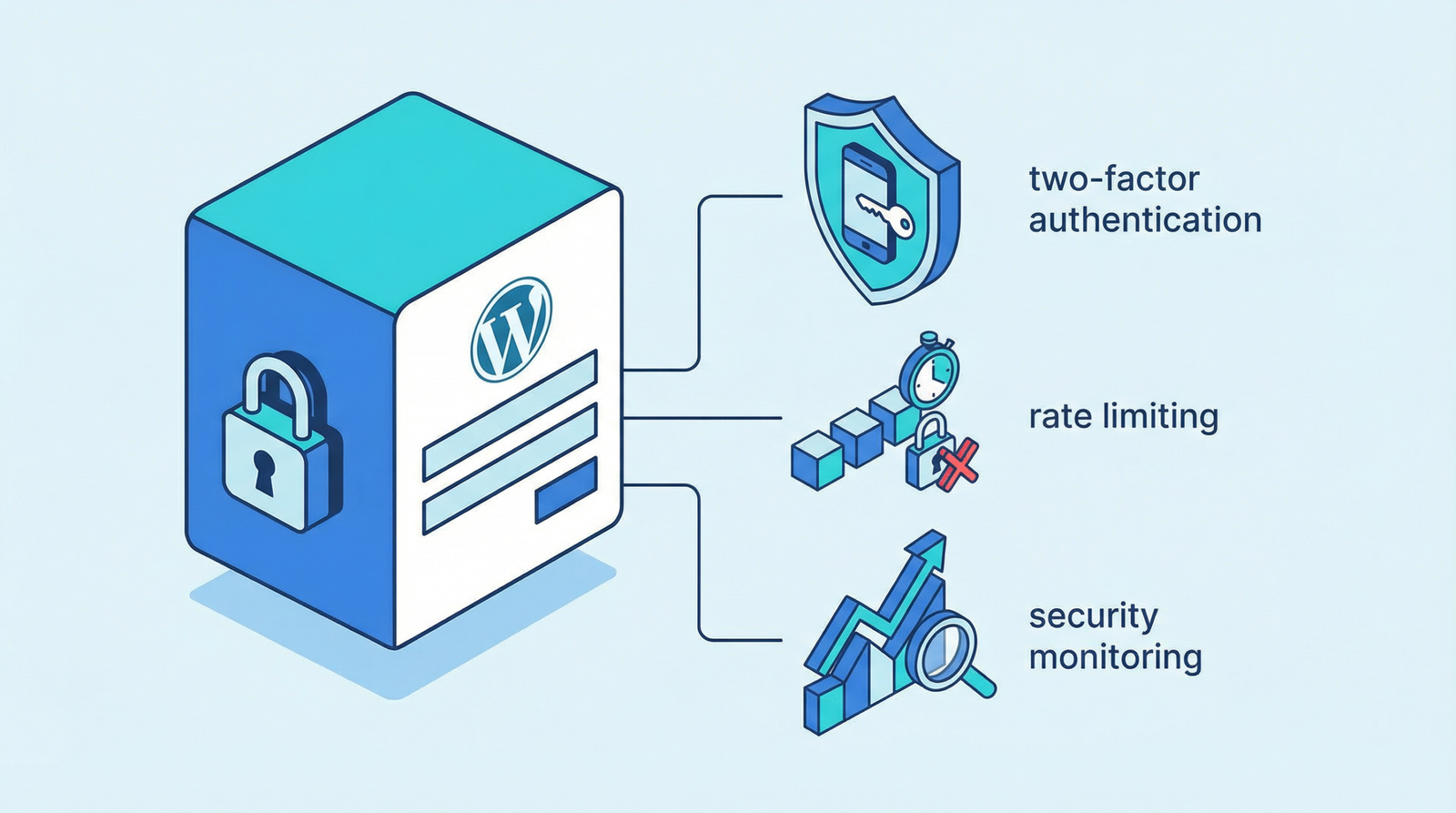
While disabling XML-RPC is the primary defense, monitoring can provide insights into attempted attacks and help identify other potential vulnerabilities. The provided code snippet for logging attempts is a good starting point, but for 2025/2026, consider integrating with more advanced security information and event management (SIEM) systems or using a Web Application Firewall (WAF) that provides detailed logging and real-time threat intelligence.
// Log XML-RPC access attempts (Example - for advanced monitoring)
function log_xmlrpc_attempts() {
    if (strpos($_SERVER['REQUEST_URI'], 'xmlrpc.php') !== false) {
        error_log('XML-RPC access attempt from: ' . $_SERVER['REMOTE_ADDR']);
        // Optional: Integrate with a more robust logging or security system
    }
}
add_action('init', 'log_xmlrpc_attempts');
Note: The transient-based IP blocking mechanism shown in the original text is a basic approach. For modern security, rely on server-level blocking (like .htaccess or Nginx rules) or dedicated security plugins/WAFs for more effective and scalable brute-force protection.
Conclusion: Proactive Security is Key
Despite its diminishing utility, XML-RPC remains a persistent security concern for WordPress websites. By proactively disabling this outdated protocol and implementing server-level blocks, you significantly reduce your site’s attack surface and enhance its overall security posture. Stay vigilant, keep your WordPress installation and plugins updated, and regularly review your security configurations to protect your digital assets in the face of evolving cyber threats.