The Unseen Shield: Protecting Your Website with a Web Application Firewall (WAF)
In the ever-evolving digital realm, your website is a prime target for a myriad of cyber threats. From sophisticated SQL injection attacks to relentless brute force attempts, the internet is a battlefield, and without adequate protection, your digital assets are vulnerable. This is where a Web Application Firewall (WAF) or a comprehensive security plugin becomes your indispensable ally.
The Silent Threat: What Happens Without a WAF?

Many website owners, especially those managing WordPress sites, might overlook the critical role of a WAF or a dedicated security plugin. The problem is simple yet profound: your website lacks a crucial layer of defense against common and increasingly complex attacks. This leaves your site exposed to vulnerabilities like:
- SQL Injection: Malicious code injected into input fields to manipulate your database.
- Cross-Site Scripting (XSS): Attackers inject client-side scripts into web pages viewed by other users.
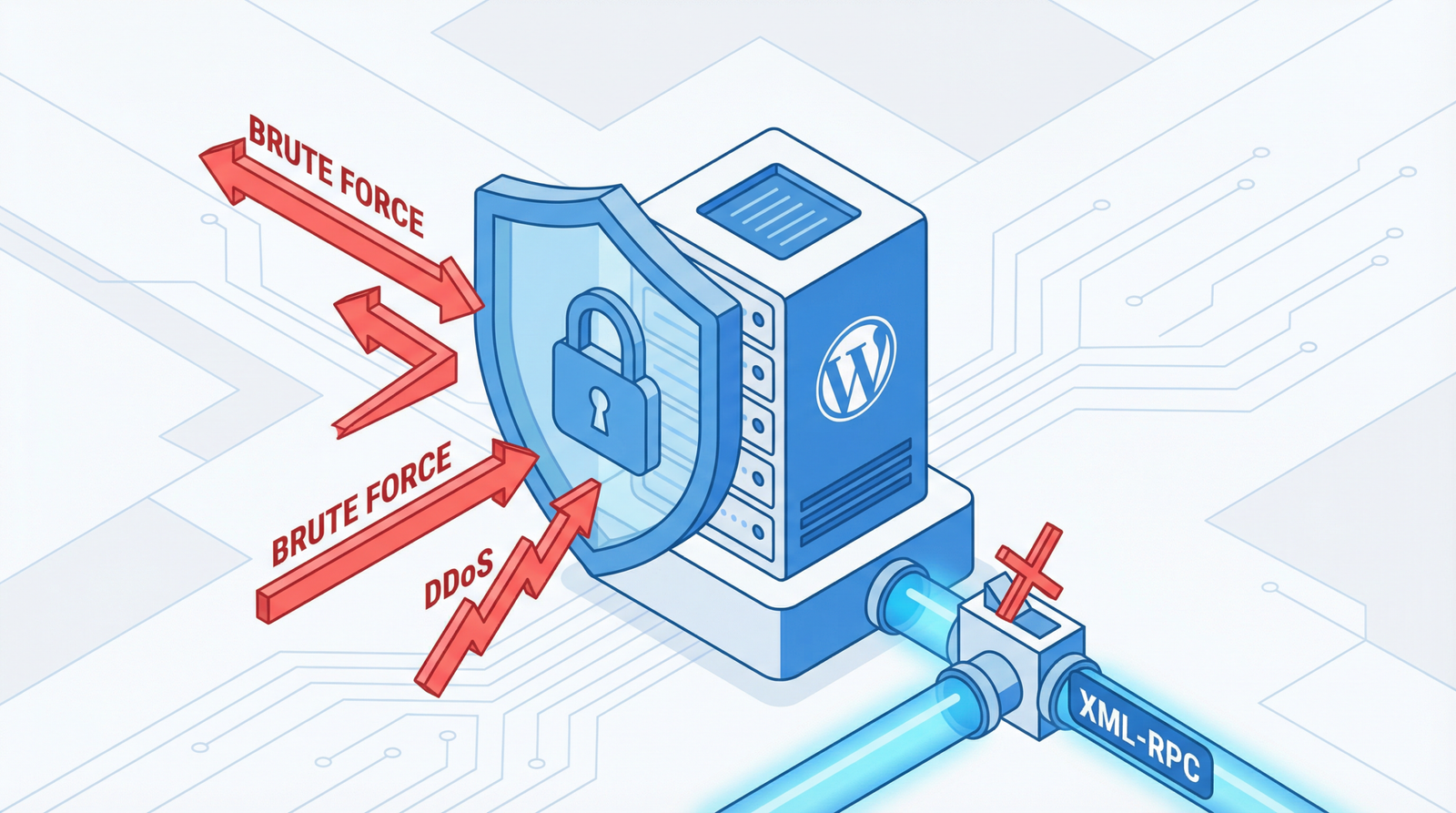
- Brute Force Attempts: Automated, persistent attempts to guess login credentials.
- Malicious Bot Traffic: Bots designed to scrape data, spam comments, or launch DDoS attacks.
Why Vulnerability Hurts Your Site (Beyond Just Security)
The repercussions of an unprotected website extend far beyond a mere security breach. Without proper security measures, your site faces a cascade of detrimental effects:
- Data Compromise: Sensitive user data, including personal information and payment details, can be stolen.
- Malware Injection: Your site can be infected with malware, turning it into a host for further attacks or redirecting users to malicious sites.
- Performance Degradation: Malicious traffic, especially DDoS attacks, can overwhelm your server, leading to slow loading times or complete downtime.
- Search Engine Blacklisting: Search engines like Google actively penalize and blacklist compromised sites, severely impacting your SEO and visibility.
- Hosting Provider Suspension: Your hosting provider may suspend your account if your site poses a security risk to their network or other users.
- Reputational Damage: A security breach erodes user trust, leading to a loss of credibility and potential business.
How to Check Your Website’s Security Posture
Unsure if your website is adequately protected? Here’s how to assess your current security setup:
- Review WordPress Plugins: In your WordPress Admin, navigate to
Pluginsand check for active security plugins. - Examine Hosting Control Panel: Look for WAF protection or security features offered by your hosting provider. Many modern hosts integrate basic WAF services.
- Utilize Online Security Scanners: Use reputable online tools to scan your website for known vulnerabilities.
- Monitor Server Logs: Regularly inspect your server logs for unusual activity patterns, such as excessive failed login attempts or suspicious IP addresses.
Actionable Steps: Fortifying Your Digital Fortress in 2026
The good news is that securing your website is an achievable goal with the right tools and practices. Here’s how to implement robust protection:
1. Install Comprehensive Security Plugins (for WordPress)
For WordPress users, dedicated security plugins offer an all-in-one solution. As of 2025/2026, these remain top choices:
- Wordfence Security: A powerhouse offering a web application firewall, malware scanner, and robust login security. It’s highly recommended for its comprehensive features.
- Sucuri Security: Provides a website firewall, malware scanning, and continuous monitoring. Its cloud-based WAF (Sucuri CloudProxy) is particularly effective.
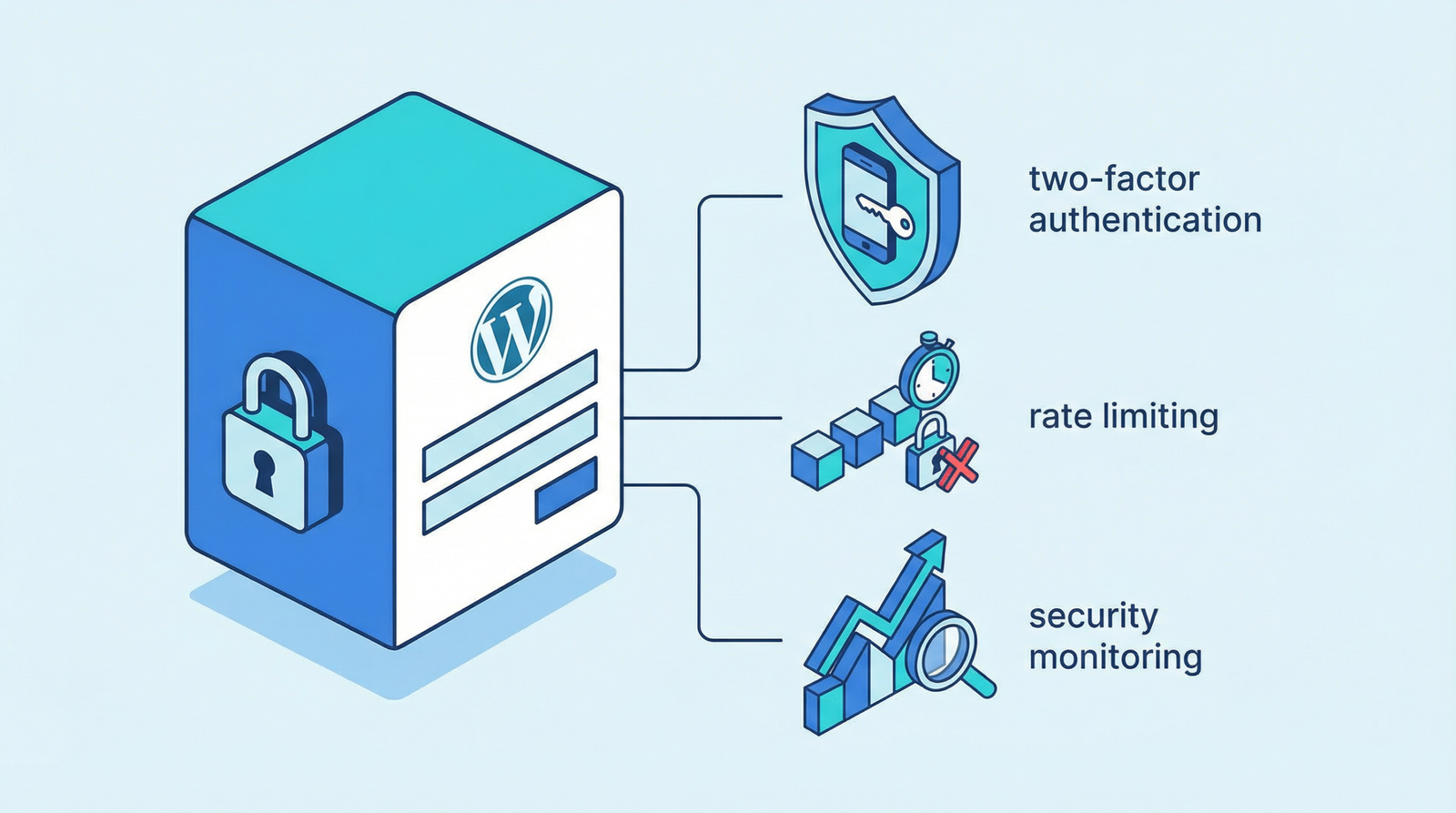
- iThemes Security: A comprehensive security suite with features like brute force protection, file change detection, and strong password enforcement.
- All In One WP Security & Firewall: Offers a user-friendly interface with a wide array of security hardening features.
2. Implement Cloud-Based WAF Solutions
For an even stronger defense, consider a cloud-based WAF. These services filter malicious traffic before it even reaches your server, providing an additional layer of protection and often improving performance:
- Cloudflare: The free tier includes a basic WAF, while paid plans offer advanced security features, DDoS protection, and a CDN.
- Sucuri CloudProxy: A dedicated cloud-based website firewall that cleans and protects your site from attacks.
- AWS WAF: For advanced users and those on the AWS ecosystem, this provides highly customizable security rules.
3. Basic Security Hardening (Code Tips)
Beyond plugins and cloud services, implementing basic security hardening measures directly in your WordPress configuration can significantly reduce your attack surface:
// Disable file editing in WordPress admin to prevent unauthorized code changes
define('DISALLOW_FILE_EDIT', true);

// Hide WordPress version to prevent attackers from identifying vulnerabilities based on version info
function remove_wp_version() {
    return '';
}
add_filter('the_generator', 'remove_wp_version');

// Disable XML-RPC if not needed, as it can be a vector for brute force attacks
add_filter('xmlrpc_enabled', '__return_false');

// Remove WordPress version from scripts and styles to further obscure version information
function remove_wp_version_strings($src) {
    global $wp_version;
    parse_str(parse_url($src, PHP_URL_QUERY), $query);
    if (isset($query['ver']) && $query['ver'] === $wp_version) {
        $src = remove_query_arg('ver', $src);
    }
    return $src;
}
add_filter('script_loader_src', 'remove_wp_version_strings');
add_filter('style_loader_src', 'remove_wp_version_strings');
These code snippets should be added to your theme’s functions.php file or, preferably, a custom plugin to ensure they persist through theme updates.
Conclusion: Proactive Security is Paramount
In 2026, the threat landscape is more complex than ever. Relying solely on your hosting provider’s default security or hoping for the best is a gamble you cannot afford. Implementing a robust Web Application Firewall, whether through a dedicated plugin or a cloud service, combined with basic hardening techniques, is crucial for maintaining your website’s integrity, performance, and reputation. Don’t wait for a breach to act; fortify your fortress today.