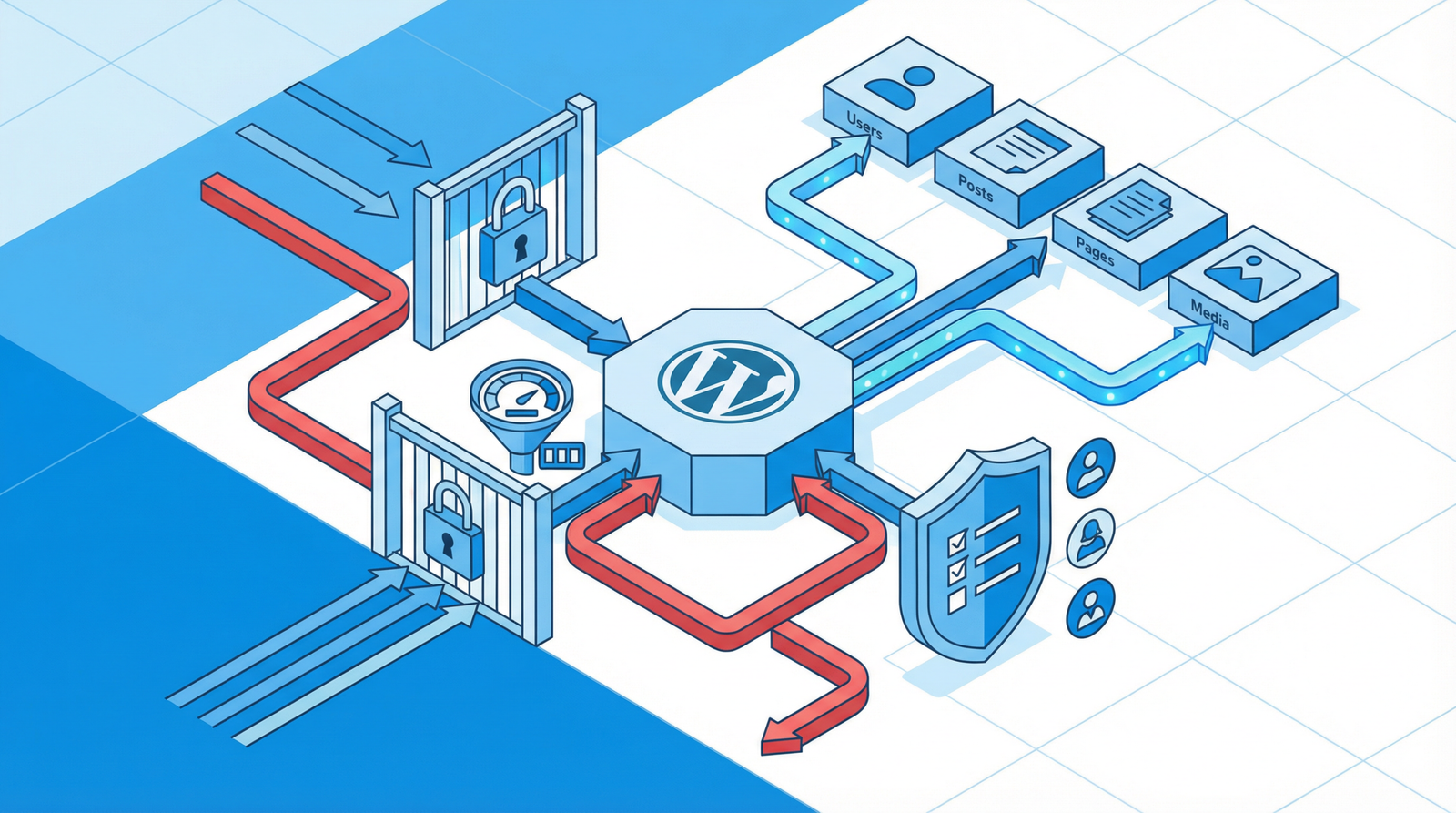
HTTPS is not a single switch. It is a certificate, then a set of redirects, then a handful of response headers that tell the browser what it is allowed to do on your page, and finally something in front of it all filtering traffic that should never arrive.

Advertisement. We earn a commission if you sign up through this link, at no extra cost to you.
Most sites do the first part and stop. Here is the rest, in the order worth doing it, with an honest note on which headers are worth the trouble and which one you should specifically not set.
Finish the HTTPS job
A certificate on its own leaves three things unfinished.
Redirect HTTP to HTTPS. At the server, with a 301, so the insecure version is never served. Until this is in place both versions exist, which is also a duplicate content problem.
Fix mixed content. A page served over HTTPS that loads a resource over HTTP is mixed content, and browsers treat the two kinds differently. Passive mixed content — images, video — is either blocked or silently upgraded. Active mixed content — scripts, stylesheets, iframes — is blocked outright, because an attacker who can modify it can rewrite your entire page.
Which means mixed content usually shows up as a feature that silently stopped working rather than as a warning anyone noticed. The browser console names every instance. On WordPress the usual cause is old URLs stored in post content or options, and the usual fix is a careful search-and-replace across the database, with a backup first.
The blunt instrument, useful while you hunt down the real sources:
Content-Security-Policy: upgrade-insecure-requestsThen HSTS. Strict-Transport-Security tells the browser to refuse HTTP for this domain entirely, for a stated period, without waiting for a redirect. It closes the gap where a first request goes out in the clear.
Strict-Transport-Security: max-age=31536000; includeSubDomainsOne warning that matters: HSTS is not easily reversible. Browsers honor it for the full max-age, and if you lose your certificate or need a subdomain to serve HTTP, visitors simply cannot reach it. Start with a short max-age — 300 seconds — confirm everything works, then raise it. And treat the preload directive as close to permanent: getting on the preload list is fast, getting off it takes months.
The headers worth setting
Test what you have first at securityheaders.com — it grades a URL in seconds and tells you exactly what is missing.
X-Content-Type-Options: nosniff. Stops the browser guessing a file’s type from its contents rather than trusting the declared Content-Type. Prevents an uploaded file being interpreted as a script. No downside, set it.
Referrer-Policy: strict-origin-when-cross-origin. Controls how much of your URL is sent to other sites when a visitor clicks a link. This value sends the full path within your own site and only the origin externally — good privacy behavior with no analytics loss. It is now the browser default, and setting it explicitly means you do not depend on that.
Permissions-Policy. Declares which browser features the page may use, so an injected script cannot quietly reach for the camera. Replaced the older Feature-Policy header.
Permissions-Policy: camera=(), microphone=(), geolocation=(), interest-cohort=()frame-ancestors. Stops other sites embedding yours in an iframe, which is what clickjacking needs. The modern form is a CSP directive; X-Frame-Options is the older header that does roughly the same thing and is still worth including for old browsers.
Content-Security-Policy: frame-ancestors 'self'
X-Frame-Options: SAMEORIGIN
The header you should not set
X-XSS-Protection. It appears in every security header template and it is obsolete. The browser XSS auditors it controlled have been removed from Chrome and Edge, and while they existed they introduced vulnerabilities of their own — the filter could be manipulated into breaking pages that were not actually under attack.
The correct value today is 0, or better, do not send it at all. If a checklist tells you to set it to 1; mode=block, that checklist has not been updated in five years.
Content Security Policy
CSP is the most powerful header here and by a wide margin the hardest to deploy. It defines exactly which sources of script, style, image and font the page may load, so an injected script from an unlisted origin simply does not execute.
On a WordPress site with plugins, analytics, embeds and a page builder, writing a correct policy is genuinely difficult — and a wrong policy breaks your site in ways that are invisible to you and obvious to visitors.
The only sane way in is report-only mode:
Content-Security-Policy-Report-Only: default-src 'self'; report-uri /csp-reportThis enforces nothing and reports every violation. Run it for a few weeks, collect what your site actually loads, build the policy from that evidence, and only then switch to enforcing. Anyone who hands you a copy-paste CSP for WordPress has not tested it on your WordPress.
Honest guidance: for a brochure site or a blog, the four headers above give you most of the practical benefit for an hour of work. CSP is worth it when you handle payments, hold user accounts, or run third-party scripts you do not fully control.
Setting them
Server level is best, because it applies to every response including static files.
# Apache, in .htaccess
Header always set X-Content-Type-Options "nosniff"
Header always set Referrer-Policy "strict-origin-when-cross-origin"
Header always set Strict-Transport-Security "max-age=31536000; includeSubDomains"
# nginx
add_header X-Content-Type-Options "nosniff" always;
add_header Referrer-Policy "strict-origin-when-cross-origin" always;
add_header Strict-Transport-Security "max-age=31536000; includeSubDomains" always;If you use Cloudflare, its Transform Rules set headers at the edge, which is easier and applies regardless of what your origin does. WordPress plugins can add them too, though only on responses PHP generates.
Firewalls: edge versus plugin
A web application firewall inspects incoming requests and blocks the ones matching known attack patterns — SQL injection, cross-site scripting attempts, the specific exploit for a plugin vulnerability published last week.
The distinction that matters is where it runs.
Edge WAF — Cloudflare, Sucuri, your CDN. Malicious traffic is blocked at the network edge and never reaches your server. It costs your server nothing, absorbs volumetric attacks, and protects you even if the origin is misconfigured.
Plugin WAF — Wordfence, Solid Security. Runs inside PHP, which means the request has already reached your server, WordPress has partly loaded, and the filtering itself consumes resources on every request including legitimate ones. In exchange it sees application context an edge firewall cannot: which user is logged in, which plugin is being called, whether a file has changed.
Neither is strictly better. The pattern that works well is an edge WAF for volume and known-bad traffic, plus a plugin for file integrity monitoring and login protection — using each for what it is good at, rather than running two overlapping rule engines and paying twice.
The one thing to check either way: virtual patching. When a plugin vulnerability is disclosed, a good WAF blocks the exploit within hours, which buys you time to update. That is the feature that earns its keep.
A sensible order
- Redirect all HTTP to HTTPS and clear mixed content.
- Test at securityheaders.com to see where you stand.
- Add nosniff, Referrer-Policy, Permissions-Policy and frame-ancestors. An hour, no risk.
- Add HSTS with a short max-age, verify, then raise it.
- Put a WAF in front, at the edge if you can.
- Consider CSP in report-only mode, if the site warrants it.
- Remove X-XSS-Protection if a template added it.
The short version
Finish HTTPS properly: redirect, clear mixed content, then HSTS with a short max-age at first because it is hard to undo. Set nosniff, Referrer-Policy, Permissions-Policy and frame-ancestors — an hour of work for most of the benefit. Do not set X-XSS-Protection. Approach CSP in report-only mode or not at all. And prefer a firewall at the edge, where blocked traffic costs you nothing.
Working through this list on your own site and would rather not? That is what an Expert Web Audit is for.

Advertisement. We earn a commission if you sign up through this link, at no extra cost to you.