Is Your WordPress REST API a Hidden Security Risk? Essential Protection for 2025/2026
The WordPress REST API is a powerful feature that allows your website to communicate with other applications and services, enabling dynamic content delivery and enhanced functionality. However, its default public accessibility can inadvertently expose your site to significant security vulnerabilities and performance issues if not properly secured. In the ever-evolving digital landscape of 2025/2026, understanding and mitigating these risks is more crucial than ever for maintaining a robust and secure online presence.
Understanding the WordPress REST API and Its Default Behavior

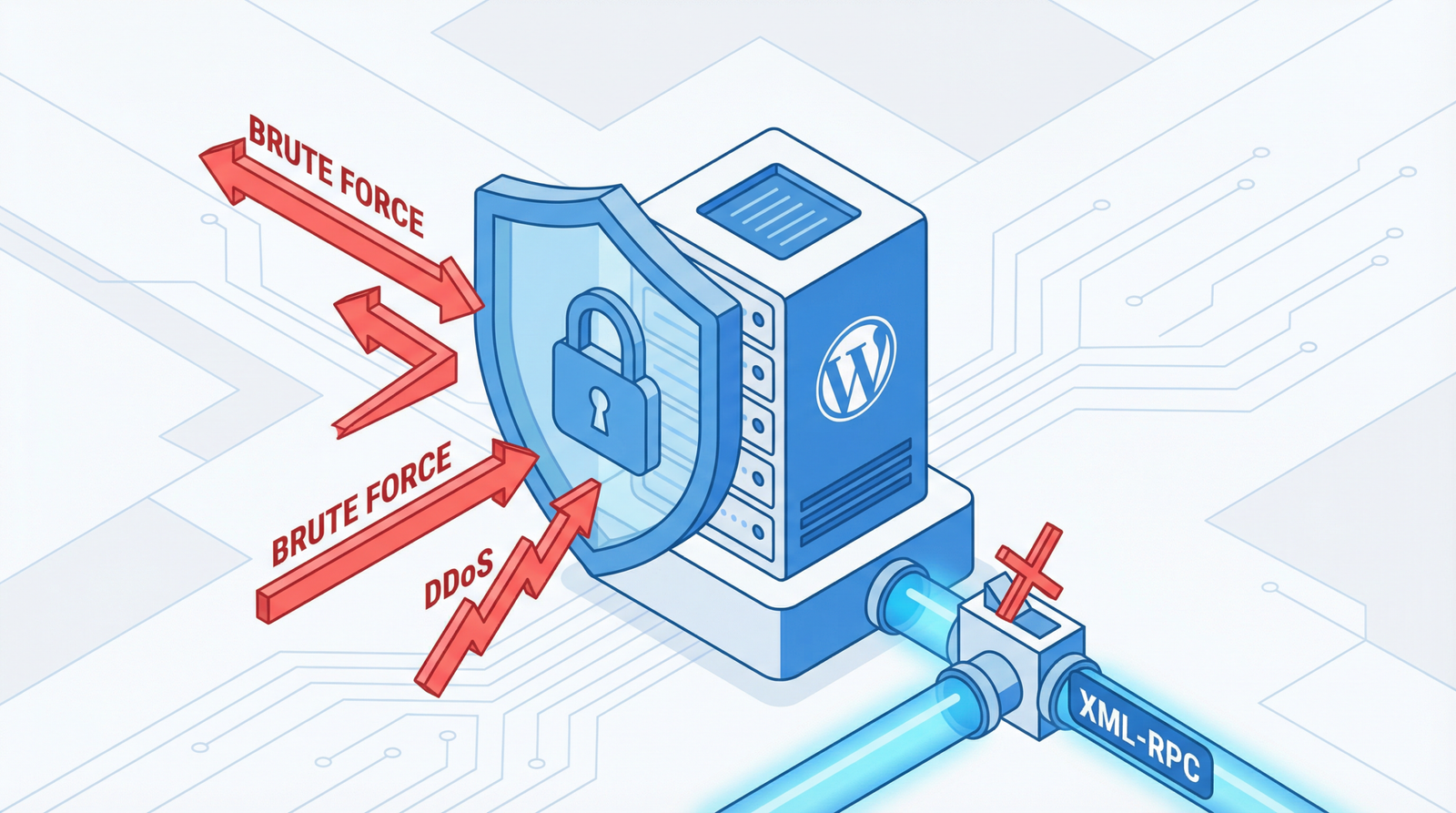
By default, the WordPress REST API is publicly accessible, meaning anyone can send requests to your site’s API endpoints. While this facilitates seamless integration and data exchange, it also creates an open door for malicious actors or excessive automated requests. This unrestricted access can lead to a range of problems, from data exposure to server overload.
The Hidden Dangers: Why Unrestricted API Access Harms Your Site
An unsecured WordPress REST API can have several detrimental effects on your website:
- Data Scraping: Malicious bots can easily scrape your site’s content, including posts, pages, and even sensitive user data, leading to unauthorized data collection and potential misuse.
- Increased Server Load: Excessive requests to your API endpoints can consume significant server resources, leading to slow website performance, increased hosting costs, and even server crashes during peak traffic.
- Security Vulnerabilities: Publicly accessible user endpoints can reveal author usernames, which can be a critical first step for brute-force attacks on your WordPress login.
- Performance Degradation: Constant, unauthenticated API requests can slow down your site for legitimate users, negatively impacting user experience and SEO rankings.
How to Identify WordPress REST API Vulnerabilities
Before implementing solutions, it’s important to determine if your site is currently exposed:
- Check Public Endpoints: Visit
yoursite.com/wp-json/wp/v2/postsandyoursite.com/wp-json/wp/v2/usersin your browser. If these URLs load and display data, your API is publicly accessible. Pay particular attention to the/wp-json/wp/v2/usersendpoint, as it can expose user IDs and usernames. - Utilize API Testing Tools: Tools like Postman or browser developer consoles can be used to send requests to various API endpoints and assess their responses.
- Monitor Server Logs: Regularly review your server access logs for an unusually high number of requests to
/wp-json/paths, especially from unfamiliar IP addresses.
Fortifying Your API: Actionable Solutions for 2025/2026
Protecting your WordPress REST API requires a multi-faceted approach. Here are essential steps and code snippets to secure your site:
1. Disable REST API for Non-Authenticated Users
For many websites, there’s no need for non-logged-in users to access the REST API. You can restrict access by adding the following code to your theme’s functions.php file or a custom plugin:
// Disable REST API for non-logged-in users
function disable_rest_api_for_non_authenticated_users($result) {
    if (!is_user_logged_in()) {
        return new WP_Error('rest_disabled', 'REST API disabled for non-authenticated users.', array('status' => 401));
    }
    return $result;
}
add_filter('rest_authentication_errors', 'disable_rest_api_for_non_authenticated_users');
This code will return a 401 Unauthorized error for any unauthenticated request to the REST API.
2. Restrict Specific Endpoints
If you need the REST API to be partially accessible, you can restrict access to only the necessary endpoints. This is a more granular approach than a complete disablement:
// Allow only specific REST API endpoints
function restrict_rest_api_endpoints($result, $server, $request) {
    $allowed_endpoints = array(
        '/wp/v2/posts',
        '/wp/v2/pages',
        // Add other endpoints you need, e.g., '/wp/v2/media'
    );
    $route = $request->get_route();
    if (!in_array($route, $allowed_endpoints) && !is_user_logged_in()) {
        return new WP_Error('rest_disabled', 'This REST API endpoint is disabled.', array('status' => 403));
    }
    return $result;
}
add_filter('rest_pre_dispatch', 'restrict_rest_api_endpoints', 10, 3);
Remember to customize $allowed_endpoints to include only the routes essential for your site’s functionality.
3. Hide User Information from REST API
Exposing user data, especially usernames, is a significant security risk. WordPress, by default, makes user data accessible via the REST API. You can remove these endpoints:
// Remove user endpoints from REST API
function disable_user_endpoints($endpoints) {
    if (isset($endpoints['/wp/v2/users'])) {
        unset($endpoints['/wp/v2/users']);
    }
    if (isset($endpoints['/wp/v2/users/(?P[\\d]+)'])) {
        unset($endpoints['/wp/v2/users/(?P[\\d]+)']);
    }
    return $endpoints;
}
add_filter('rest_endpoints', 'disable_user_endpoints');
This code snippet ensures that requests to /wp/v2/users and specific user ID endpoints will no longer return data.
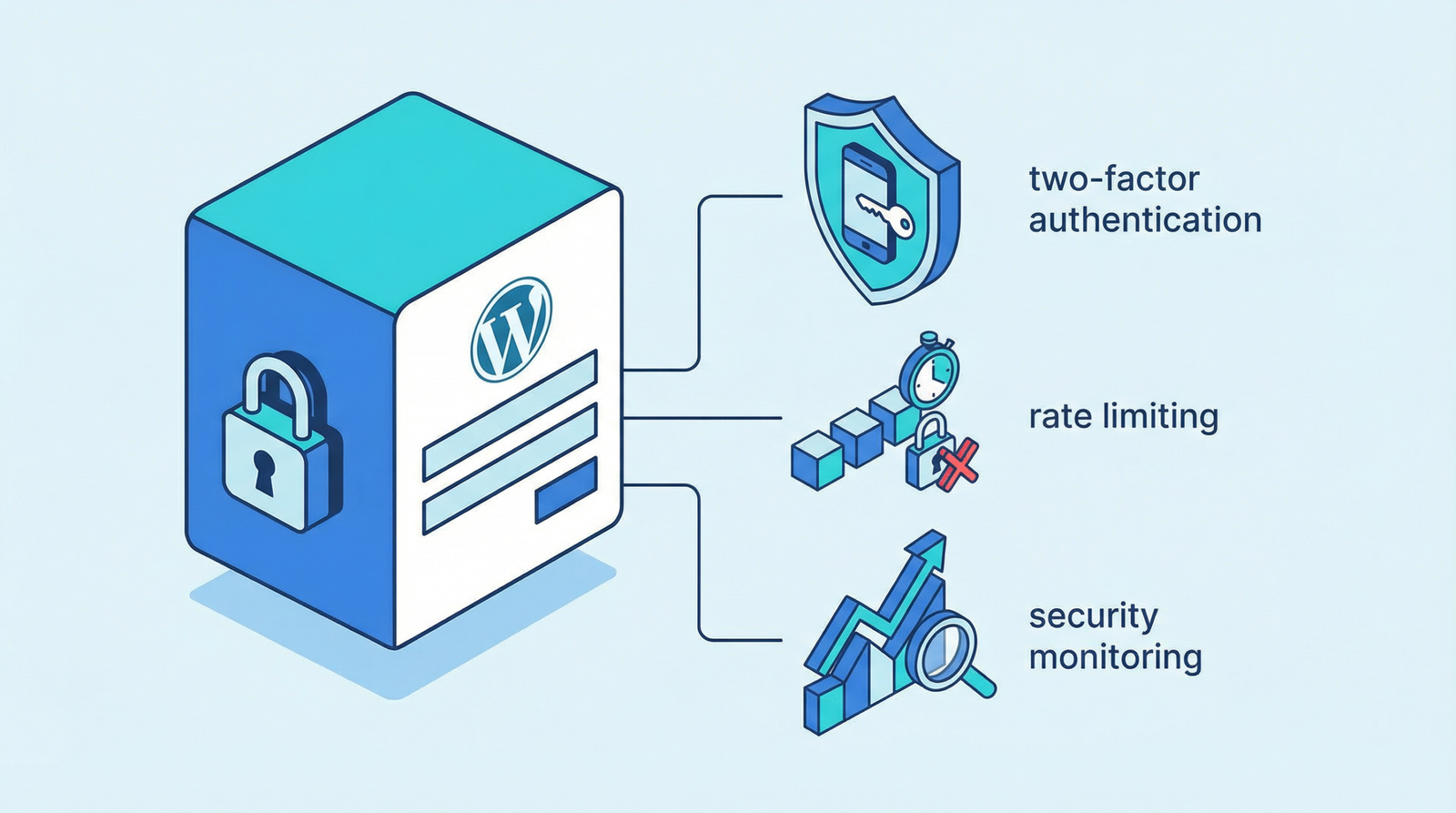
4. Implement Rate Limiting for REST API
Rate limiting helps prevent abuse and protects your server from being overwhelmed by too many requests in a short period. While more advanced solutions exist, here’s a simple example for basic rate limiting:
// Simple rate limiting for REST API
function rest_api_rate_limiting() {
    $ip = $_SERVER['REMOTE_ADDR'];
    $transient_key = 'rest_api_requests_' . md5($ip);
    $requests = get_transient($transient_key);

    if ($requests === false) {
        set_transient($transient_key, 1, MINUTE_IN_SECONDS);
    } else {
        if ($requests > 60) { // 60 requests per minute limit
            wp_die('Rate limit exceeded', 'Too Many Requests', array('response' => 429));
        }
        set_transient($transient_key, $requests + 1, MINUTE_IN_SECONDS);
    }
}
add_action('rest_api_init', 'rest_api_rate_limiting');
This example limits requests to 60 per minute per IP address. For production environments, consider more robust rate-limiting solutions provided by hosting providers, CDNs, or dedicated security plugins.
5. Leverage Security Plugins for REST API Protection
For those who prefer a plugin-based approach, several reputable WordPress security plugins offer robust REST API protection features:
- Wordfence Security: A comprehensive security plugin that includes firewall protection, malware scanning, and options to manage REST API access.
- iThemes Security Pro: Offers granular control over WordPress REST API, allowing you to disable or restrict access based on user roles or specific endpoints.
- All In One WP Security & Firewall: Provides various security measures, including features to harden your WordPress API against common threats.
These plugins often provide user-friendly interfaces to configure REST API settings without needing to write code.
Conclusion: Proactive Security is Key
The WordPress REST API is an indispensable component of modern WordPress development, but its power comes with responsibility. By proactively implementing the security measures outlined above—disabling unnecessary access, restricting endpoints, hiding user data, applying rate limiting, and utilizing robust security plugins—you can significantly enhance your website’s security posture and protect it from potential threats in 2025/2026 and beyond. Don’t leave your site vulnerable; secure your REST API today.