Unlocking the Future: Why Your Website Needs Progressive Web App (PWA) Features in 2025/2026
Unlocking the Future: Why Your Website Needs Progressive Web App (PWA) Features in 2025/2026
In the rapidly evolving digital landscape, user expectations for web experiences are higher than ever. Websites are no longer just static pages; they are dynamic platforms that must deliver speed, reliability, and an engaging, app-like experience. This is where **Progressive Web Apps (PWAs)** come into play, transforming how users interact with your online presence. If your website is missing crucial PWA features, you’re not just falling behind—you’re missing out on a significant competitive advantage and a projected market exceeding $15 billion by 2025 [1] [2].
The Problem: Missing PWA Implementation
Many websites still operate without full PWA implementation, thereby neglecting opportunities for enhanced user engagement, offline functionality, and a seamless mobile experience. This oversight can severely impact your site’s performance and reach.
Why Missing PWA Features Hurts Your Site
Lost Mobile Engagement: Without PWA features, your website struggles to provide the smooth, responsive experience mobile users expect, leading to higher bounce rates and lower engagement.
Missed App-Like Experiences: PWAs bridge the gap between websites and native mobile applications, offering features like push notifications, home screen installation, and offline access. Without these, your site feels less integrated and less valuable to frequent users.
Competitive Disadvantage: As the PWA market continues its rapid expansion, competitors who adopt these technologies will offer superior user experiences, drawing away your potential audience.
Suboptimal Performance: PWAs are designed for speed and reliability, even on unreliable networks. A lack of PWA features often translates to slower loading times and a less robust experience.
Exclusion from Emerging Trends: The future of PWAs is intertwined with cutting-edge technologies like **AI and voice integration** [3] [4]. Without a foundational PWA, your site cannot leverage AI-powered chatbots, predictive analytics, or voice interfaces that are becoming standard for personalized user interactions.
How to Check for PWA Implementation
Identifying whether your website has PWA deficiencies is straightforward:
Use Lighthouse PWA Audit: Google Lighthouse, an open-source automated tool, provides a comprehensive audit of your website’s PWA capabilities. It will highlight areas needing improvement.
Check for a Web App Manifest File: A `manifest.json` file is essential for PWAs, defining how your app appears to the user and behaves when installed on their device. Look for a link to this file in your website’s HTML header.
Test Offline Functionality: Disconnect your device from the internet and try to access your website. A well-implemented PWA should offer some level of offline experience, even if it’s just a custom offline page.
Look for Install Prompts on Mobile: On compatible mobile browsers, PWAs often trigger an install prompt, allowing users to add the app to their home screen. If you don’t see this, your PWA implementation might be incomplete.
How to Fix It: Actionable Steps for PWA Implementation
1. Create a Web App Manifest
The web app manifest is a JSON file that controls how your PWA appears and behaves when installed. Here’s a basic structure:
2. Implement a Service Worker for Offline Functionality
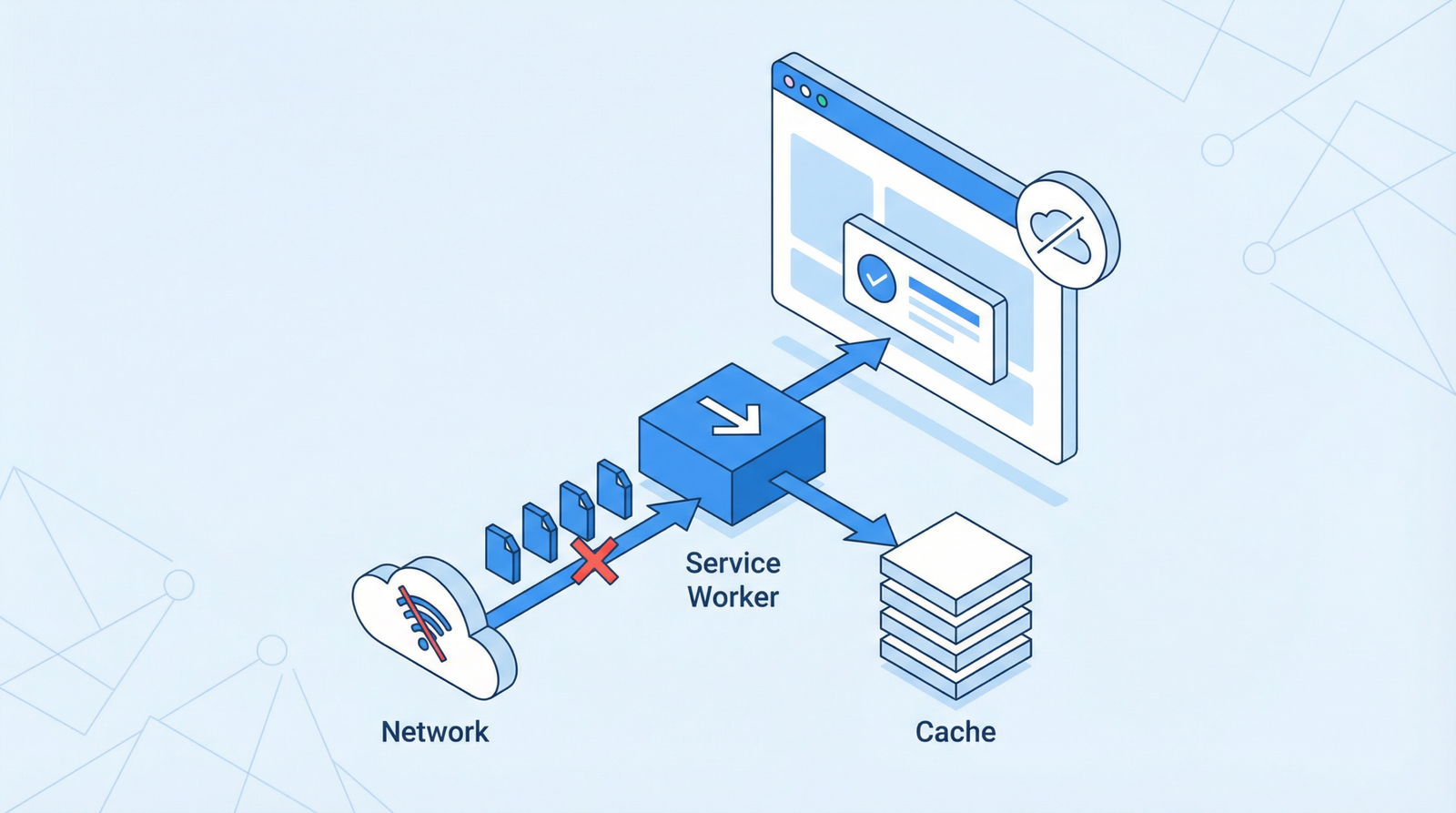
A service worker is a JavaScript file that runs in the background, separate from the main browser thread. It enables features like offline caching, push notifications, and background synchronization. This is crucial for providing a reliable and fast user experience, even with no or poor network connectivity.
3. Ensure HTTPS Across Your Entire Site
HTTPS is a fundamental requirement for PWAs, ensuring secure communication between your website and users. If your site isn’t fully on HTTPS, prioritize this immediately.
4. Adopt Responsive Design
A PWA must be accessible and usable across all devices and screen sizes. Ensure your website employs a responsive design that adapts seamlessly to desktops, tablets, and mobile phones.
5. Optimize for App-Like Navigation
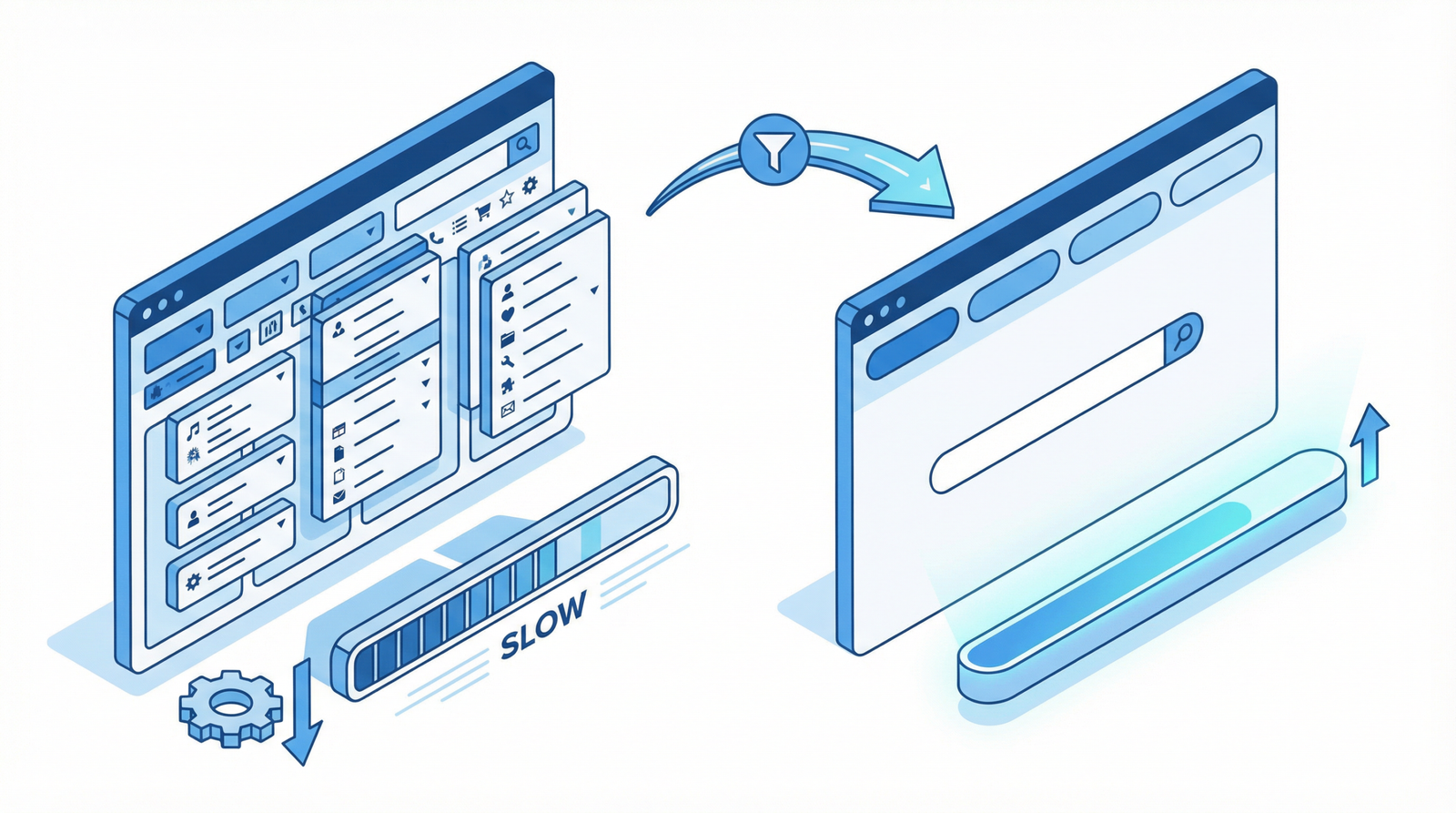
Design your navigation to feel intuitive and efficient, similar to a native app. This often involves simplified menus, clear calls to action, and a focus on user flow.
6. Implement Install Prompts
Encourage users to add your PWA to their home screen by implementing install prompts. This can be done by listening for the beforeinstallprompt event and then showing a custom install button.
<script>
let deferredPrompt;
window.addEventListener(\'beforeinstallprompt\', (e) => {
  e.preventDefault();
  deferredPrompt = e;
  // Show your custom install button here
});

// Example of showing and handling an install button
const installButton = document.getElementById(\'install-button\');
if (installButton) {
  installButton.style.display = \'block\';
  installButton.addEventListener(\'click\', () => {
    deferredPrompt.prompt();
    deferredPrompt.userChoice.then((choiceResult) => {
      deferredPrompt = null;
    });
  });
}
</script>
7. Create Offline Fallback Pages
Even with service workers, there might be content that can’t be cached. Provide a user-friendly offline fallback page to inform users when content is unavailable, maintaining a positive user experience.
WordPress PWA Implementation
For WordPress users, implementing PWAs can be streamlined:
Manual Code Addition: You can add the manifest link and service worker registration directly to your theme’s functions.php file or a custom plugin.
PWA Plugins: Several plugins simplify PWA integration, such as
PWA (by WordPress team): A robust plugin that helps with manifest generation, service worker registration, and install prompts.
Super Progressive Web Apps: Another popular option offering comprehensive PWA features.
Progressive Web Apps: A straightforward plugin for basic PWA functionality.
Essential PWA Features Checklist (2025/2026)
To ensure your PWA is future-proof and delivers an optimal experience, here’s a checklist of critical features:
✓ Web app manifest (correctly configured with icons and display modes)
✓ Service worker for robust offline functionality and caching strategies
✓ HTTPS throughout the entire site for security and PWA enablement
✓ Responsive design that adapts to all screen sizes and devices
✓ App-like navigation and user interface for intuitive interaction
✓ Install prompts to encourage users to add the PWA to their home screen
✓ Offline fallback pages for a graceful user experience during network outages
✓ Push notifications for re-engagement and timely updates
✓ Background synchronization for seamless data updates
✓ Integration with AI for personalized experiences (e.g., chatbots, predictive content)
✓ Voice interface capabilities for enhanced accessibility and interaction
Conclusion
Embracing Progressive Web App features is no longer optional; it’s a necessity for any website aiming to thrive in the digital landscape of 2025 and beyond. By providing fast, reliable, and engaging experiences, PWAs not only meet user expectations but also drive business growth and maintain a competitive edge. Start implementing these features today to transform your website into a powerful, app-like experience.