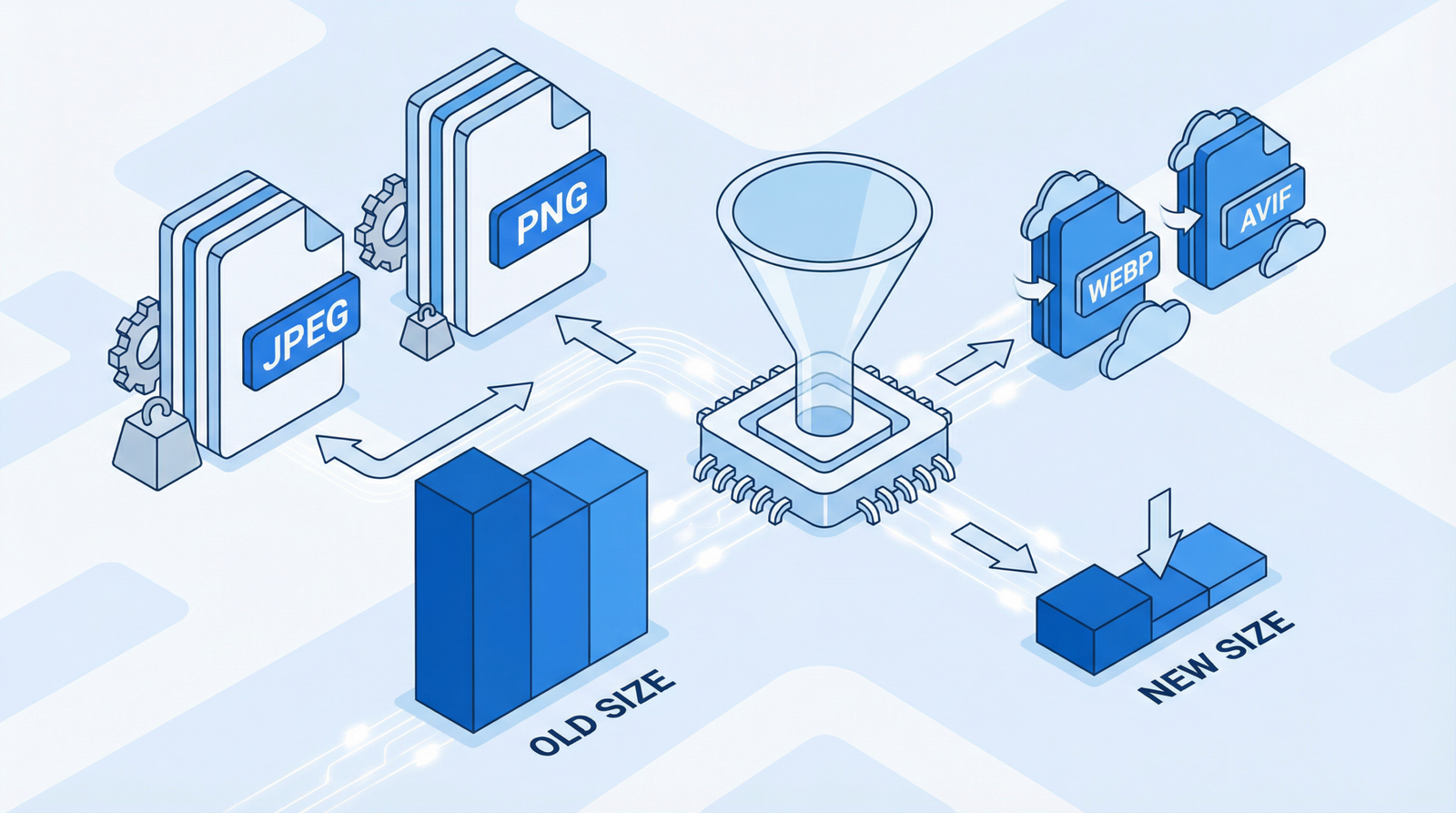
Introduction: The Invisible Weight Slowing Down Your Website
In the fast-paced digital world, every millisecond counts. Users expect instant loading times, and search engines reward websites that deliver. Yet, many websites unknowingly carry an invisible weight: uncompressed text files. These seemingly innocuous files—HTML, CSS, and JavaScript—can significantly bloat your website’s payload, leading to sluggish performance and a frustrating user experience. This article will delve into why text compression is non-negotiable for modern web performance, how to identify if your site is lagging, and the cutting-edge solutions like Brotli and Zstandard that are revolutionizing how we deliver content.
Why Uncompressed Files Are a Performance Killer

Imagine downloading a large book, page by page, without any packaging. That’s essentially what happens when your server sends uncompressed text files. These files can be 60-80% larger than their compressed counterparts. This substantial increase in file size directly translates to:
- Slower Load Times: Larger files take longer to transfer from your server to the user’s browser, especially for those on slower internet connections or mobile networks.
- Increased Bandwidth Consumption: Both your server and your users consume more bandwidth, potentially leading to higher hosting costs and data charges for users.
- Poor User Experience: Long loading times are a major cause of user abandonment. Visitors are less likely to stay, engage, or convert on a slow website.
- Lower Search Engine Rankings: Search engines like Google prioritize fast-loading websites. Poor performance can negatively impact your SEO, reducing visibility and organic traffic.
How to Diagnose Compression Issues on Your Site
Identifying whether your website is serving uncompressed files is crucial. Here’s how you can check:
- Online Compression Checkers: Utilize free online tools designed to check GZIP or Brotli compression. Simply enter your website URL, and they will analyze your server’s response headers.
- Browser Developer Tools: The most reliable method is to inspect your network requests using your browser’s developer tools (e.g., Chrome DevTools). Open the ‘Network’ tab, reload your page, and examine the
Content-Encodingheader for text-based resources. You should seegzip,br(for Brotli), or potentiallyzstd(for Zstandard) if compression is active. - File Size Comparison: For a more hands-on approach, you can compare the original size of your HTML, CSS, and JavaScript files with the size reported by your browser’s developer tools after transfer. A significant reduction indicates successful compression.
The Evolution of Web Compression: From GZIP to Zstandard
For years, GZIP was the industry standard for text compression, offering substantial file size reductions. While still widely used and effective, newer algorithms have emerged that offer even better performance.
Brotli: The Modern Standard
Brotli, developed by Google, has gained widespread adoption and is now supported by virtually all modern browsers [1]. It typically achieves 15-20% better compression ratios than GZIP for text files, leading to even faster load times. This improvement comes from a combination of a larger dictionary, context modeling, and a more advanced entropy encoder.
Zstandard (Zstd): The Next-Gen Contender
Emerging as a powerful contender in 2024-2025, Zstandard (zstd), developed by Facebook (now Meta), offers an impressive balance of compression ratio and speed [2]. Our research indicates that Zstandard can compress data up to 42% faster than Brotli while achieving nearly equivalent compression ratios [3]. This makes zstd particularly attractive for dynamic content where compression speed is critical, or for scenarios where both high compression and rapid decompression are paramount. While not yet as universally supported by browsers as Brotli, its adoption is growing, and it’s a technology to watch closely for future web performance optimizations.
Actionable Steps to Implement Text Compression
Enabling text compression is a fundamental step towards a faster website. Here’s how to implement it, starting with the most common server configurations:
For Apache Servers
If your website runs on Apache, you can enable GZIP compression by adding the following directives to your .htaccess file or your server’s configuration. Ensure the mod_deflate module is enabled.
apache

<IfModule mod_deflate.c>

    AddOutputFilterByType DEFLATE text/plain

    AddOutputFilterByType DEFLATE text/html

    AddOutputFilterByType DEFLATE text/xml

    AddOutputFilterByType DEFLATE text/css

    AddOutputFilterByType DEFLATE application/xml

    AddOutputFilterByType DEFLATE application/xhtml+xml

    AddOutputFilterByType DEFLATE application/rss+xml

    AddOutputFilterByType DEFLATE application/javascript

    AddOutputFilterByType DEFLATE application/x-javascript

    AddOutputFilterByType DEFLATE application/json

</IfModule>
For Brotli on Apache, you’ll typically need the mod_brotli module installed and configured. Consult your hosting provider or server documentation for specific instructions.
For Nginx Servers
Nginx makes enabling GZIP straightforward. Add these lines to your nginx.conf file, usually within the http or server block:
nginx

gzip on;

gzip_vary on;

gzip_min_length 1024;

gzip_proxied any;

gzip_types text/plain text/css text/xml text/javascript application/javascript application/x-javascript application/xml application/json application/rss+xml image/svg+xml;
To enable Brotli on Nginx, you’ll need the ngx_brotli module. Installation usually involves compiling Nginx with this module or using a pre-compiled version that includes it. Once installed, you can configure it like this:
nginx

brotli on;

brotli_comp_level 6;

brotli_buffers 16 8k;

brotli_min_length 256;

brotli_types text/plain text/css text/xml application/javascript application/x-javascript application/xml application/json application/rss+xml image/svg+xml;
Leveraging CDNs and Hosting Providers
Many Content Delivery Networks (CDNs) like Cloudflare automatically handle Brotli compression for your assets, often without any server-side configuration required from your end. Similarly, a growing number of hosting providers offer built-in Brotli support. Check with your provider to see if they offer this service, as it can significantly simplify implementation.
Looking Ahead: Zstandard Implementation
While direct browser support for Zstandard is still evolving, you can already leverage its benefits in certain scenarios:
- Pre-compression: For static assets, you can pre-compress files with zstd and configure your server to serve the
.zstfiles when the browser supports it (viaAccept-Encoding: zstdheader). - Server-side APIs: For internal APIs or specific services, you can implement zstd compression on the server-side to reduce payload sizes, especially for large data transfers.
- Emerging CDN Support: Keep an eye on CDN providers, as they are likely to be early adopters of zstd support for web content delivery.
Conclusion: Don’t Let Uncompressed Files Weigh You Down
Enabling text compression is one of the most impactful yet often overlooked optimizations for web performance. By implementing GZIP, and more importantly, by embracing modern algorithms like Brotli and keeping an eye on the promising Zstandard, you can dramatically reduce file sizes, accelerate load times, enhance user experience, and improve your search engine rankings. Don’t let uncompressed files be the hidden cost slowing down your success. Optimize your compression today and unlock your website’s full potential.
References
[1] Can I use… Support tables for HTML5, CSS3, etc.: Brotli compression
[2] Facebook Engineering: Smaller and faster data compression with Zstandard
[3] Cloudflare Blog: New standards for a faster and more private Internet