Is Your WordPress Database a Hidden Performance Killer? (2025 Guide)
The Silent Performance Killer: Why Your WordPress Database Needs a Detox
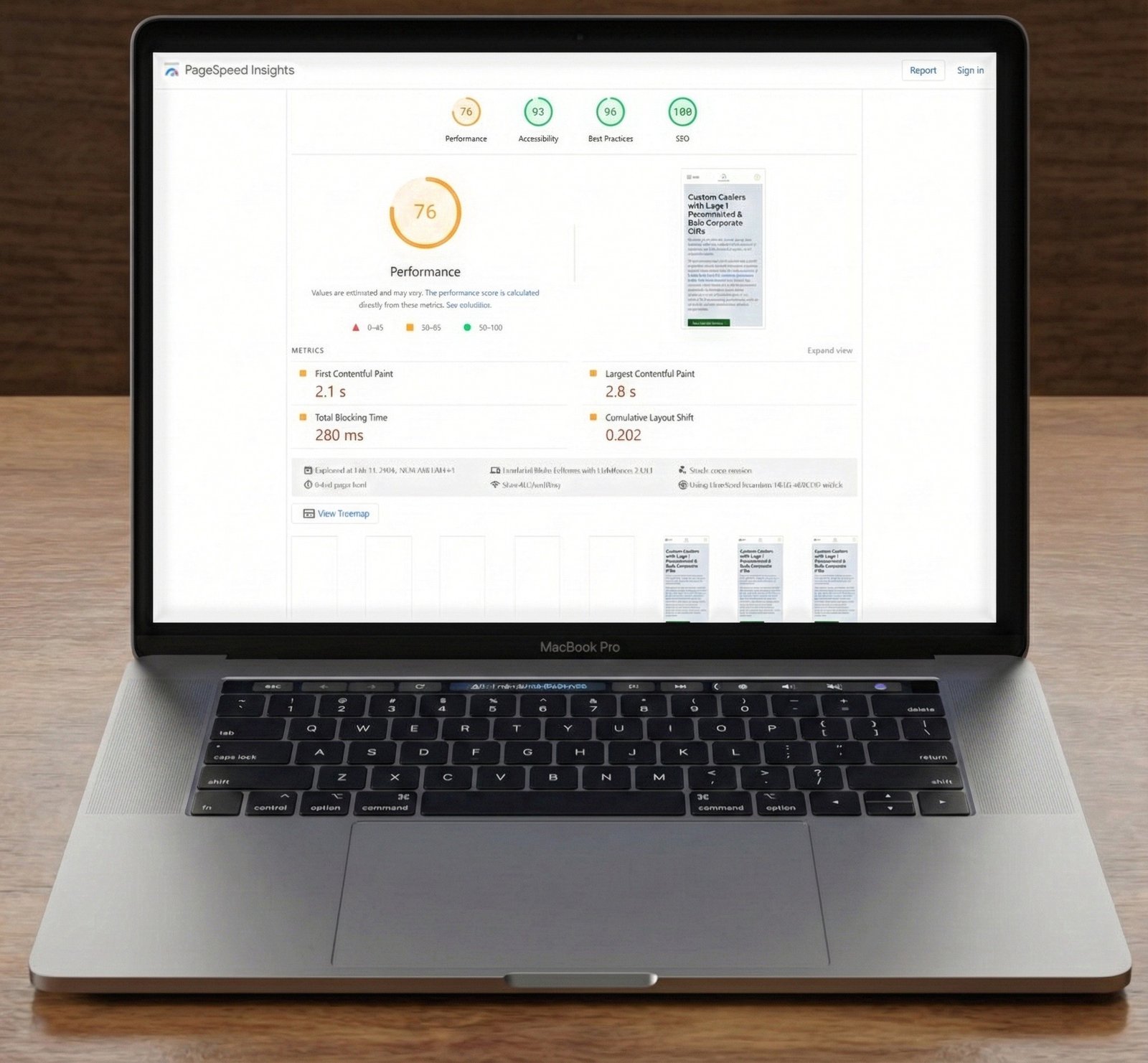
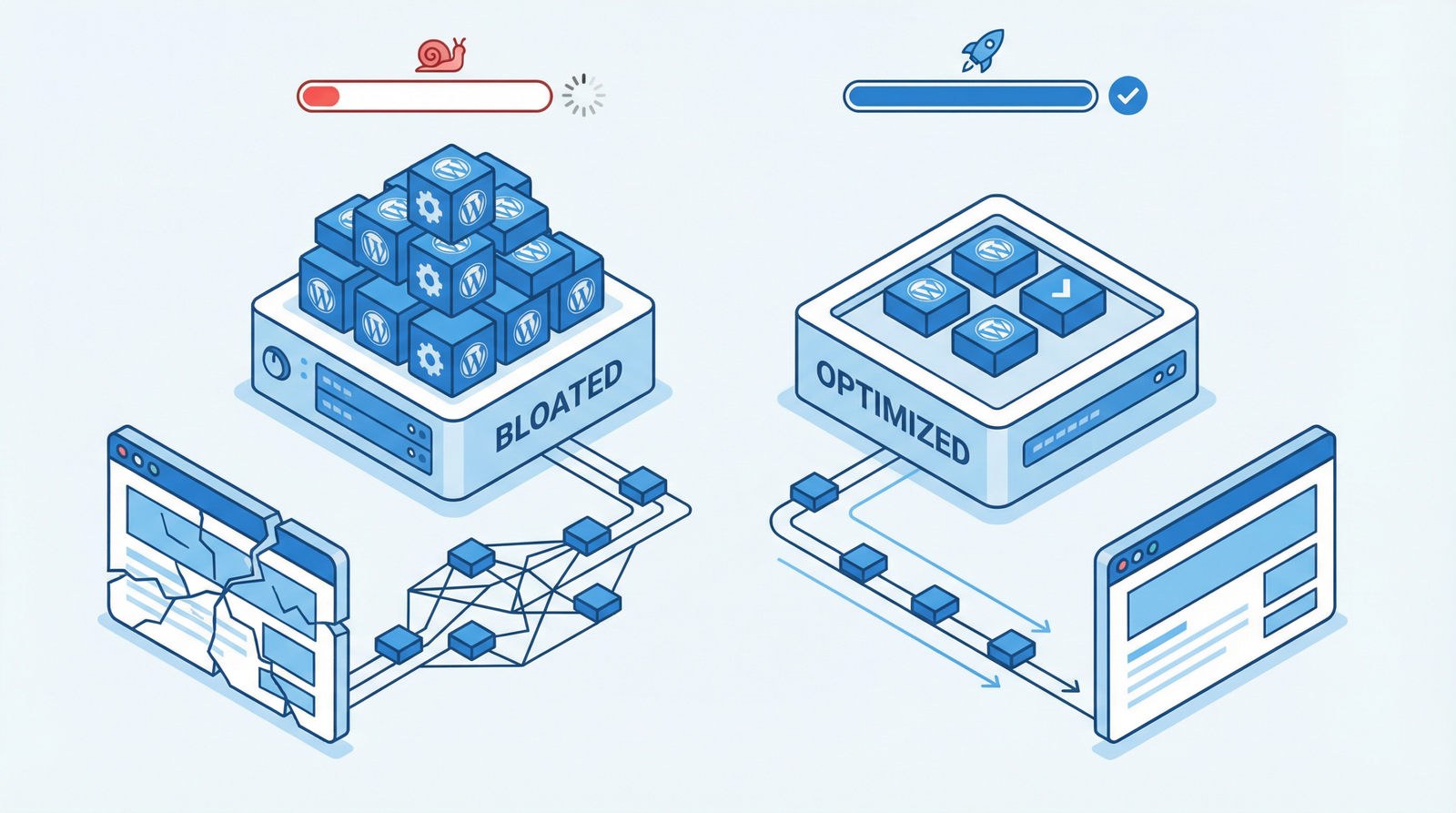
In the quest for a lightning-fast WordPress website, we often focus on caching, image optimization, and CDNs. While these are crucial, there’s a silent, often overlooked culprit that can drag down your site’s performance: a bloated database. As your WordPress site grows, so does its database, accumulating unnecessary data that can significantly impact speed, especially in 2025 where user expectations for instant loading are higher than ever.
What Exactly is WordPress Database Bloat?
Think of your WordPress database as a meticulously organized library. Over time, this library can become cluttered with forgotten drafts, spam mail, outdated records, and even remnants of books you no longer own. In WordPress terms, this ‘bloat’ includes:
Excessive Post Revisions: Every time you save a post or page, WordPress stores a revision. While useful, hundreds of revisions for a single post can quickly add up.
Spam Comments and Trashed Items: Unapproved comments, spam, and items lingering in your trash folders consume valuable database space.
Orphaned Metadata: When you delete posts, pages, or plugins, sometimes their associated metadata (post meta, comment meta, term meta) gets left behind.
Transient Options: Temporary cached data (transients) that should expire but sometimes don’t, accumulating over time.
Unused Plugin and Theme Data: Even after uninstalling plugins or themes, they often leave behind tables and options in your database.
Why a Bloated Database Harms Your Website’s Performance
The impact of database bloat extends far beyond just taking up disk space. It directly affects your site’s speed and efficiency:
Increased Query Execution Time: When a user requests a page, WordPress queries the database for information. A bloated database means more data to sift through, leading to slower query responses. This can add anywhere from 100ms to 500ms or more to your page generation time.
Higher Server Resource Usage: Slower queries demand more CPU and memory from your server. This can lead to increased hosting costs, slower performance during traffic spikes, and even server crashes.
Degraded User Experience: Every millisecond counts. Slower page loads frustrate users, increase bounce rates, and negatively impact your SEO rankings, especially with Google’s continued emphasis on Core Web Vitals.
How to Diagnose Database Bloat on Your WordPress Site
Before you can fix the problem, you need to know if you have it. Here’s how to check:
Check Database Size via Hosting Control Panel: Most hosting providers offer tools (e.g., phpMyAdmin, cPanel) to view your database size. A surprisingly large database for a relatively small site is a red flag.
Review Post Revision Counts: In your WordPress admin, open a few older posts or pages. If you see dozens or even hundreds of revisions, you have bloat.
Utilize Performance Plugins: Plugins like Query Monitor can help identify slow database queries, pinpointing specific areas of inefficiency.
Inspect for Spam and Unused Data: Regularly check your comments section for spam and ensure your trash folders are empty.
Actionable Steps to Optimize and Clean Your WordPress Database (2025 Best Practices)
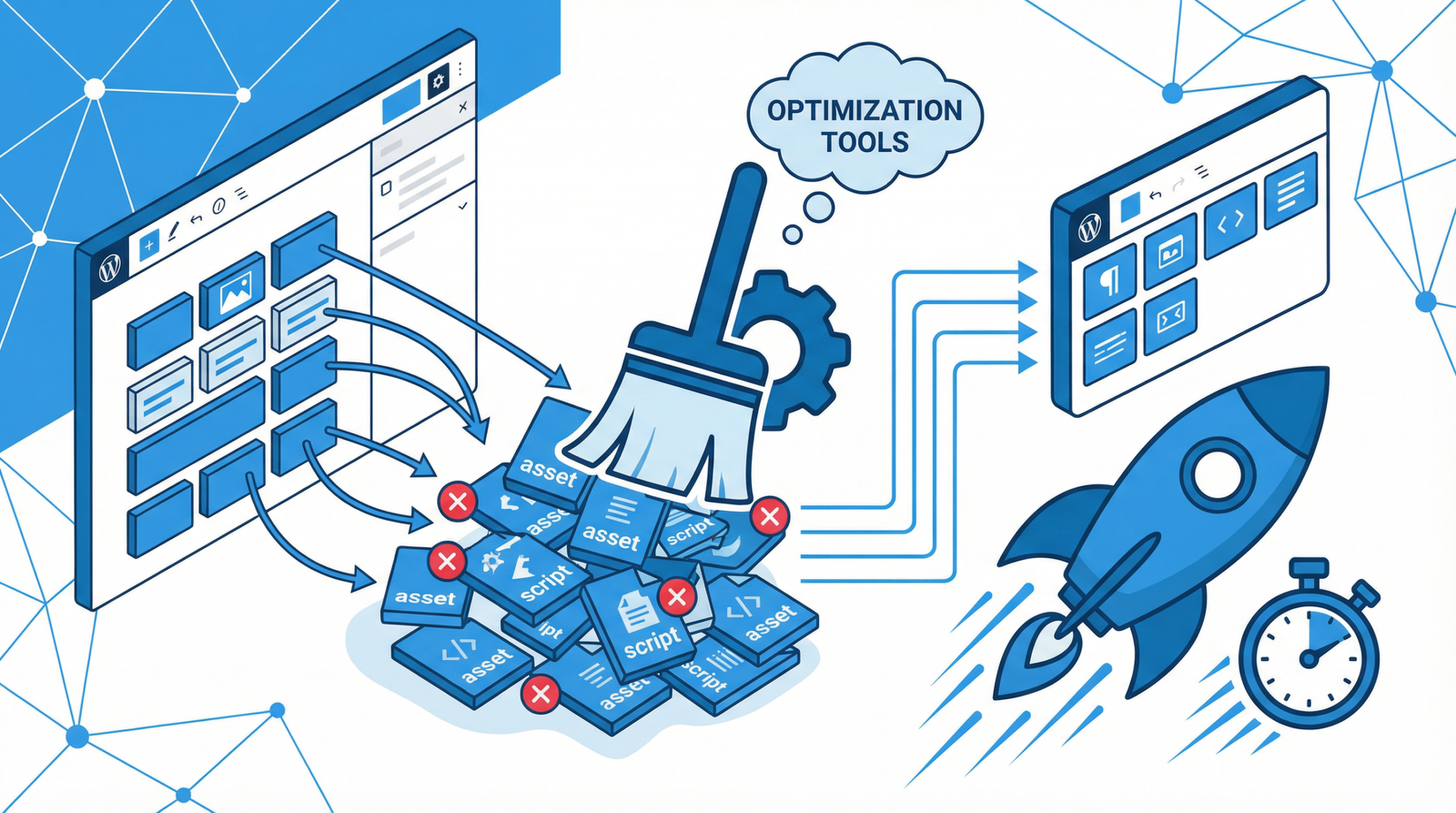
Fortunately, cleaning and optimizing your WordPress database is a manageable task. Here are the most effective strategies:
1. Leverage Database Optimization Plugins
These plugins automate much of the cleanup process and are highly recommended for most users:
WP-Optimize: A comprehensive solution for cleaning your database, compressing images, and caching. It can remove post revisions, spam comments, transient options, and optimize database tables.
Advanced Database Cleaner: Offers granular control over what you clean, allowing you to target specific orphaned items and unused data.
WP Rocket: While primarily a caching plugin, WP Rocket includes robust database optimization features, making it an all-in-one performance solution.
WP-Sweep: Focuses specifically on cleaning up unused, orphaned, and duplicated data in your WordPress database.
2. Manual Optimization via wp-config.php
For more control, you can limit post revisions and manage trash settings directly in your wp-config.php file. Add these lines above the /* That's all, stop editing! Happy publishing. */ line:
// Limit post revisions to 3 per post/page
define('WP_POST_REVISIONS', 3);

// Auto-delete trash after 7 days instead of the default 30
define('EMPTY_TRASH_DAYS', 7);
Note: While you can disable revisions entirely (define('WP_POST_REVISIONS', false);), it’s generally not recommended as revisions are a valuable safety net for content editing.
3. Essential Database Cleanup Tasks
Beyond plugins and code, regular manual checks are vital:
Delete Spam Comments and Unused Media: Regularly empty your spam folder and review your media library for unused files.
Remove Deactivated Plugins and Themes: Don’t just deactivate; delete plugins and themes you no longer use. They often leave behind database entries.
Clean Up Old Post Revisions: Even with limits, older revisions might exist. Plugins can help, or you can use SQL queries (see below).
Optimize Database Tables Regularly: This defragments your database tables, improving query speed. Most optimization plugins do this automatically.
Remove Unused Post Meta and Options: This often requires a specialized plugin like Advanced Database Cleaner or direct SQL intervention.
4. Advanced SQL Optimization Queries (Use with Caution!)
For advanced users comfortable with phpMyAdmin or similar tools, direct SQL queries can be powerful. Always back up your database before running any SQL queries!
-- Remove all spam comments
DELETE FROM wp_comments WHERE comment_approved = 'spam';

-- Remove unapproved comments (excluding spam)
DELETE FROM wp_comments WHERE comment_approved = '0';

-- Remove old revisions (example: older than 30 days, keeping the latest few via plugin/wp-config)
DELETE FROM wp_posts WHERE post_type = 'revision' AND post_date < DATE_SUB(NOW(), INTERVAL 30 DAY);

-- Optimize all tables in your database (replace 'wp_' with your actual table prefix if different)
OPTIMIZE TABLE `wp_posts`, `wp_postmeta`, `wp_comments`, `wp_options`, `wp_users`, `wp_usermeta`, `wp_terms`, `wp_term_taxonomy`, `wp_term_relationships`;
-- You can get a full list of your tables from phpMyAdmin or similar tools.
Establishing a Regular Database Maintenance Schedule
Consistency is key to a healthy database. Implement a routine:
Weekly: Clean spam comments and empty trash.
Monthly: Run a database optimization plugin to clean revisions, transients, and optimize tables.
Quarterly: Perform a full database cleanup and analysis, reviewing for any lingering orphaned data or new sources of bloat.
Conclusion: A Lean Database for a Faster Website
A clean, optimized WordPress database is not just a 'nice to have'—it's a fundamental component of a high-performing website in 2025 and beyond. By regularly addressing database bloat, you'll ensure faster page loads, a smoother user experience, and a more efficient server, ultimately contributing to better SEO and higher conversion rates. Don't let hidden database clutter slow down your success!