Unleashing Speed: The Power of Native Lazy Loading for Web Performance in 2025/2026
The Hidden Drain: Why Unoptimized Image Loading Slows Your Site
In the fast-paced digital world of 2025/2026, every millisecond counts. Users expect instant gratification, and search engines reward websites that deliver it. One of the most common yet overlooked culprits behind sluggish website performance is inefficient image loading. If your website loads all its images simultaneously, regardless of whether they are visible to the user, you’re likely sacrificing speed, user experience, and ultimately, conversions.
What’s the Problem with Eager Image Loading?
Imagine a user landing on your page. They see the content at the top, but your browser is already busy downloading images far down the page, images they might never even scroll to see. This is ‘eager loading’ – and it’s a significant performance bottleneck.
Why This Hurts Your Site’s Performance and SEO
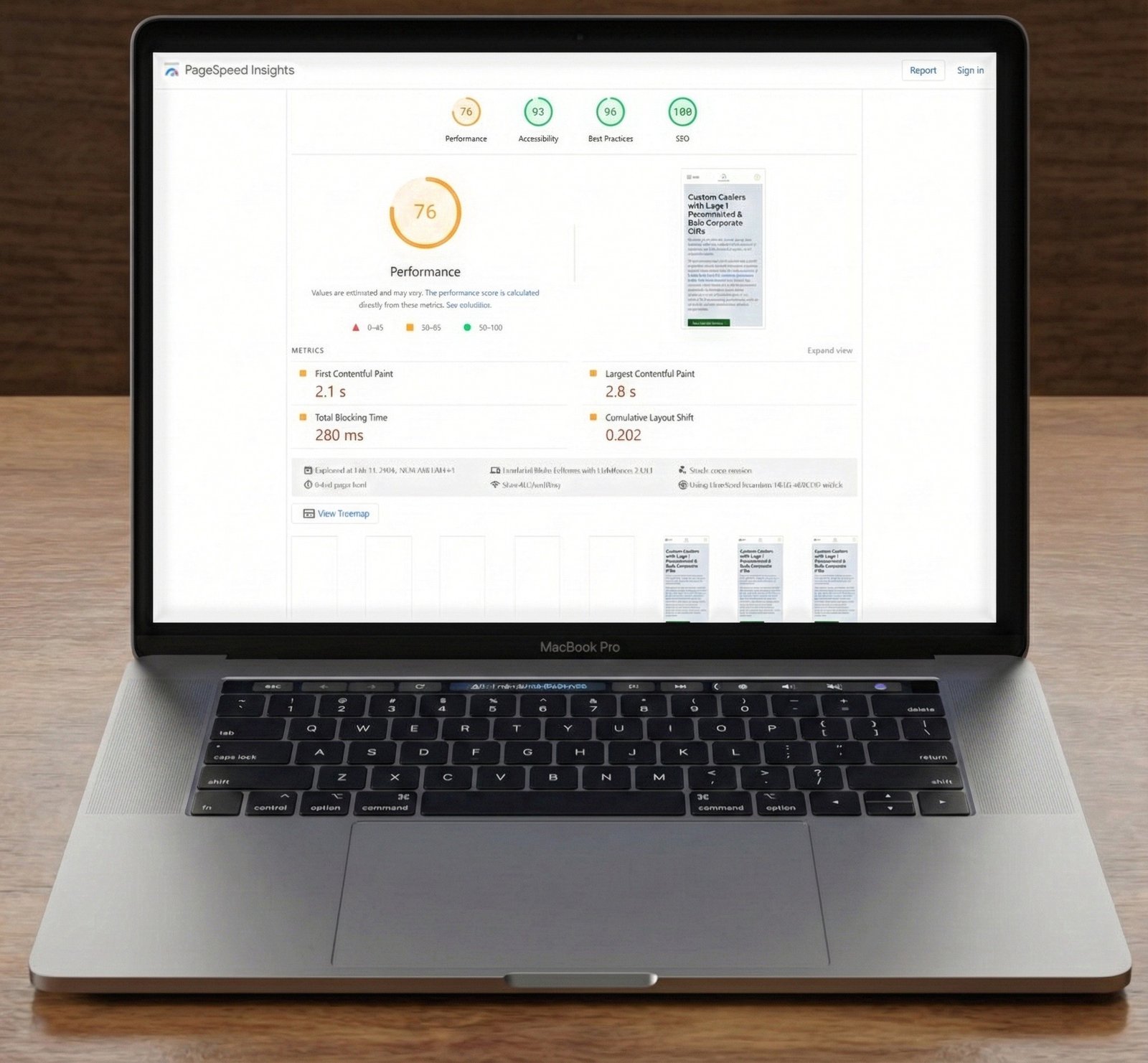
Increased Initial Page Load Time: Downloading unnecessary assets upfront significantly delays the time it takes for your page to become interactive and visible to the user. This directly impacts metrics like Largest Contentful Paint (LCP) and Time to Interactive (TTI).
Wasted Bandwidth: Users, especially those on mobile data plans or slower connections, are forced to download data they don’t immediately need, leading to a frustrating experience and potentially higher data costs.
Delayed Critical Content: The browser’s resources are tied up fetching off-screen images, diverting attention from rendering the crucial above-the-fold content that users see first. This can negatively affect Core Web Vitals and overall user satisfaction.
Negative SEO Impact: Search engines like Google prioritize fast-loading websites. Poor performance due to eager image loading can lead to lower rankings and reduced organic traffic.
How to Diagnose Eager Image Loading on Your Site
Identifying if your website suffers from this issue is straightforward:
Inspect Page Source for loading="lazy": Open your page’s source code (right-click > View Page Source or Inspect Element) and search for the loading="lazy" attribute on your <img> tags. If many images, especially those below the fold, lack this attribute, they are likely eager loading.
Utilize Chrome DevTools Network Tab: Open Chrome DevTools (F12 or Ctrl+Shift+I), navigate to the ‘Network’ tab, and filter by ‘Img’. Reload your page. Observe the waterfall chart. If all images start downloading almost immediately, regardless of their position on the page, you have an eager loading problem.
Test on a Slow Connection: Simulate a slow network connection in Chrome DevTools (e.g., ‘Fast 3G’ or ‘Slow 3G’). This will amplify the impact of eager loading, making it easier to observe the delays in content rendering.
The Solution: Embracing Native Lazy Loading (2025/2026 Standards)
The good news is that modern web browsers offer a highly efficient and widely supported solution: native lazy loading. As of 2025/2026, native lazy loading is robustly supported across all major browsers, making it the preferred method for optimizing image delivery.
1. Native HTML loading="lazy" Attribute
The simplest and most effective way to implement lazy loading is by adding the loading="lazy" attribute directly to your <img> and <iframe> tags. This tells the browser to defer loading of resources until they are within a calculated distance from the viewport.
<img src="actual-image.jpg"
     alt="Description of image"
     width="800"
     height="600"
     loading="lazy">
Important Consideration: While powerful, do NOT lazy load above-the-fold images, especially your Largest Contentful Paint (LCP) element. These critical images should load immediately to ensure the fastest possible rendering of your primary content. Identify your LCP element using tools like PageSpeed Insights and ensure it does not have loading="lazy".
2. WordPress (5.5+) Native Lazy Loading
For WordPress users, the platform has included native lazy loading since version 5.5. This means images added through the block editor are automatically lazy-loaded by default. To ensure it’s active or to extend its functionality:
Ensure Lazy Loading is Enabled: WordPress typically handles this, but you can explicitly ensure it’s active (though generally not needed for modern WP installs):
Extend to More Elements (Advanced): For custom scenarios or older themes, you might need to manually add the attribute. However, for most modern WordPress sites, the native implementation is sufficient and robust.
While native lazy loading is excellent, some complex sites or specific needs might benefit from plugins that offer more control or advanced features like background image lazy loading. Popular and well-optimized options include:
a3 Lazy Load: Offers comprehensive lazy loading for various content types.
Lazy Load by WP Rocket: A lightweight and optimized solution, often integrated with caching plugins.
BJ Lazy Load: A simpler, lightweight option for basic needs.
Always test plugin compatibility and performance impact before deploying to a live site.
For non-WordPress sites or highly customized implementations, the Intersection Observer API is the modern, performant way to implement JavaScript-based lazy loading. It allows you to efficiently detect when an element enters or exits the viewport without constantly polling the DOM.
const imageObserver = new IntersectionObserver((entries, observer) => {
  entries.forEach(entry => {
    if (entry.isIntersecting) {
      const img = entry.target;
      img.src = img.dataset.src; // Assuming original src is in data-src
      img.classList.remove('lazy');
      observer.unobserve(img);
    }
  });
});

document.querySelectorAll('img[data-src]').forEach(img => {
  imageObserver.observe(img);
});
This method provides fine-grained control and is highly efficient, avoiding the performance pitfalls of older scroll-event-based lazy loading techniques.
Conclusion: Optimize for Speed, Delight Your Users
In the competitive landscape of 2025/2026, optimizing image loading through native lazy loading is not just a best practice—it’s a necessity. By deferring the loading of off-screen images, you significantly improve page load times, conserve bandwidth, and enhance the overall user experience. Implement these strategies today to unlock your website’s full performance potential and ensure it stands out in a crowded digital world.