Beyond the Wall of Text: Structuring Content for 2026 SEO & User Engagement
The Invisible Barrier: When Your Content Becomes a Wall of Text
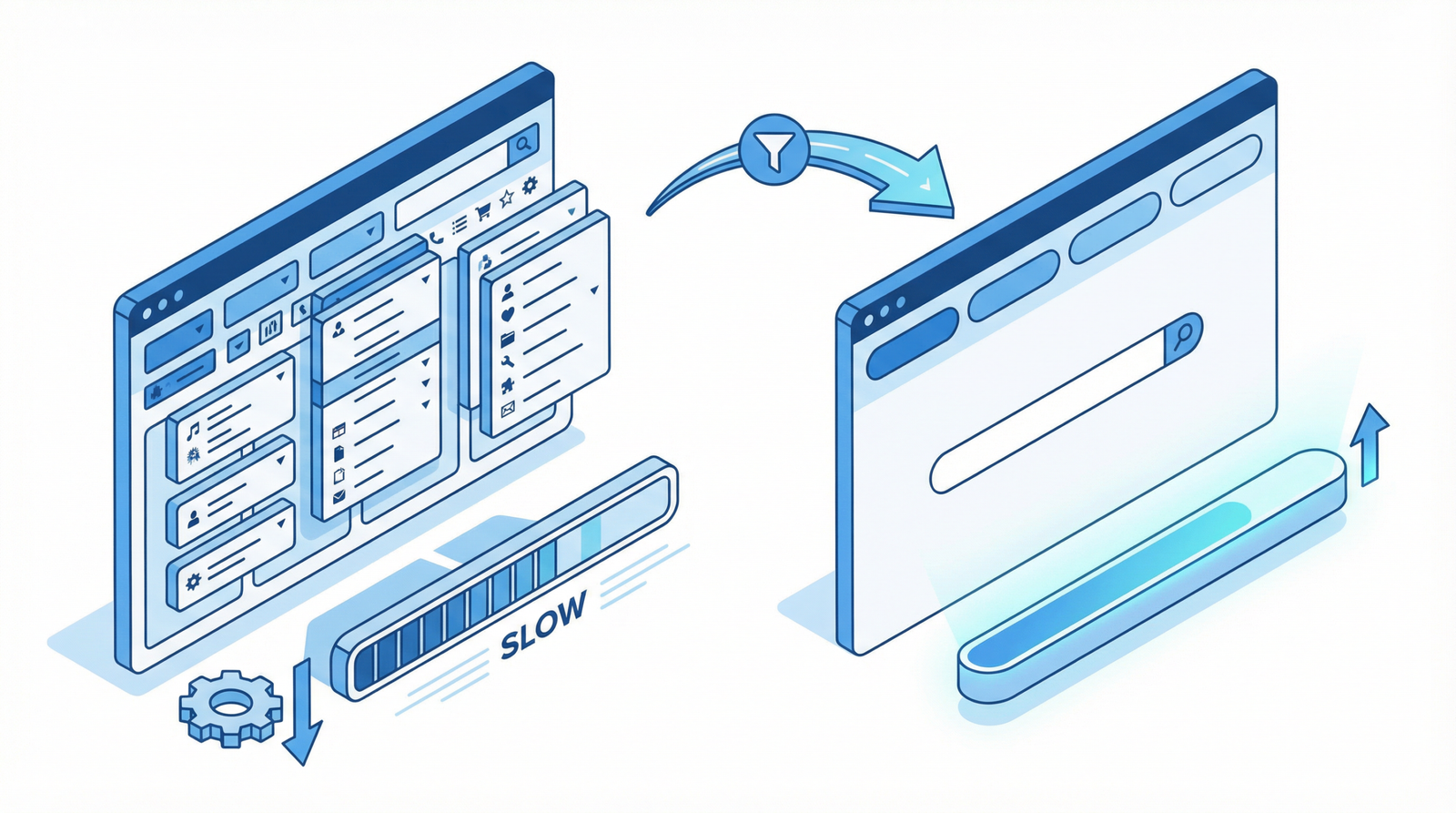
Imagine landing on a webpage, eager for information, only to be confronted by an endless block of text. No clear headings, no bullet points, just a daunting expanse of words. Frustrating, isn’t it? This isn’t just a minor annoyance; it’s a **critical barrier to user engagement and search engine visibility** in 2026.
In an era where attention spans are fleeting and information overload is constant, how your content is presented is almost as important as the content itself. A lack of proper structure—no headings, lists, or visual hierarchy—makes your valuable insights inaccessible, driving users away and signaling to search engines that your page might not offer the best experience.
The Silent Saboteur: How Poor Content Structure Harms Your Site
The consequences of unstructured content extend far beyond a poor first impression. They directly impact your site’s performance, user retention, and ultimately, your bottom line:
Deteriorated Readability & User Experience (UX): Modern web users don’t read; they scan. Without clear signposts like headings and bullet points, your content becomes a chore to consume, leading to immediate frustration and a high likelihood of users abandoning your page.
Increased Bounce Rates: When users can’t quickly find what they’re looking for or feel overwhelmed by text, they leave. High bounce rates negatively impact your site’s perceived quality by search engines.
Reduced Accessibility: Content lacking proper semantic structure (like heading tags) is difficult for screen readers and other assistive technologies to interpret, alienating a significant portion of your audience.
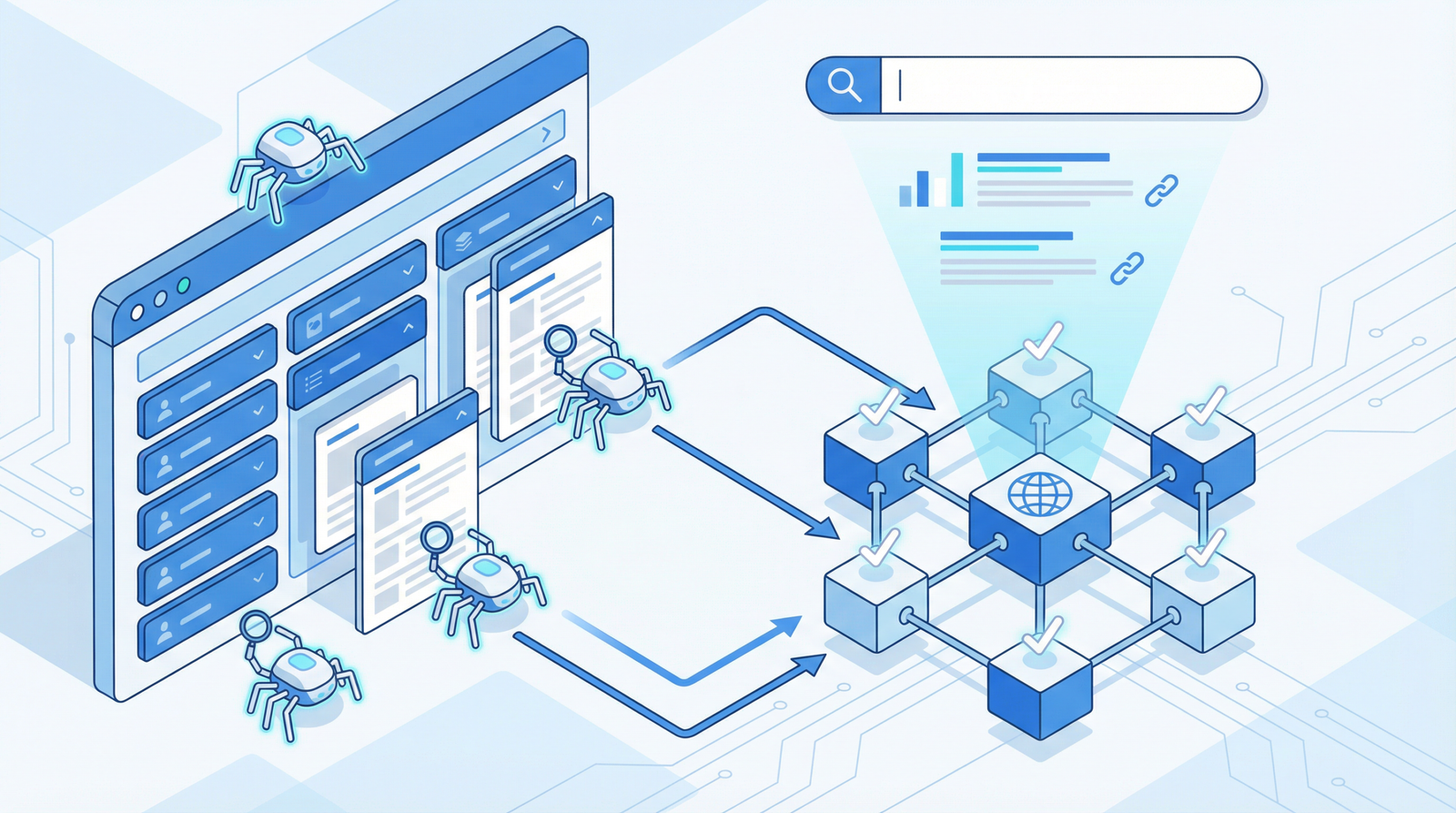
Diminished SEO Effectiveness: Search engines, particularly Google with its emphasis on E-E-A-T (Experience, Expertise, Authoritativeness, Trustworthiness) and semantic understanding, rely heavily on content structure to grasp the topic and hierarchy of your page. Poor structure means search engines struggle to understand your content’s value, impacting your rankings.
Lower Conversion Rates: If users can’t easily digest your message or find your calls to action, they won’t convert. Whether it’s signing up for a newsletter, making a purchase, or filling out a form, clarity and ease of navigation are paramount.
Is Your Content a Wall of Text? How to Diagnose the Problem
Identifying structural issues is the first step toward a more engaging and SEO-friendly website. Here’s how to check:
Review Your Heading Hierarchy: Use browser developer tools or SEO audit tools to inspect your page’s heading tags (H1, H2, H3, etc.). Ensure there’s a single H1, and subsequent headings follow a logical, hierarchical order.
Scan for “Paragraph Bloat”: Look for paragraphs that span more than 3-4 sentences. Large blocks of text are visually intimidating and hard to process.
Check for Appropriate List Usage: Are you using bullet points or numbered lists for items, features, or steps? If not, you’re missing a key opportunity to break up text and improve scannability.
Test Readability and Scannability: Step back and try to quickly grasp the main points of your content. If it’s difficult for you, it will be even harder for your audience.
Actionable Steps: Transforming Your Content into an Engaging Experience
The good news is that improving content structure is highly achievable. Here are the essential strategies for 2025/2026:
1. Master Your Heading Hierarchy
Headings are the backbone of your content’s structure. They guide both users and search engines through your narrative:
H1: The Main Title: Every page should have one, and only one, H1 tag. It should accurately reflect the primary topic of your page.
H2: Main Sections: Use H2s to break your content into major sections. Think of them as chapter titles.
H3-H6: Subsections & Details: Use H3s for subsections within H2s, and so on. This creates a logical flow and helps search engines understand the relationships between different parts of your content.
Pro Tip: Ensure your headings are descriptive and include relevant keywords where natural. This boosts both user understanding and SEO.
2. Embrace Brevity: Short Paragraphs and Sentences
Break up long paragraphs into shorter, more digestible chunks. Aim for 2-4 sentences per paragraph. Similarly, vary your sentence length, but lean towards conciseness. This significantly improves readability and scannability.
3. Leverage Lists for Clarity and Impact
Lists (ordered and unordered) are powerful tools for presenting information clearly and concisely:
Bullet Points (Unordered Lists): Ideal for features, benefits, examples, or any group of related items where order doesn’t matter.
Numbered Lists (Ordered Lists): Perfect for step-by-step instructions, rankings, or any sequence where order is important.
4. Integrate Visuals and Multimedia Strategically
Images, videos, infographics, and charts are not just decorative; they are integral to breaking up text, illustrating complex points, and enhancing engagement. Ensure all visuals are optimized for web performance (file size, lazy loading) and include descriptive alt text for accessibility and SEO.
5. Utilize White Space Effectively
White space (or negative space) isn’t empty; it’s a design element that improves readability by reducing visual clutter. Ensure ample spacing between paragraphs, headings, and images.
For WordPress users, several approaches can help automate and enforce good content structure:
Automatic Heading Structure & IDs (Code Snippet)
You can programmatically enhance your content by ensuring headings have unique IDs, which is crucial for anchor links and table of contents generation. While the original example provided a basic function, modern WordPress development often leverages block editor capabilities or more robust plugins for this.
For custom implementations, ensure any code respects existing IDs and generates clean, SEO-friendly slugs:
function improve_content_structure_with_ids($content) {
    // This is a simplified example. For production, consider a more robust solution
    // that integrates with the block editor or a dedicated plugin.
    $content = preg_replace_callback(
        '/]*)>(.*?)<\/h[2-6]>/i',
        function($matches) {
            $level = $matches[1];
            $attributes = $matches[2];
            $text = $matches[3];
            $id = sanitize_title($text); // WordPress function to create a URL-friendly string

            // Add ID if not present, or ensure it's unique
            if (strpos($attributes, 'id=') === false) {
                $attributes .= ' id="' . $id . '"';
            }
            return '' . $text . '';
        },
        $content
    );
    return $content;
}
add_filter('the_content', 'improve_content_structure_with_ids');
Content Structure Guidelines for Editors
Educating content creators is paramount. You can add custom meta boxes or instructions within the WordPress editor to remind authors of best practices:
function add_content_structure_guidelines_to_editor() {
    echo '<div class="content-guidelines">';
    echo '<h4>Content Structure Best Practices (2026):</h4>';
    echo '<ul>';
    echo '<li><strong>One H1 per page:</strong> Your main title.</li>';
    echo '<li><strong>H2 for main sections, H3 for subsections:</strong> Maintain logical hierarchy.</li>';
    echo '<li><strong>Paragraphs under 3-4 sentences:</strong> Improve readability.</li>';
    echo '<li><strong>Use bullet points/numbered lists:</strong> For scannability and clarity.</li>';
    echo '<li><strong>Add ample white space:</strong> Between sections and paragraphs.</li>';
    echo '<li><strong>Include relevant, optimized images:</strong> To break up text and illustrate points.</li>';
    echo '</ul>';
    echo '</div>';
}
add_action('edit_form_after_title', 'add_content_structure_guidelines_to_editor');
CSS for Enhanced Readability
Good CSS styling complements structural HTML. Ensure your theme’s CSS (or custom CSS) supports readability:
.entry-content {
    line-height: 1.7; /* Slightly increased for better readability */
    font-size: 1.125rem; /* 18px for modern screens */
    font-family: 'Open Sans', sans-serif; /* Example: use a readable font */
}

.entry-content h2 {
    margin-top: 2.5em;
    margin-bottom: 0.75em;
    font-size: 2em; /* Larger for prominence */
    color: #2c3e50; /* Darker, professional color */
    border-bottom: 2px solid #f0f0f0; /* Subtle visual break */
    padding-bottom: 0.2em;
}
.entry-content h3 {
    margin-top: 1.8em;
    margin-bottom: 0.6em;
    font-size: 1.5em;
    color: #34495e;
}
.entry-content p {
    margin-bottom: 1.2em;
    max-width: 75ch; /* Optimal reading width for modern displays */
}
.content-list {
    margin: 1.5em 0;
    padding-left: 2em;
    list-style-type: disc; /* Ensure consistent bullet style */
}
.content-list li {
    margin-bottom: 0.7em;
    line-height: 1.6;
}
/* Add more robust visual breaks and spacing */
.entry-content > * + * {
    margin-top: 1.5em; /* Consistent vertical rhythm */
}
Recommended WordPress Plugins for Content Structure (2026)
While custom code offers flexibility, plugins can provide powerful, out-of-the-box solutions:
Rank Math SEO / Yoast SEO: Beyond basic SEO, these plugins offer content analysis features that can flag readability issues and suggest improvements for heading usage and paragraph length.
Easy Table of Contents: Automatically generates a table of contents based on your headings, improving navigation and user experience, especially for long-form content.
Spectra / Kadence Blocks / GenerateBlocks: These block editor plugins extend Gutenberg’s capabilities, offering advanced blocks for creating structured layouts, accordions, tabs, and more, making it easier to build visually engaging content without custom code.
Advanced Custom Fields (ACF): For more complex content types, ACF allows you to define structured data fields, ensuring consistency across similar content pieces.
Conclusion: Structure Your Way to Success
In the competitive digital landscape of 2026, content structure is no longer a mere stylistic choice; it’s a fundamental pillar of effective SEO and exceptional user experience. By consciously organizing your content with clear headings, concise paragraphs, strategic lists, and engaging visuals, you’re not just making it easier to read—you’re making it more discoverable, more engaging, and ultimately, more impactful. Invest in your content’s structure, and watch your website thrive.