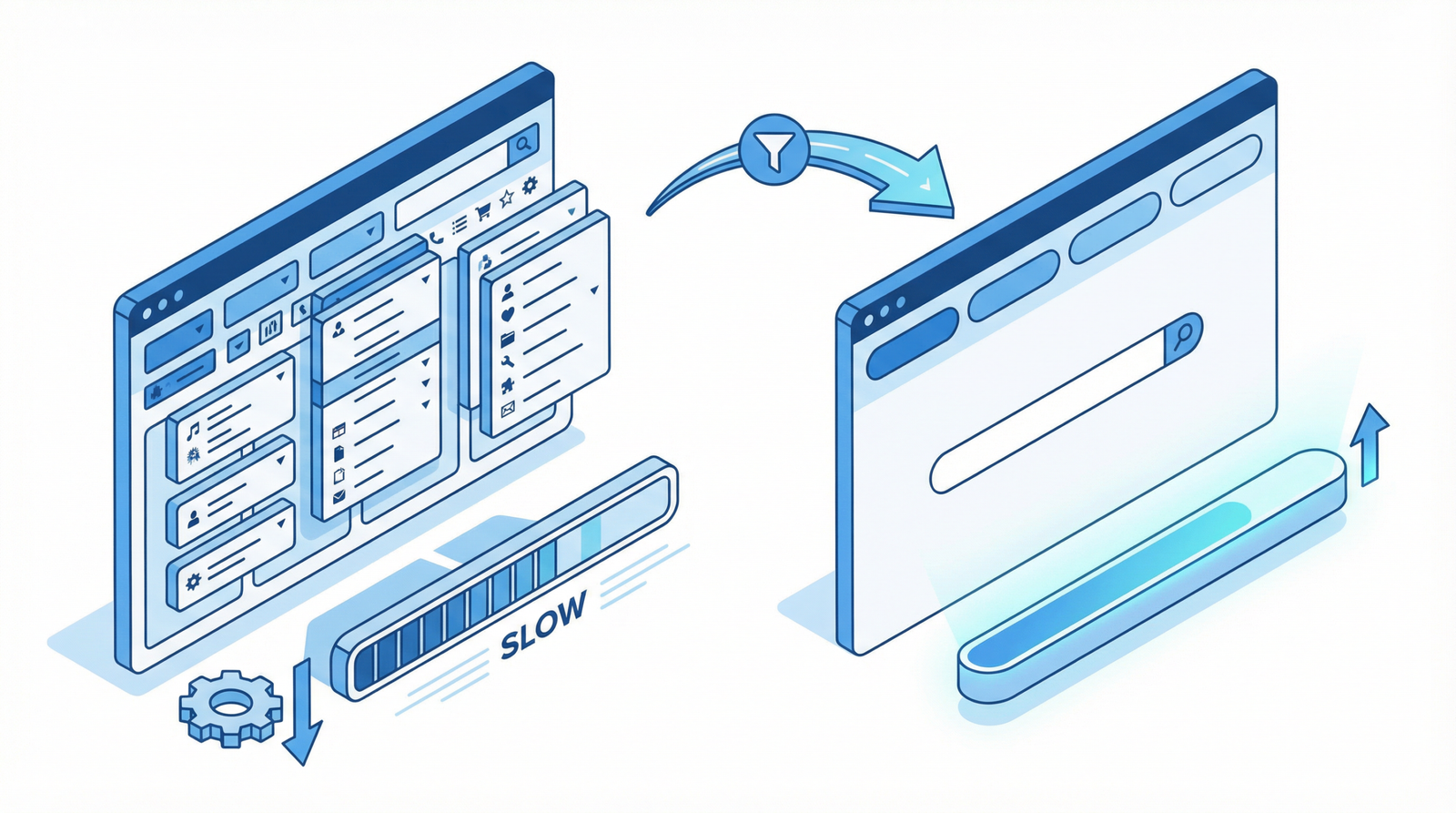
Three kinds of media show up again and again as the heaviest thing on a page, and in two of the three cases the honest recommendation is not to optimize them but to stop using them.
Animated GIFs

Advertisement. We earn a commission if you sign up through this link, at no extra cost to you.
The GIF format is from 1987. It caps out at 256 colors, has no modern compression, and stores every frame as a full image. A three-second animation that would be 200 KB as a video is routinely 5 MB as a GIF.
Converting to MP4 or WebM typically removes 90 to 95 percent of the weight with no visible difference. This is the largest single-file saving available on most sites, and it takes one command:
ffmpeg -i animation.gif -movflags faststart -pix_fmt yuv420p \
  -vf "scale=trunc(iw/2)*2:trunc(ih/2)*2" animation.mp4
Then replace the image with a video that behaves like a GIF:
<video autoplay loop muted playsinline width="600" height="400">
  <source src="animation.webm" type="video/webm">
  <source src="animation.mp4" type="video/mp4">
</video>
All four attributes matter. muted is required or browsers will refuse to autoplay. playsinline stops iOS opening it fullscreen. loop reproduces the GIF behavior. And width and height reserve the space so nothing shifts.
If you would rather not convert by hand, most image optimization plugins now do GIF-to-video automatically, and Cloudflare and other image CDNs can do it on delivery.
Video
Self-hosted video is heavy in a way that is easy to underestimate, because the browser may start downloading it before anyone decides to watch.
Set preload deliberately. The default lets the browser download aggressively. For anything below the fold:
<video preload="none" poster="thumb.webp" controls width="1280" height="720">preload=”none” fetches nothing until play is pressed; metadata fetches just enough for duration and dimensions. The poster image is what people see in the meantime, so it should be a properly optimized image rather than an afterthought.
Never let a video be your LCP element. A hero video means the largest contentful paint waits on a multi-megabyte file. If you want motion at the top of a page, use a poster image as the LCP element and start the video behind it.
Consider not self-hosting. A hosting platform gives you adaptive bitrate streaming, which serves a quality matched to each viewer’s connection. Self-hosted MP4 sends the same file to everyone, so a visitor on a weak connection gets the same 40 MB as one on fiber.
Embedded video
A standard YouTube embed loads several hundred kilobytes of player framework and tracking before anyone presses play, on every page view including the ones where the video is never watched.
The fix is a facade: show the thumbnail with a play button, load the real player on click. The lite-youtube-embed component does this in a few kilobytes, and most performance plugins have the option built in — usually called something like “load videos on click”.
The visual result is identical. The difference is that visitors who do not watch pay nothing, and they are the majority.
Carousels
This one deserves the strongest recommendation on the page, because the evidence is unusually clear and it points somewhere most people do not want to go.
Almost nobody clicks them. The most-cited measurement, from Notre Dame’s university homepage, found roughly one percent of visitors clicked a carousel feature at all — and of that one percent, about 84 percent clicked the first slide. Everything after slide one was seen by a rounding error. Similar findings have been reported by others since, consistently enough that “carousels do not work” is close to settled.
Meanwhile the cost is real:
They damage LCP. Multiple large images, plus a JavaScript library, all competing at exactly the moment the page is trying to render.
They cause layout shift. The slider initializes after the HTML renders and rearranges what was there.
They hurt INP. An auto-advancing carousel runs timers and animations continuously, occupying the main thread your interface needs to respond.
They are hard to make accessible. Keyboard navigation, screen reader announcements, and a pause control for people with vestibular sensitivity are all requirements, and most implementations satisfy none of them. Auto-advancing content that cannot be paused is a straightforward accessibility failure.
So the recommendation is not “optimize your carousel”. It is: pick the one message that matters and put it on the page as a static hero. One image, one headline, one call to action. It loads faster, it converts better, and it removes an entire category of technical problem.
Carousels usually exist because five departments each wanted the homepage and a slider was the compromise. That is an organizational problem wearing a technical costume, and it is worth naming as such — because the technical fix will not survive if the underlying disagreement does not get settled.
Where a carousel is genuinely appropriate — a product gallery, where the visitor arrived specifically to look at several images of one thing — make it manual, lazy load everything past the first image, give it real keyboard support, and never auto-advance.
Doing it in order
- Find your GIFs. Search the media library by extension. Convert every one to video. Largest saving, least risk.
- Put a facade in front of embedded video. Usually a checkbox in your performance plugin.
- Set preload and poster on self-hosted video.
- Replace the homepage carousel with a static hero. Measure LCP before and after — this is usually the largest number in the whole exercise.
- Make any remaining carousel manual, lazy loaded past the first slide, and keyboard accessible.
The short version
Convert GIFs to MP4 and remove ninety percent of their weight in one command. Load embedded video on click rather than on page load. Never let a video be the LCP element. And replace the carousel with a single static message — about one percent of visitors click a carousel, five out of six of those click the first slide, and everything after it is cost with no return.
Working through this list on your own site and would rather not? That is what an Expert Web Audit is for.

Advertisement. We earn a commission if you sign up through this link, at no extra cost to you.