Unlock Blazing Fast Speeds: The Power of Preconnect for External Domains
Unlock Blazing Fast Speeds: The Power of Preconnect for External Domains
In today’s competitive digital landscape, website speed isn’t just a luxury; it’s a necessity. Users expect instant gratification, and search engines reward sites that deliver a snappy experience. One often-overlooked yet critical aspect of web performance optimization involves how your site interacts with external resources. If your website loads assets from various third-party domains without proper optimization, you’re likely leaving significant performance gains on the table. This is where the power of preconnect hints comes into play, a technique that remains fully relevant and highly valuable for modern web performance in 2025/2026.
The Hidden Performance Drain: No Preconnect to External Domains
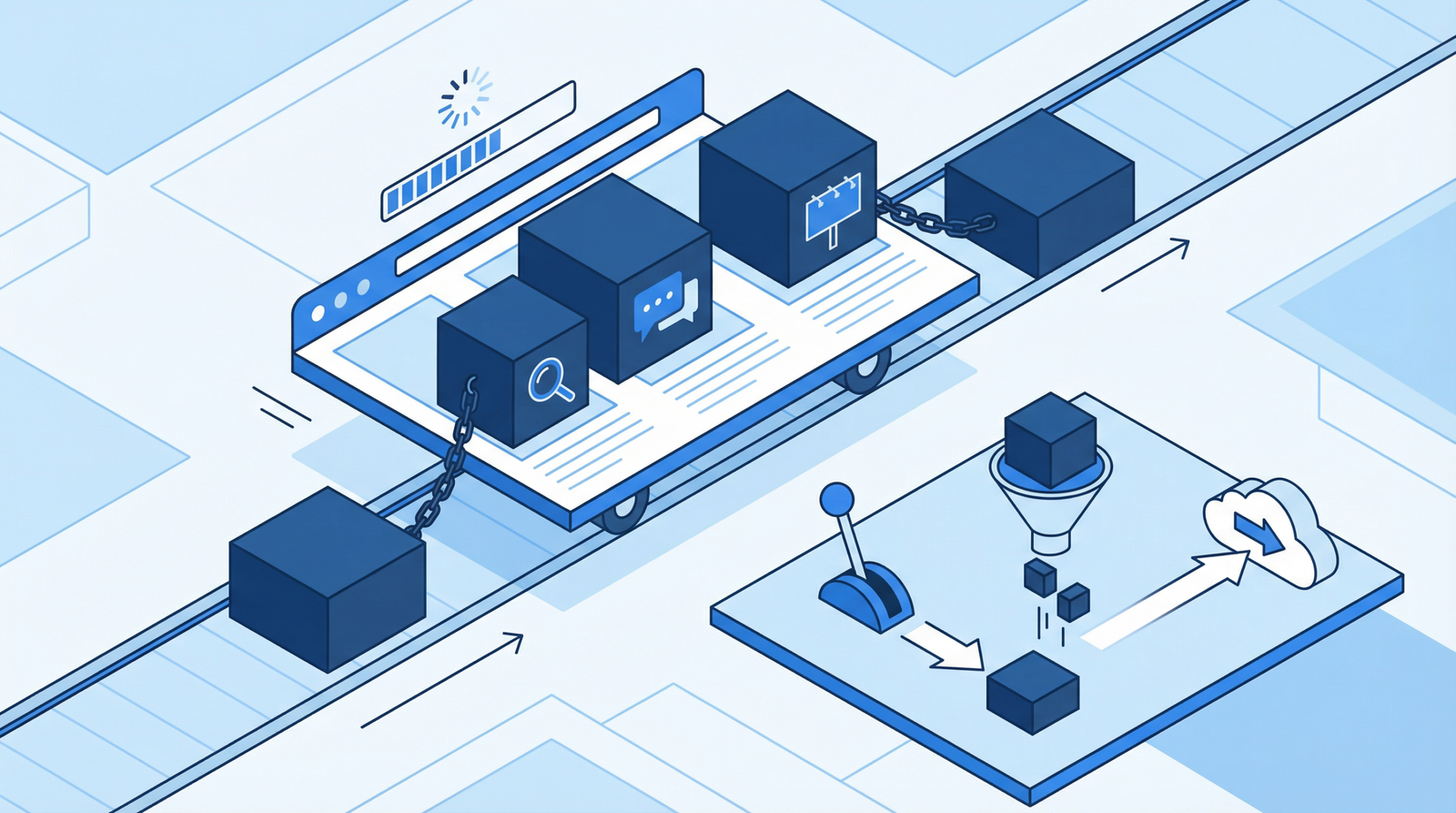
Many websites rely on external services for crucial functionalities and content. Think about it: Google Fonts for beautiful typography, Google Analytics for tracking user behavior, Facebook Pixel for advertising, or various Content Delivery Networks (CDNs) for images and scripts. While these services are indispensable, they introduce a performance challenge. When your browser encounters an asset from a new, external domain, it has to perform a series of time-consuming steps before it can even request the resource:
DNS Lookup: Translating the domain name into an IP address.
TCP Handshake: Establishing a connection with the server.
TLS Negotiation: Securing the connection with an SSL/TLS handshake.
Each of these steps adds latency, collectively contributing an additional 100-300 milliseconds per domain. This delay might seem small, but it quickly accumulates, especially on pages with numerous third-party resources or when users are on high-latency mobile networks. The result? A slower loading experience, frustrated users, and potentially lower conversion rates.
Why Preconnect is Your Performance Ally
Preconnect is a resource hint that tells the browser, “Hey, I’m probably going to need resources from this domain soon, so go ahead and establish a connection now.” By proactively resolving DNS, initiating TCP handshakes, and negotiating TLS ahead of time, you eliminate these costly delays when the actual resource request is made. This can significantly shave off critical milliseconds from your page load times, leading to a smoother, faster user experience.
How to Identify Missing Preconnect Opportunities
Fortunately, identifying if your site can benefit from preconnect is straightforward:
Google Lighthouse: Run a Lighthouse audit on your website. Look for recommendations such as “Preconnect to required origins.” This tool is excellent for flagging potential issues automatically.
Chrome DevTools Network Tab: Open Chrome DevTools (F12 or right-click -> Inspect) and navigate to the “Network” tab. Reload your page and observe the waterfall chart. Pay close attention to resources loaded from external domains. If you see significant initial delays (DNS, Connect, SSL) before the actual request for these resources, preconnect can help.
Manual Inspection: Look for any third-party scripts, stylesheets, or fonts that are critical for your page’s initial render. These are prime candidates for preconnect.
Implementing Preconnect: Step-by-Step Guide
Adding preconnect hints is a simple yet powerful optimization. You’ll need to add <link rel="preconnect"> tags to the <head> section of your HTML document. It’s crucial to include these hints as early as possible in the <head> to maximize their effectiveness.
General HTML Implementation:
<!-- Google Fonts -->
<link rel="preconnect" href="https://fonts.googleapis.com">
<link rel="preconnect" href="https://fonts.gstatic.com" crossorigin>

<!-- Analytics and tracking -->
<link rel="preconnect" href="https://www.google-analytics.com">
<link rel="preconnect" href="https://www.googletagmanager.com">

<!-- Social media -->
<link rel="preconnect" href="https://connect.facebook.net">

<!-- CDN or external APIs -->
<link rel="preconnect" href="https://cdn.example.com">
Important Note: For resources that are fetched anonymously (e.g., fonts), you should also include the crossorigin attribute. This prevents the browser from sending credentials with the preflight request, which can sometimes cause issues or negate the preconnect benefit if not handled correctly by the server.
WordPress Implementation:
For WordPress users, you can add preconnect hints by modifying your theme’s functions.php file or by using a dedicated plugin. Modifying functions.php is a common approach:
function add_preconnect_headers() {
    echo '<link rel="preconnect" href="https://fonts.googleapis.com">\n';
    echo '<link rel="preconnect" href="https://fonts.gstatic.com" crossorigin>\n';
    echo '<link rel="preconnect" href="https://www.google-analytics.com">\n';
    // Add other preconnect links as needed
}
add_action('wp_head', 'add_preconnect_headers', 1);
Alternatively, plugins like “Pre Party Resource Hints” can automate the management of preconnect and other resource hints, making it easier for non-developers to implement these optimizations effectively.
Conclusion: A Small Change, A Big Impact
Optimizing your website’s performance is an ongoing journey, and preconnecting to external domains is a fundamental step that yields significant returns. By taking a few moments to implement these simple hints, you can drastically reduce perceived load times, improve user experience, and positively impact your site’s SEO. Don’t let unnecessary network delays hold your website back – embrace preconnect and unlock its full speed potential today!