A progressive web app is a website that can be installed to a home screen, works when the connection drops, and sends push notifications. The pitch has been the same for a decade: the reach of the web with the feel of an app.

Advertisement. We earn a commission if you sign up through this link, at no extra cost to you.
The technology is real and it works. Whether it is worth building is a much narrower question than the enthusiasm suggests, and the answer for most sites is no.
The two pieces
A PWA is essentially two files added to an ordinary site.
A web app manifest — a small JSON file describing how the site should behave when installed: its name, its icons, the URL it opens at, whether it shows browser chrome.
{
  "name": "Expert Web Audit",
  "short_name": "Audit",
  "start_url": "/",
  "display": "standalone",
  "background_color": "#ffffff",
  "theme_color": "#0b6e6b",
  "icons": [
    { "src": "/icon-192.png", "sizes": "192x192", "type": "image/png" },
    { "src": "/icon-512.png", "sizes": "512x512", "type": "image/png" }
  ]
}
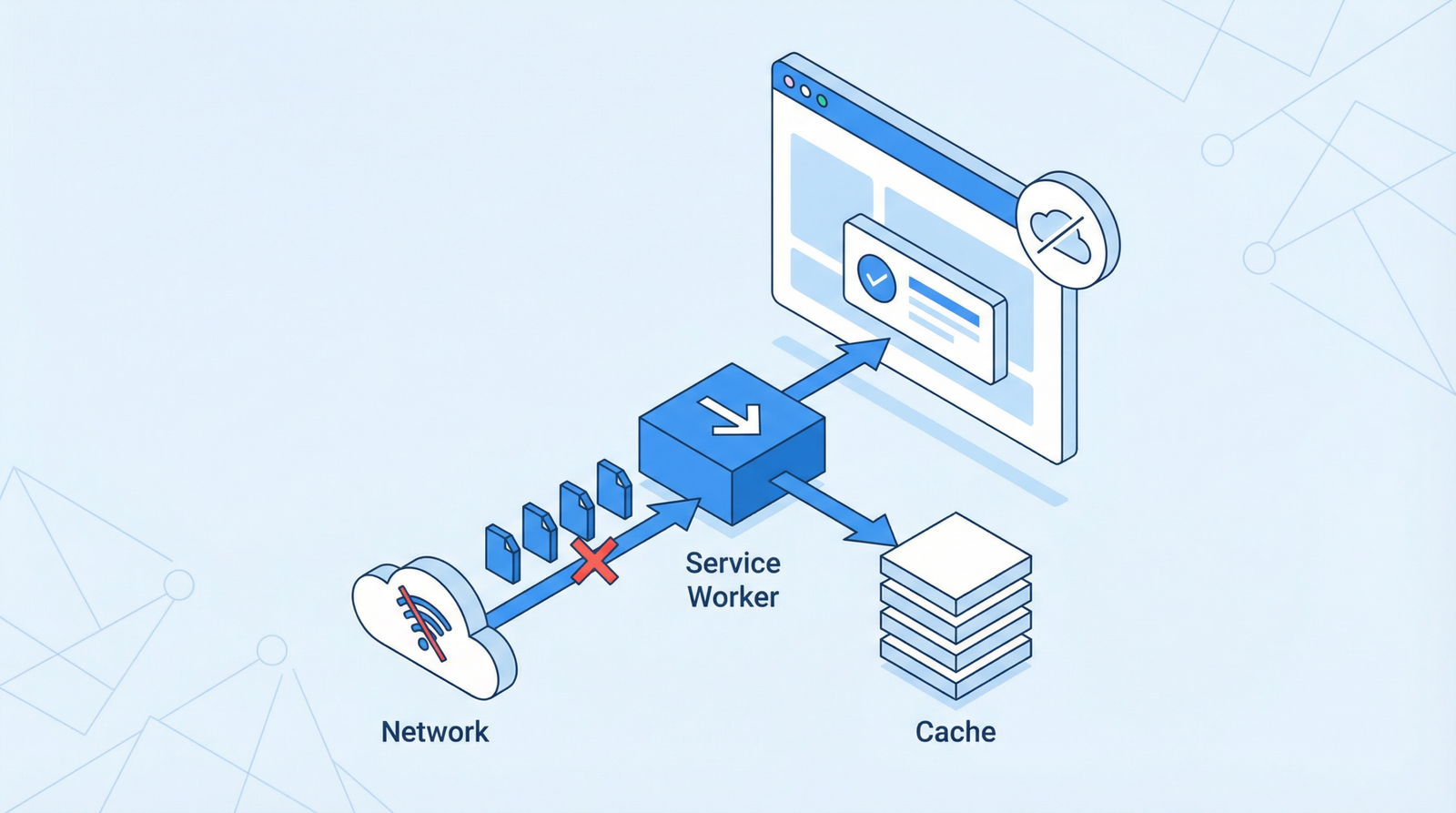
A service worker — a script that runs separately from the page and sits between it and the network. It can intercept every request and decide whether to answer from a cache, go to the network, or do both.
self.addEventListener('fetch', function (event) {
  event.respondWith(
    caches.match(event.request).then(function (cached) {
      return cached || fetch(event.request);
    })
  );
});
That handful of lines is the whole idea: check the cache, fall back to the network. Everything else is refinement of which strategy applies to which kind of request.
Both require HTTPS. Service workers do not run over plain HTTP, for the obvious reason that a script able to intercept every request is not something you want an attacker able to inject.
What you actually get
Offline and flaky-network resilience. The genuine headline feature. A service worker can serve a previously-visited page from cache when the network is unavailable, which turns a browser error page into something usable. On a train, in a lift, on bad mobile data, this is a real difference.
Installability. An icon on the home screen, opening without browser chrome. Supported properly on Android and Chrome. iOS supports Add to Home Screen with more limitations, and Apple has been a reluctant participant throughout.
Push notifications. Long the main argument for a PWA on Android, and unavailable on iOS until Safari 16.4 added web push for sites the user had added to their home screen. That was a genuine change, with the significant caveat that it only works after someone deliberately installs your site.
Faster repeat visits. Real, and smaller than advertised, because ordinary HTTP caching already does much of this. A service worker gives you more control over the strategy; it does not create a benefit that was absent.
When it is worth building
The honest test is whether people use your site repeatedly and as a tool.
A booking system a customer opens weekly. An internal application field staff use on unreliable connections. A reading app, a tracker, a calculator, a dashboard. Anything where “I would like this on my home screen” is a sentence a real user might say.
These share one property: repeat, task-oriented use. That is what makes installability meaningful and what makes offline capability worth the engineering.
When it is not
For a content site, a blog, a brochure site or a service business, a PWA is mostly overhead.
Nobody installs a consultancy’s website to their home screen. Offline access to an article someone read once is not a feature anyone missed. Push notifications from a site you visited twice are a permission prompt people dismiss and occasionally resent.
And the cost is not zero:
Service workers are hard to get right. The failure mode is stale content — a cached version served indefinitely because the update logic was wrong. Users see an old page, clearing the browser cache does not help, and nothing in your normal deployment process tells you it is happening.
The update cycle is genuinely subtle. A new service worker installs but waits, by default, until every tab using the old one is closed. Reasoning about this correctly is a skill, and getting it wrong is how a site ships a fix that some people never receive.
It adds a debugging layer. “Works for me but not for them” becomes considerably harder to diagnose when a proxy you wrote sits between the two.
On WordPress
Plugins such as SuperPWA and the official PWA feature plugin generate a manifest and register a service worker in a few clicks.
The honest note about that: a plugin can create the files, but it cannot decide your caching strategy, and the default strategy is what causes the stale-content problem. If you install one, test what happens when you publish a correction — specifically, how long a returning visitor keeps seeing the old version.
Where a WordPress PWA does earn its place is in publishing with a genuine repeat audience, and in WooCommerce stores where customers return often. For a site with a handful of monthly visitors per page, it is engineering effort spent on the wrong problem.
The better question
Before asking whether to build a PWA, ask what problem it would solve. If the answer is “our repeat users lose the connection and cannot continue”, it is exactly the right tool. If the answer is that PWAs are a modern best practice, that is not a problem statement.
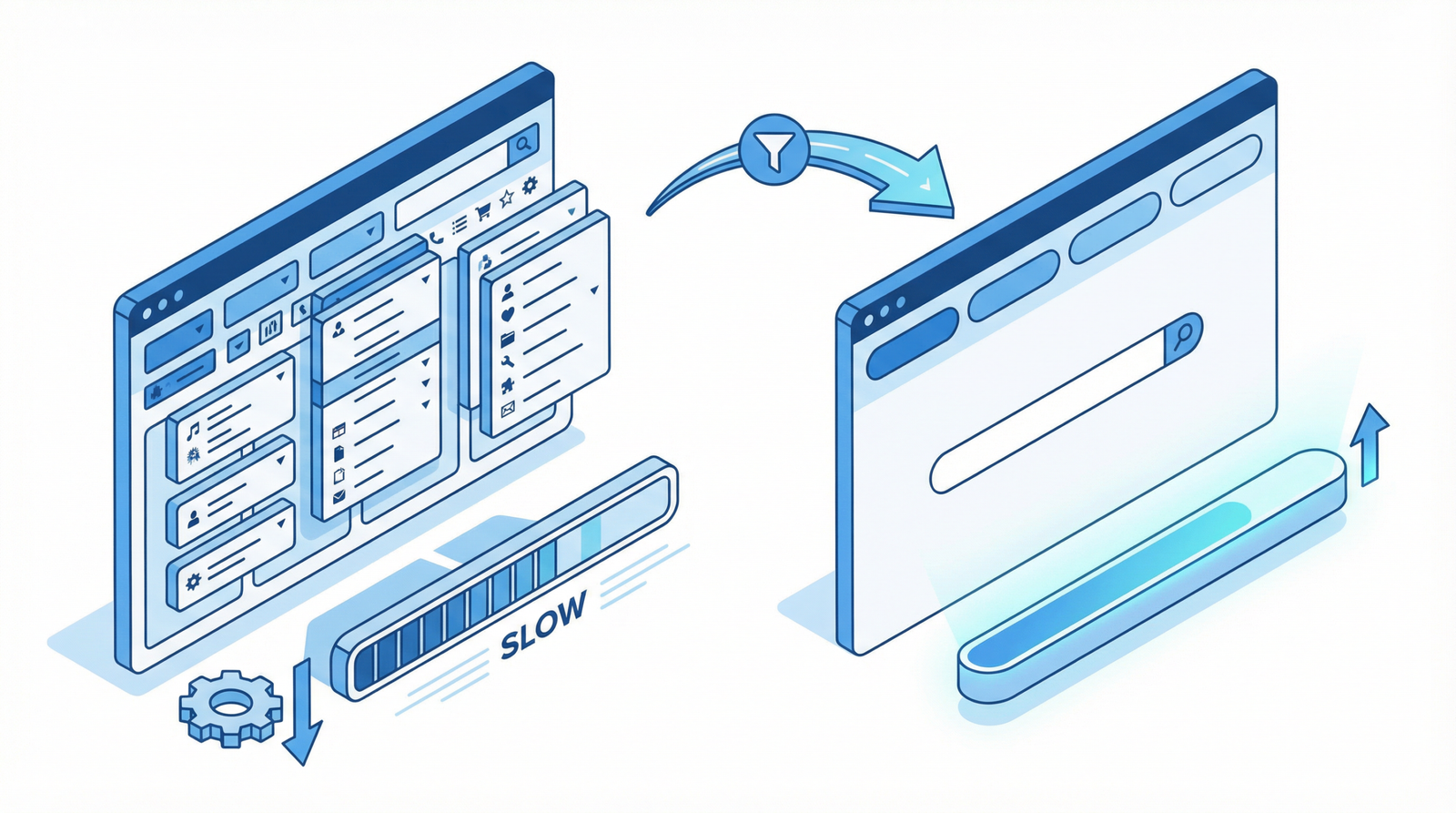
Most sites that consider a PWA would gain more from the ordinary work: smaller images, fewer third-party scripts, a faster server. That work benefits every visitor on their first visit, which is the visit most people only ever make.
The short version
A PWA is a manifest plus a service worker, and both are straightforward to add. It is worth it when people use your site repeatedly as a tool, especially on unreliable connections. It is not worth it for a blog, a brochure site or a service business, where nobody installs anything and the main risk you take on is serving stale pages from a cache you now maintain. Fix the images first.
Working through this list on your own site and would rather not? That is what an Expert Web Audit is for.

Advertisement. We earn a commission if you sign up through this link, at no extra cost to you.