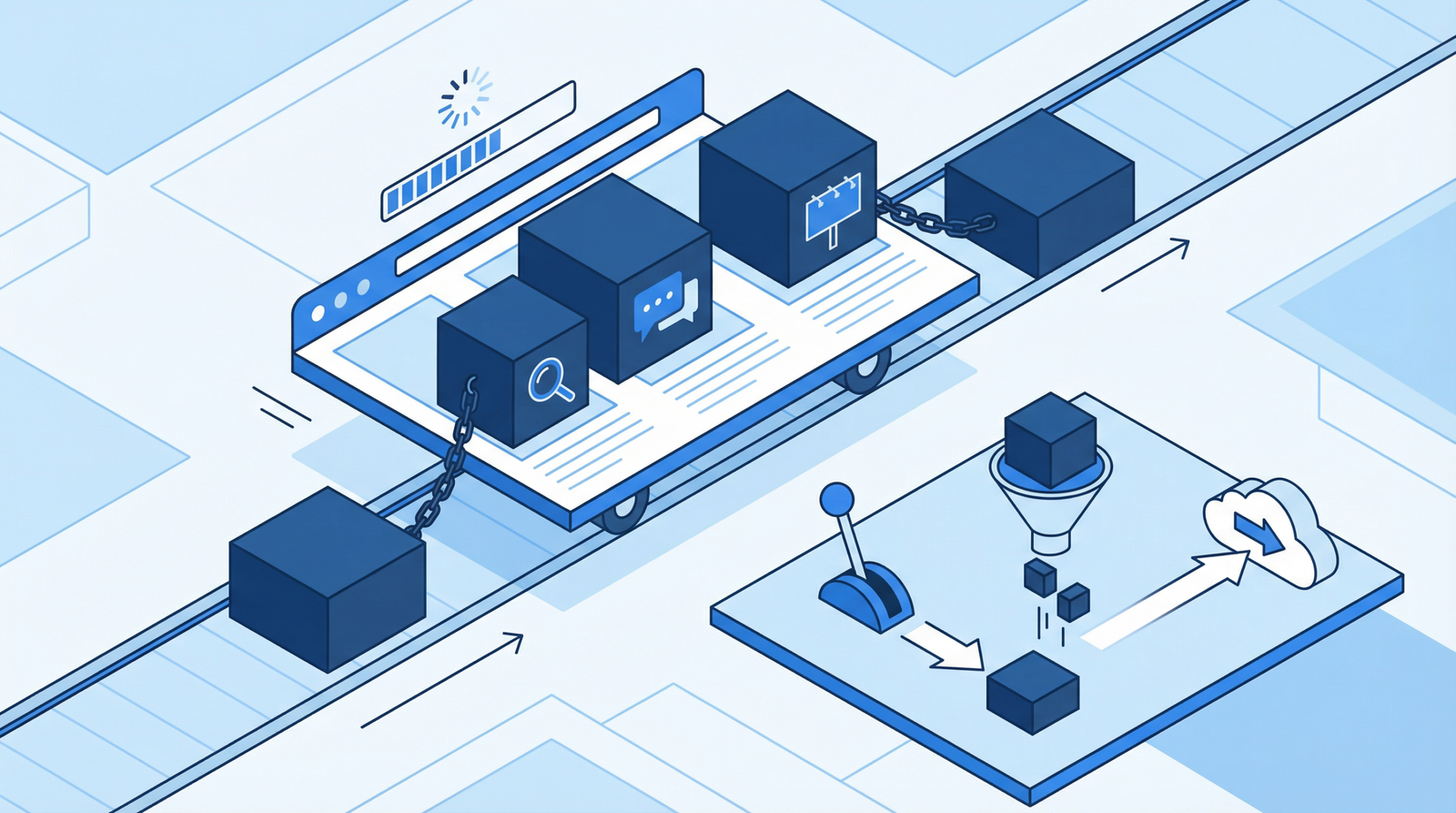
Internal links are the cheapest ranking work available and the most consistently skipped. They cost nothing, require no permission from anyone, and every site already has all the raw material — pages that should be pointing at each other and are not.

Advertisement. We earn a commission if you sign up through this link, at no extra cost to you.
External links are the other half, and they carry a set of attributes whose meanings have quietly changed. One of them is now obsolete in modern browsers, and it is still recommended everywhere.
What internal links actually do
They distribute authority. Whatever a page has earned flows through its links to the pages it points at. A page nothing links to receives nothing.
They establish relationships. Twelve pages about page speed, linked to one another with descriptive anchor text, tell a search engine that this site covers page speed. Twelve unconnected pages on the same subject tell it much less.
They make pages findable. A page with no internal links pointing at it — an orphan — is discoverable only through the sitemap, and being in a sitemap is a weak signal on its own.
They move people toward the thing you sell. This is the one that gets forgotten. A visitor who arrived from a search result and read an article has no obvious next step unless you provide one.
The audit
Three questions answer most of it, and a crawler answers all three.
Which pages have no internal links pointing at them? Screaming Frog reports orphan pages when you connect it to your sitemap. These are pages you published and then never referenced again.
How deep is everything? Click depth from the homepage. Anything important should be within three clicks. A page at depth six is a page nobody reaches by browsing.
How many links does each page receive? The distribution is usually lopsided — the homepage and a couple of others get everything, and the rest get one link from an archive page.
The pattern to look for is a page you consider important that receives almost nothing. That mismatch between what you think matters and what the site actually says matters is the finding.
Adding them well
In the body text, not in a widget. A contextual link inside a sentence carries more weight than one in a “related posts” block, because its placement and its anchor text carry meaning. Automated related-post modules are fine as a supplement and they are not a substitute.
Descriptive anchor text. The anchor tells the destination what it is about. “Read more” and “click here” tell it nothing.
<!-- weak -->
For details on canonical tags, <a href="/duplicate-content-canonical-tags/">click here</a>.

<!-- better -->
This is covered in more depth in
<a href="/duplicate-content-canonical-tags/">how to fix duplicate content with canonical tags</a>.
Vary the anchor text. Fifty links all reading “image optimization” pointing at one page looks manufactured. Natural variation reads better and is what actually happens when people link.
Three to five per article is a reasonable target. There is no penalty threshold — this is about readability. A paragraph where every third phrase is a link is unreadable.
Link both directions. When you publish something new, add links to it from the existing pages it relates to. Most people link forward from the new page and never go back, which leaves every new page an orphan on arrival.
Give the money page a path. Every article should have at least one route toward whatever the site is for. Not a banner — a sentence, where it makes sense, that points there.
One observation worth knowing
Where a page links to the same URL twice, Google has long been observed to count only the first link’s anchor text. This has never been formally confirmed and it has been tested repeatedly with fairly consistent results.
The practical takeaway is small: if a page links to an article from the navigation and again from the body, the navigation link comes first in the source, so its generic anchor is the one that may count. It is a reason to prefer body links in the first place, not a reason to restructure anything.
External links
Linking out to good sources does not leak anything you needed. There is no meaningful evidence that ordinary outbound links hurt, and there is a reasonable case that citing primary sources supports the credibility signals search engines try to assess. It also happens to be how you write something people trust.
What to avoid is obvious: paid links without disclosure, link exchanges, and linking to sites you would not want to be associated with.
rel=”noopener” — no longer needed
This one deserves a correction, because it is in every guide including the earlier version of this article.
The original problem was real: a link with target=”_blank” gave the opened page a reference back to yours through window.opener, which it could use to redirect the original tab somewhere else. rel=”noopener” severed that reference.
Browsers fixed this themselves. Since 2021 — Chrome 88, Firefox 79, Safari 12.1 — target=”_blank” implies noopener automatically. Every current browser applies it whether you write it or not.
So adding it does nothing harmful and nothing useful. It is not a security measure any more, and anyone auditing your site against a checklist that flags its absence is auditing against a five-year-old checklist. WordPress adds it automatically anyway.
rel=”noreferrer” — still does something
Different attribute, different job, frequently confused with the one above. noreferrer stops the browser sending the Referer header, so the destination cannot see where the visitor came from.
That is a genuine privacy control, and it has a cost: sites you link to lose the ability to see you as a traffic source, which removes a reason for them to notice you. Use it deliberately, not by default.
nofollow, sponsored, ugc
Since March 2020 these are hints rather than directives — Google decides whether to follow them, where previously nofollow was absolute. Two more were introduced alongside:
- rel=”sponsored” — paid or affiliate links. Required disclosure, not optional.
- rel=”ugc” — user-generated content: comments, forum posts.
- rel=”nofollow” — everything else you do not want to endorse.
Normal editorial links to sources need none of these. Adding nofollow to ordinary outbound links was a tactic called PageRank sculpting; it stopped working in 2009 and people are still doing it.
Broken links
Internal links pointing at pages that no longer exist are entirely your own doing and entirely within your control. A crawl finds them in minutes.
Fix them at the source rather than adding a redirect. A redirect is for external links you cannot edit; an internal link you can simply correct, and correcting it removes a hop you were paying for on every visit.
Doing it in order
- Crawl the site and export orphan pages, click depth, and inbound internal link counts.
- Fix the orphans first. Every page should receive at least two or three contextual links.
- Group by topic and link within each group, so related pages reinforce each other.
- Add a path to the money page from every article.
- Fix broken internal links at the source.
- Make it a publishing habit: when something new goes out, add links to it from three existing pages.
The short version
Internal links are free, and most sites have almost none in their body text. Put three to five contextual links in each article with descriptive anchor text, make sure nothing is orphaned, and give every page a route toward what you sell. Link out to real sources without worrying about leaking anything. Stop adding rel=”noopener” — browsers have applied it automatically since 2021. Keep nofollow for links you do not endorse and sponsored for anything paid.
Working through this list on your own site and would rather not? That is what an Expert Web Audit is for.

Advertisement. We earn a commission if you sign up through this link, at no extra cost to you.