The Pervasive Problem of Default WordPress Admin Usernames
In the digital landscape of 2025/2026, where cyber threats are more sophisticated than ever, a surprisingly common vulnerability continues to plague countless WordPress websites: the use of default or easily guessable admin usernames. While much attention is often given to password strength, the username itself can be the weakest link in your site’s security chain.
Why a Simple Username Can Be Your Site’s Downfall

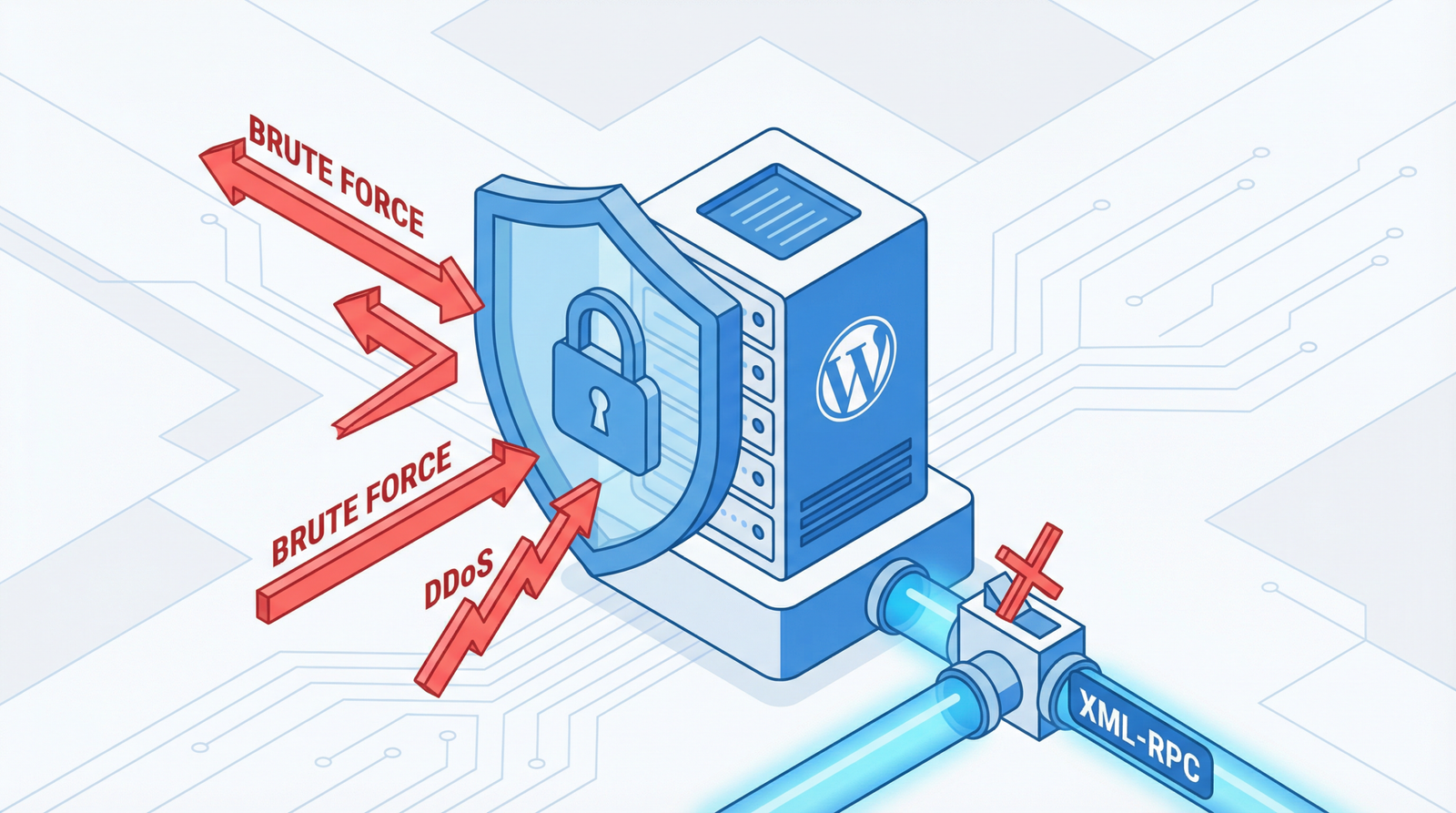
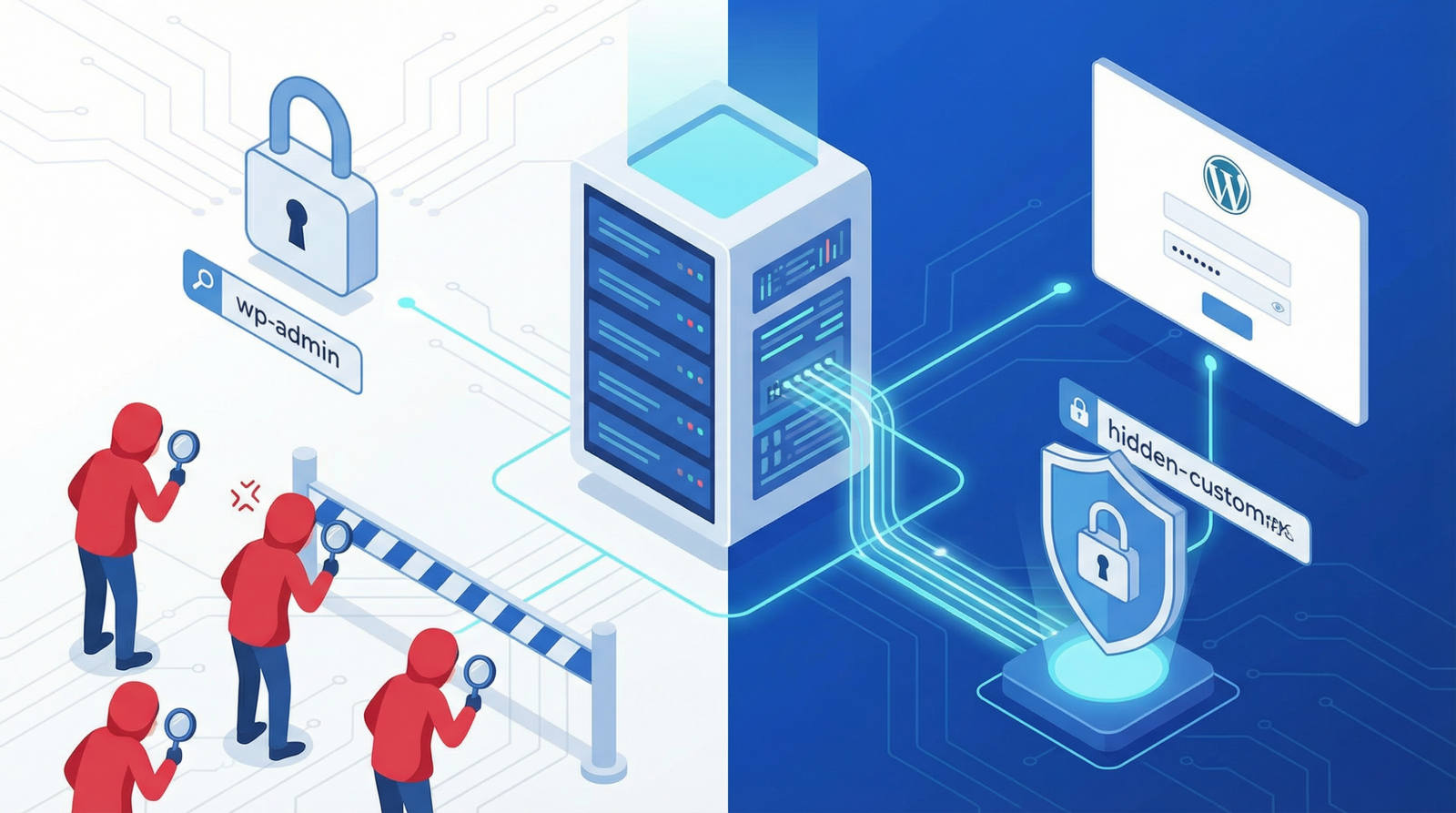
Attackers, both human and automated bots, leverage sophisticated tools to identify and exploit common vulnerabilities. The default “admin” username, or variations like “administrator,” “user,” or even your domain name, are the first credentials they attempt in brute force attacks. This significantly increases your site’s exposure to unauthorized access, data breaches, and malicious injections. A predictable username essentially hands attackers half of the login credentials, making their job considerably easier.
How to Identify Vulnerable Usernames on Your WordPress Site
Proactively checking for these vulnerabilities is a crucial step in securing your WordPress installation. Follow these steps to audit your user accounts:
- Navigate to Users > All Users in your WordPress admin dashboard. This section provides a comprehensive list of all registered users on your site.
- Scrutinize usernames for common defaults or easily guessable patterns. Look specifically for “admin,” “administrator,” “user,” or any username that directly relates to your site’s domain or brand.
- Review user roles and permissions. Ensure that only necessary accounts have administrative privileges. Over-privileged accounts increase the risk if compromised.
- Assess the overall strength of usernames. Even if not a default, a username like “johnsmith” for a site owned by John Smith is still a weak link.
Actionable Steps to Fortify Your WordPress User Security
Addressing this vulnerability requires a multi-pronged approach, combining immediate corrective actions with ongoing best practices.
1. Create a New, Secure Admin User
This is the most critical immediate step:
- Go to Users > Add New in your WordPress admin area.
- Create a new username using random characters. Aim for a complex, non-sequential string (e.g., “j8k2m9x4” or “wp_secure_adm_123”). Avoid any personal identifiers or common words.
- Assign a strong, unique password to this new account. Utilize a password manager to generate and store complex passwords.
- Ensure the role is set to “Administrator.”
- Log out of your current admin account and log in with the newly created secure account.
- Delete the old, vulnerable admin account. When prompted, ensure you attribute all content to the new secure admin user.
2. Implement Username Enumeration Prevention
WordPress, by default, can sometimes reveal usernames through author archives or REST API endpoints, aiding attackers. Implement the following code snippets (preferably via a child theme’s functions.php file or a custom plugin) to prevent this:
// Prevent username enumeration via author parameter
function prevent_username_enumeration() {
    if (is_admin()) {
        return;
    }
    if (isset($_GET['author'])) {
        wp_redirect(home_url());
        exit;
    }
}
add_action('init', 'prevent_username_enumeration');

// Remove author links from posts to hide usernames
function remove_author_links($content) {
    global $authordata;
    if (is_object($authordata)) {
        $content = str_replace('href="' . get_author_posts_url($authordata->ID) . '"',
                              'href="#"', $content);
    }
    return $content;
}
add_filter('the_content', 'remove_author_links');

// Hide usernames from REST API endpoints
function disable_user_rest_endpoints($endpoints) {
    if (isset($endpoints['/wp/v2/users'])) {
        unset($endpoints['/wp/v2/users']);
    }
    if (isset($endpoints['/wp/v2/users/(?P<id>[\\d]+)'])) {
        unset($endpoints['/wp/v2/users/(?P<id>[\\d]+)']);
    }
    return $endpoints;
}
add_filter('rest_endpoints', 'disable_user_rest_endpoints');
3. Leverage Robust Security Plugins
While manual steps are crucial, security plugins offer comprehensive protection and ongoing monitoring. Consider integrating reputable solutions:
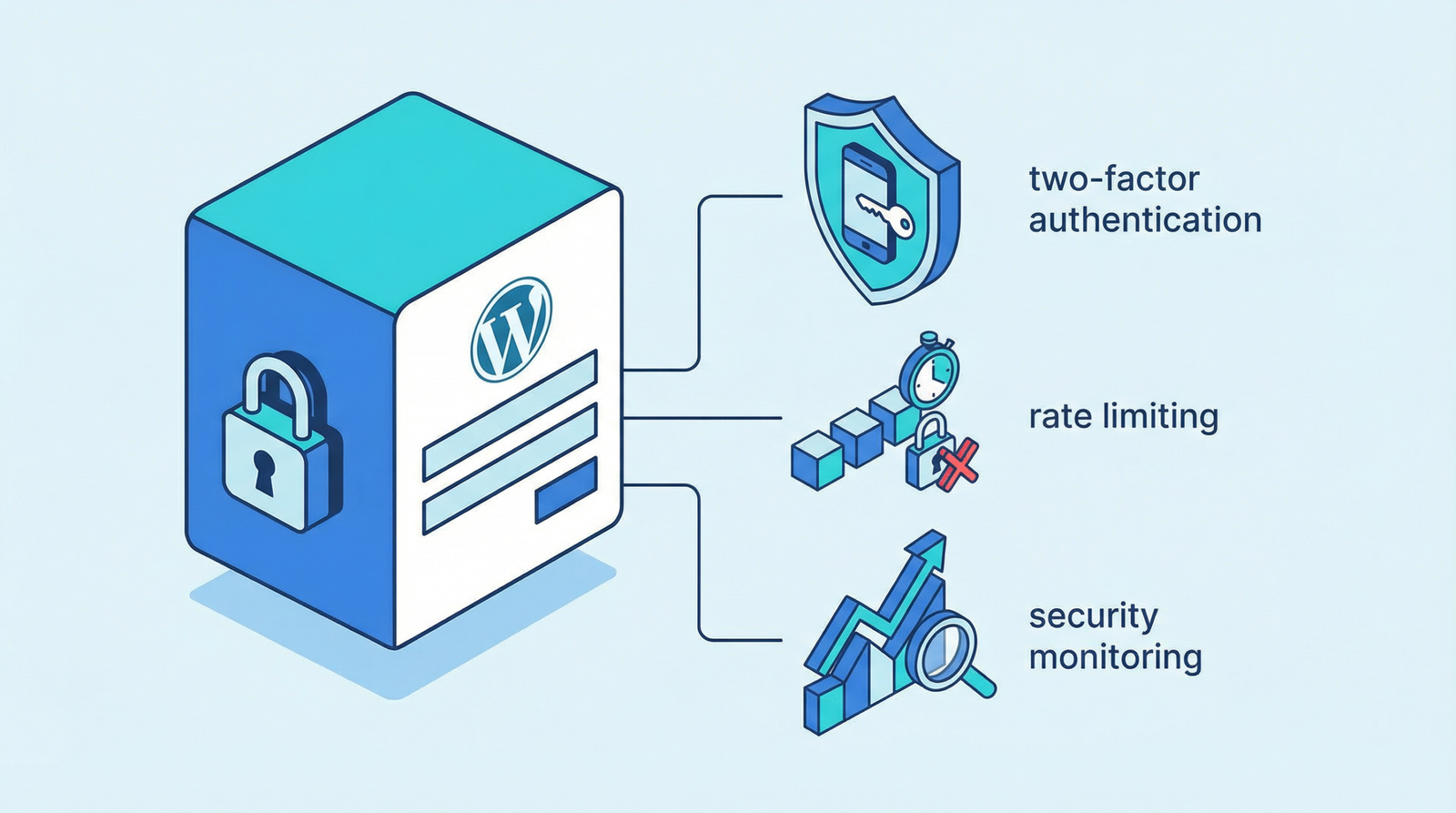
- iThemes Security: Offers extensive user security features, including strong password enforcement, two-factor authentication, and login attempt limits.
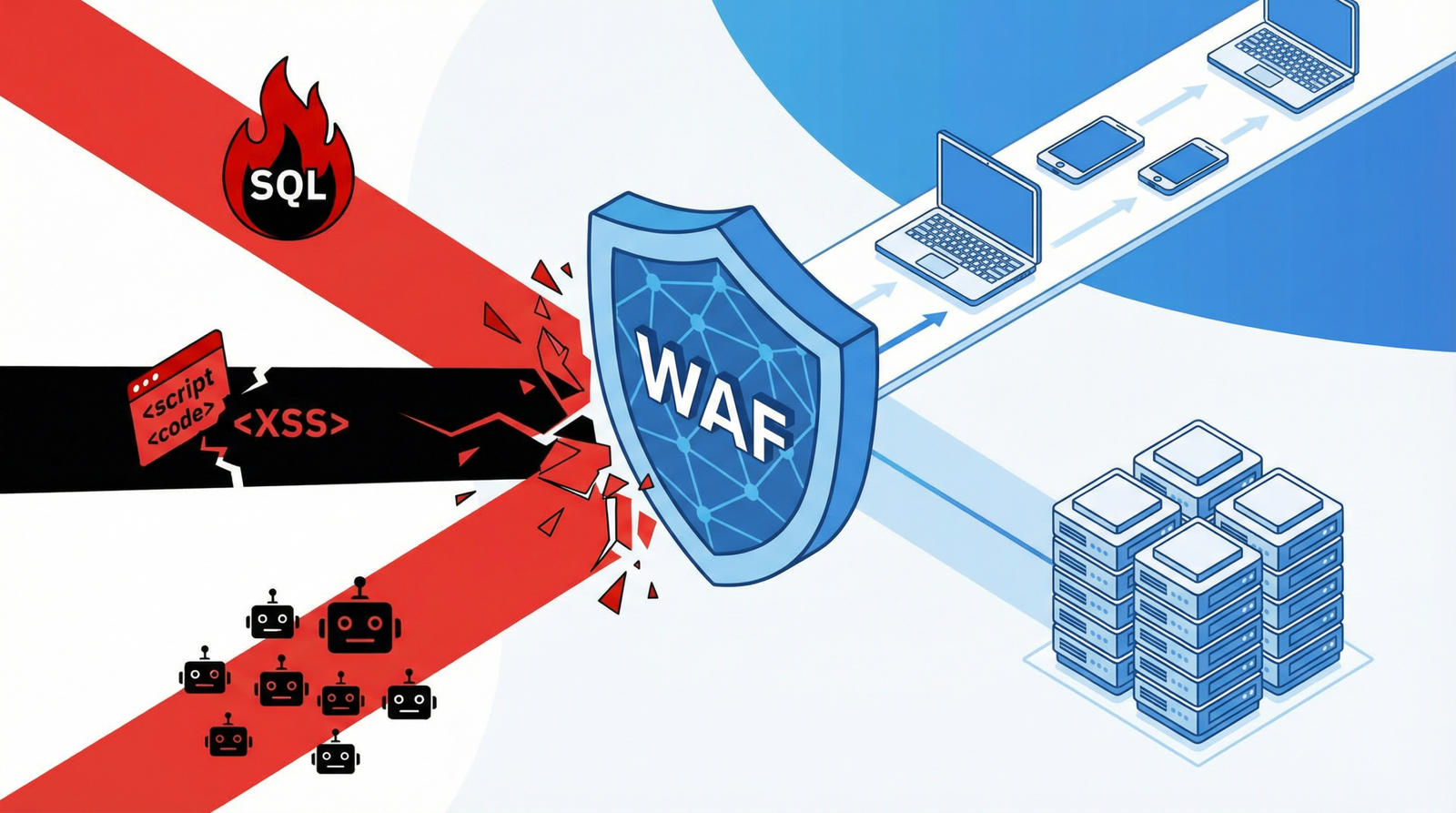
- Wordfence Security: Provides a firewall, malware scanner, and robust login security features to block brute force attacks.
- WP Security Audit Log: Essential for monitoring user activity, tracking changes, and identifying suspicious behavior across your WordPress site.
Conclusion: Beyond the Basics for a Secure WordPress Future
In 2025/2026, relying solely on a strong password is no longer sufficient for WordPress security. Eliminating default or easily guessable admin usernames is a fundamental, yet often overlooked, step in building a resilient defense against cyber threats. By implementing these best practices, you not only protect your site from immediate dangers but also contribute to a more secure and trustworthy online presence. Don’t wait for a breach; secure your usernames today.