The Silent Threat: Why Unprotected Forms Are a Performance Nightmare
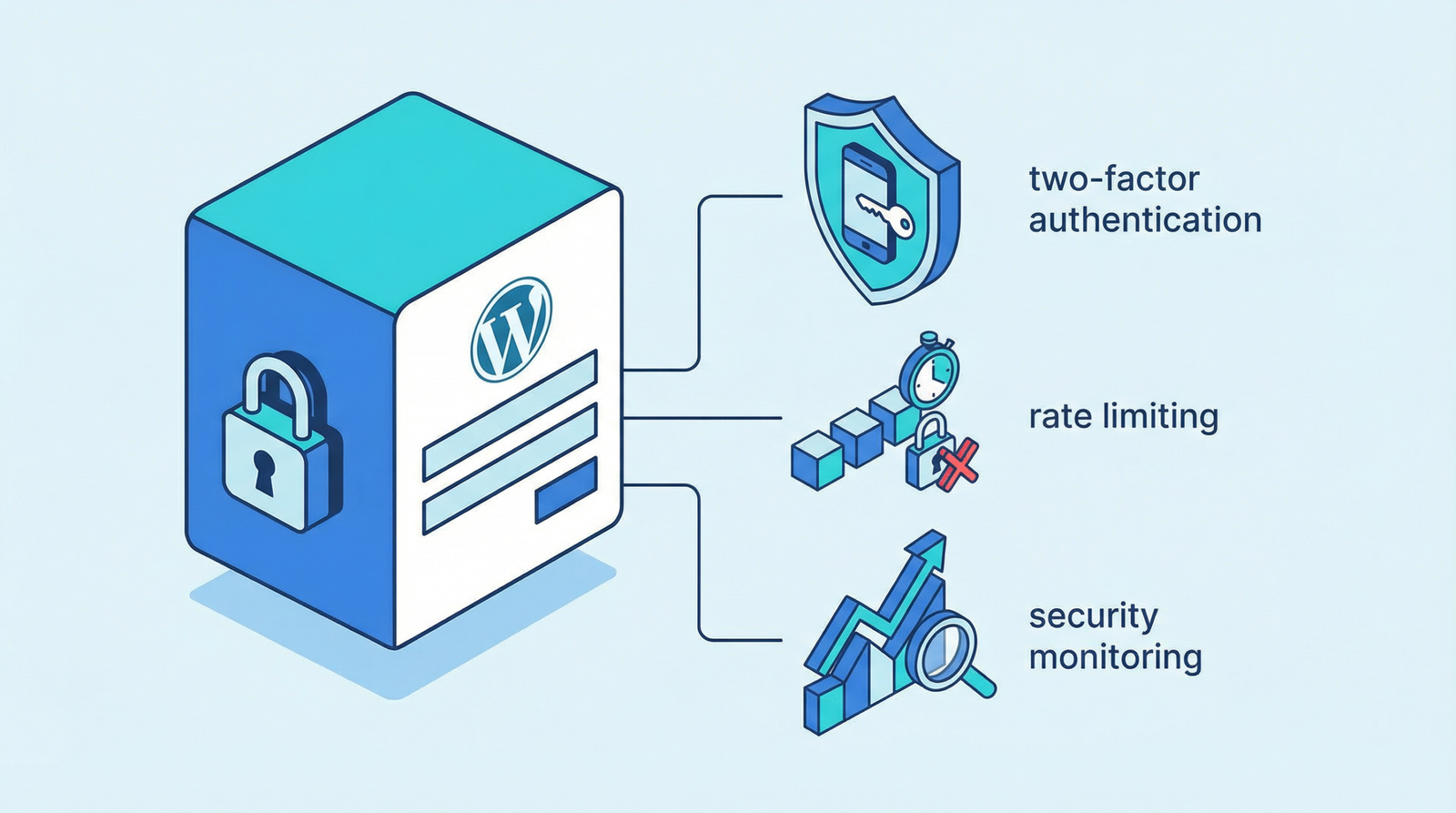
In the digital age, your website’s forms and login pages are critical gateways. They facilitate user interaction, gather valuable data, and secure access to user accounts. However, without adequate protection, these gateways become prime targets for spam bots and automated attacks, leading to a cascade of performance and security issues. This isn’t just about annoying spam emails; it’s about safeguarding your site’s integrity, user experience, and server resources.
The Problem: Vulnerable Forms and Login Pages

Many websites still operate with forms (contact, registration, login) that lack robust CAPTCHA protection. This oversight leaves them wide open to:
- Spam Submissions: Flooding your inboxes with irrelevant or malicious content.
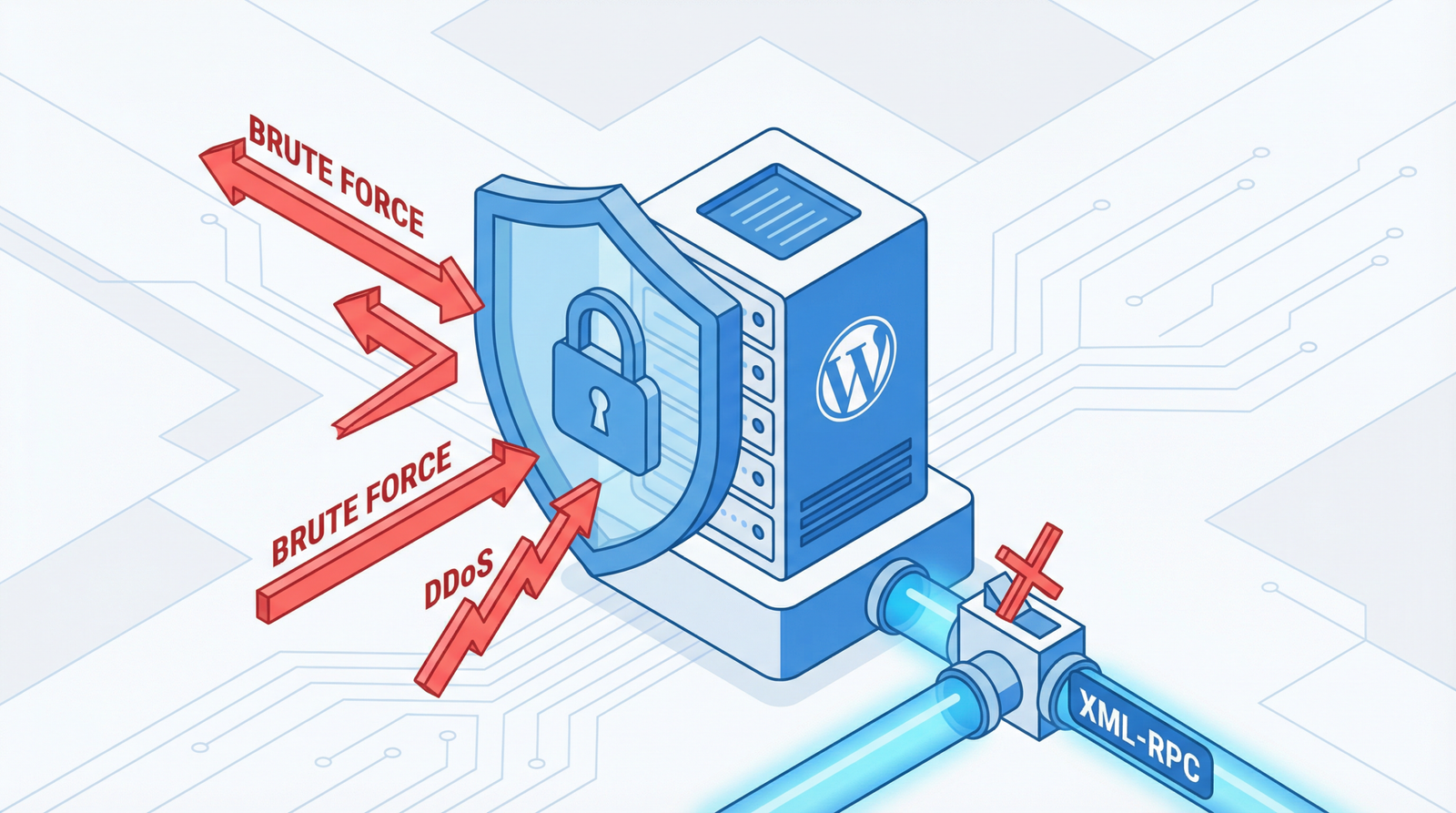
- Automated Attacks: Brute-force login attempts, credential stuffing, and other nefarious activities.
- Increased Server Load: Bot traffic consuming valuable server resources, slowing down your site for legitimate users.
These issues not only degrade the user experience but can also significantly impact your site’s performance, SEO, and overall security posture.
Why It Hurts Your Site’s Performance and User Experience
The consequences of unprotected forms extend beyond mere inconvenience:
- Degraded Performance: Excessive bot traffic can overwhelm your server, leading to slower page load times and potential downtime.
- Poor User Experience: Legitimate users might encounter slow forms or be deterred by the visible signs of spam, reducing trust and engagement.
- Data Integrity Risks: Spam submissions can corrupt your data, making it harder to analyze and manage.
- Security Vulnerabilities: Automated attacks can compromise user accounts and sensitive information.
How to Check If Your Website Has This Problem
Identifying vulnerable forms is straightforward:
- Inspect Contact Forms: Manually check all contact, registration, and comment forms for visible CAPTCHA fields.
- Test Form Submissions: Attempt to submit forms without any CAPTCHA interaction. If successful, your forms are likely unprotected.
- Review Spam Folders: Check your contact form plugin’s spam submissions or your email’s spam folder for an unusual volume of unsolicited messages.
- Examine Login Pages: Verify that your login pages incorporate some form of bot protection.
Modern Solutions: Protecting Your Site in 2025/2026
While Google reCAPTCHA v3 remains a widely used solution, the landscape of bot protection has evolved significantly. The focus has shifted towards more privacy-friendly and less intrusive methods. Here’s a look at the leading solutions:
Google reCAPTCHA v3
reCAPTCHA v3 operates invisibly in the background, assessing user behavior to assign a risk score without requiring explicit user interaction like clicking an ‘I’m not a robot’ checkbox. This provides a seamless user experience while still offering robust protection.
Implementation Steps:
- Obtain reCAPTCHA Keys: Register your site in the Google reCAPTCHA admin console to get your site key and secret key.
- Integrate the JavaScript API: Add the reCAPTCHA JavaScript to your pages.
- Execute reCAPTCHA: Call
grecaptcha.executeon form submission to get a token. - Verify on Server-Side: Send the token to your backend for verification using the secret key.
<script src="https://www.google.com/recaptcha/api.js?render=YOUR_SITE_KEY"></script>
<script>
  grecaptcha.ready(function() {
    grecaptcha.execute('YOUR_SITE_KEY', {action: 'submit'}).then(function(token) {
      document.getElementById('recaptcha-token').value = token;
    });
  });
</script>
<input type="hidden" id="recaptcha-token" name="recaptcha-token">
Privacy-Friendly Alternatives: Cloudflare Turnstile and hCaptcha
For those prioritizing user privacy and seeking alternatives to Google’s ecosystem, Cloudflare Turnstile and hCaptcha have emerged as excellent choices.
Cloudflare Turnstile
Cloudflare Turnstile offers a privacy-preserving, user-friendly, and free alternative to traditional CAPTCHAs. It uses a rotating suite of browser challenges to detect abusive traffic without collecting personal data or showing intrusive puzzles to legitimate users. It’s designed to be drop-in compatible with existing reCAPTCHA implementations, making migration straightforward.
hCaptcha
hCaptcha is another strong privacy-focused alternative. It helps websites earn revenue by serving privacy-preserving challenges, which are solved by real humans. This model provides a robust defense against bots while respecting user data. It’s widely adopted and offers flexible integration options.
Other CAPTCHA Solutions
- Math CAPTCHA: Simple arithmetic questions that are easy for humans but challenging for basic bots.
- Honeypot Fields: Invisible fields designed to trap bots, which often fill out all fields indiscriminately.
Actionable Steps to Fix It
Securing your forms and login pages is a critical step towards a faster, more secure website:
- Assess Your Needs: Determine whether reCAPTCHA v3, Cloudflare Turnstile, or hCaptcha best fits your privacy and technical requirements.
- Implement Your Chosen Solution: Follow the documentation for your selected CAPTCHA service to integrate it into your forms and login pages.
- Utilize Plugin Integrations: If you’re using a CMS like WordPress, leverage plugins that offer built-in CAPTCHA support (e.g., Contact Form 7, WPForms, Gravity Forms, Ninja Forms).
- Regularly Monitor: Keep an eye on your spam submissions and server logs to ensure your CAPTCHA solution is effectively deterring bots.
Conclusion
Protecting your website’s forms and login pages from automated threats is non-negotiable for maintaining performance, security, and a positive user experience. By adopting modern CAPTCHA solutions like reCAPTCHA v3, Cloudflare Turnstile, or hCaptcha, you can effectively combat spam and malicious attacks, ensuring your website remains a reliable and efficient platform for your users.