The Unseen Threat: Why Your Default WordPress Admin URL is a Performance and Security Risk
Your WordPress website is a powerful tool, but like any robust system, it comes with potential vulnerabilities. One of the most overlooked yet critical security and performance risks lies in the default accessibility of your /wp-admin/ URL. While convenient, this standard entry point is a beacon for automated attacks, brute-force attempts, and malicious bots, silently eroding your site’s security posture and, consequently, its performance.
The Problem: A Wide-Open Backdoor

Every WordPress installation, by default, grants access to its administrative backend via the predictable yoursite.com/wp-admin/ URL. This uniformity, while simplifying setup, creates a significant security loophole. Attackers don’t need to guess your admin login page; they already know it. This knowledge empowers them to launch relentless automated attacks, probing for weak passwords and vulnerabilities.
Why a Default Admin URL Harms Your Site
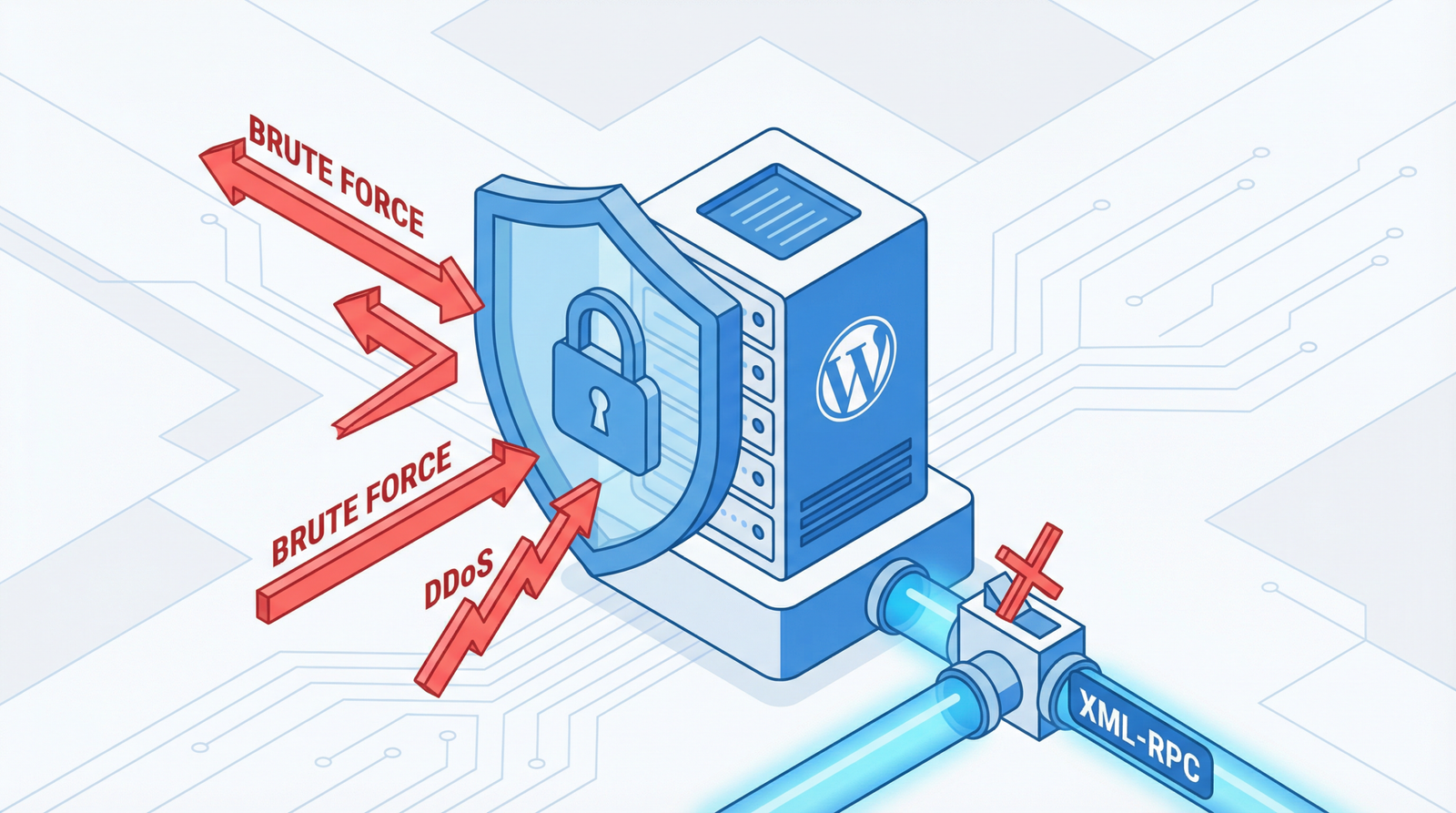
- Brute-Force Attacks: Automated scripts continuously attempt to guess login credentials, leading to excessive server load and potential downtime.
- Automated Scans: Bots constantly scan for known WordPress vulnerabilities, seeking entry points to inject malware or deface your site.
- Performance Degradation: The constant barrage of malicious requests consumes server resources, slowing down your website for legitimate users and impacting user experience and SEO.
- Increased Security Risk: A successful breach can lead to data theft, website defacement, SEO penalties, and a complete loss of trust from your audience.
How to Check If Your Admin URL is Exposed
Identifying this vulnerability is straightforward:
- Direct Access Test: Try accessing
yoursite.com/wp-admin/. If it leads directly to your login page without any additional security prompts, it’s exposed. - Security Plugin Scan: Utilize a reputable WordPress security plugin (e.g., Wordfence, Sucuri) to scan for known vulnerabilities and misconfigurations.
- Server Log Analysis: Regularly review your server access logs for an unusual number of requests to the
/wp-admin/directory from suspicious IP addresses. - Public Discovery: Perform a quick search for your site’s admin URL on search engines or specialized tools to see if it’s inadvertently indexed.
Actionable Steps to Fortify Your WordPress Admin Area (2025/2026 Best Practices)
Protecting your /wp-admin/ URL is a multi-layered process that combines strategic renaming, robust authentication, and continuous monitoring. Here’s how to implement a comprehensive defense:
1. Rename or Obscure Your Admin Login URL
Changing the default login URL is the first and most effective deterrent against automated attacks. This makes it significantly harder for bots to find your login page.
- Recommended Plugins:
- WPS Hide Login: A lightweight and effective plugin specifically designed to change your login URL. Simple to configure and highly recommended for its singular focus.
- iThemes Security Pro: A comprehensive security suite that includes the option to change the login URL, alongside many other advanced security features.
- All In One WP Security & Firewall: Another robust option that offers a feature to rename your login page, enhancing overall site security.
- Manual .htaccess Protection (Advanced Users): For those comfortable with server configurations, you can restrict access to
wp-login.phpand thewp-admindirectory based on IP addresses. This is particularly useful for sites with static admin IP addresses.# Protect wp-login.phpOrder Deny,Allow Deny from all Allow from 123.456.789.0 # Your IP address Allow from 987.654.321.0 # Office IP address # Block direct access to wp-admin for non-logged-in users RewriteEngine On RewriteCond %{REQUEST_URI} ^/wp-admin/ [NC] RewriteCond %{QUERY_STRING} !^action=logout [NC] RewriteCond %{HTTP_COOKIE} !wordpress_logged_in_ [NC] RewriteRule ^(.*)$ /custom-login-page/ [R=302,L]Note: Replace
123.456.789.0and987.654.321.0with your actual static IP addresses. TheRewriteRuleredirects unauthorized attempts to a custom login page or any other page you define.
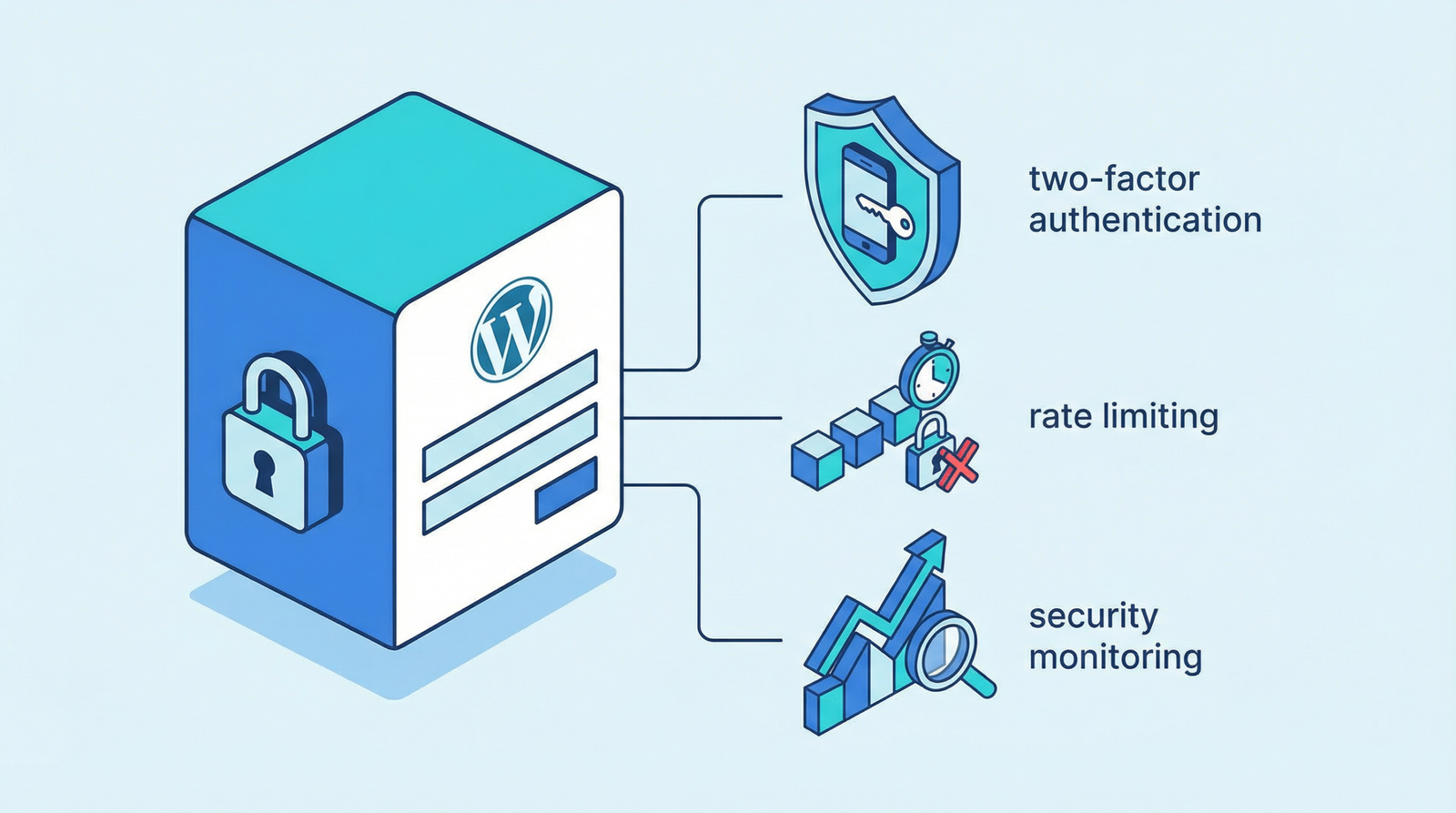
2. Implement Two-Factor Authentication (2FA)
Even if an attacker manages to guess your password, 2FA adds an essential second layer of security, requiring a code from a mobile device or other authentication method.
- Plugin Solutions: Many security plugins (like iThemes Security Pro, Wordfence, or dedicated 2FA plugins) offer robust 2FA implementations.
- Code-Based 2FA (Advanced): For developers, integrating a custom 2FA solution can provide granular control, though it requires careful implementation to avoid locking yourself out.
// Example: Simple 2FA check (requires a plugin for full implementation)
function expert_web_audit_require_2fa_for_admin() {
    if (is_admin() && !current_user_can('administrator')) {
        return; // Only apply to administrators
    }
    // Logic to check for 2FA code submission and validation
    // If validation fails, log out and redirect
}
add_action('admin_init', 'expert_web_audit_require_2fa_for_admin');
3. Enforce Strong Password Policies
This is fundamental. Mandate strong, unique passwords for all admin users. Consider using a password manager to generate and store complex passwords.
4. Limit Login Attempts
Prevent brute-force attacks by limiting the number of failed login attempts. Most security plugins include this feature, automatically blocking IP addresses after a set number of incorrect tries.
5. Use a Web Application Firewall (WAF)
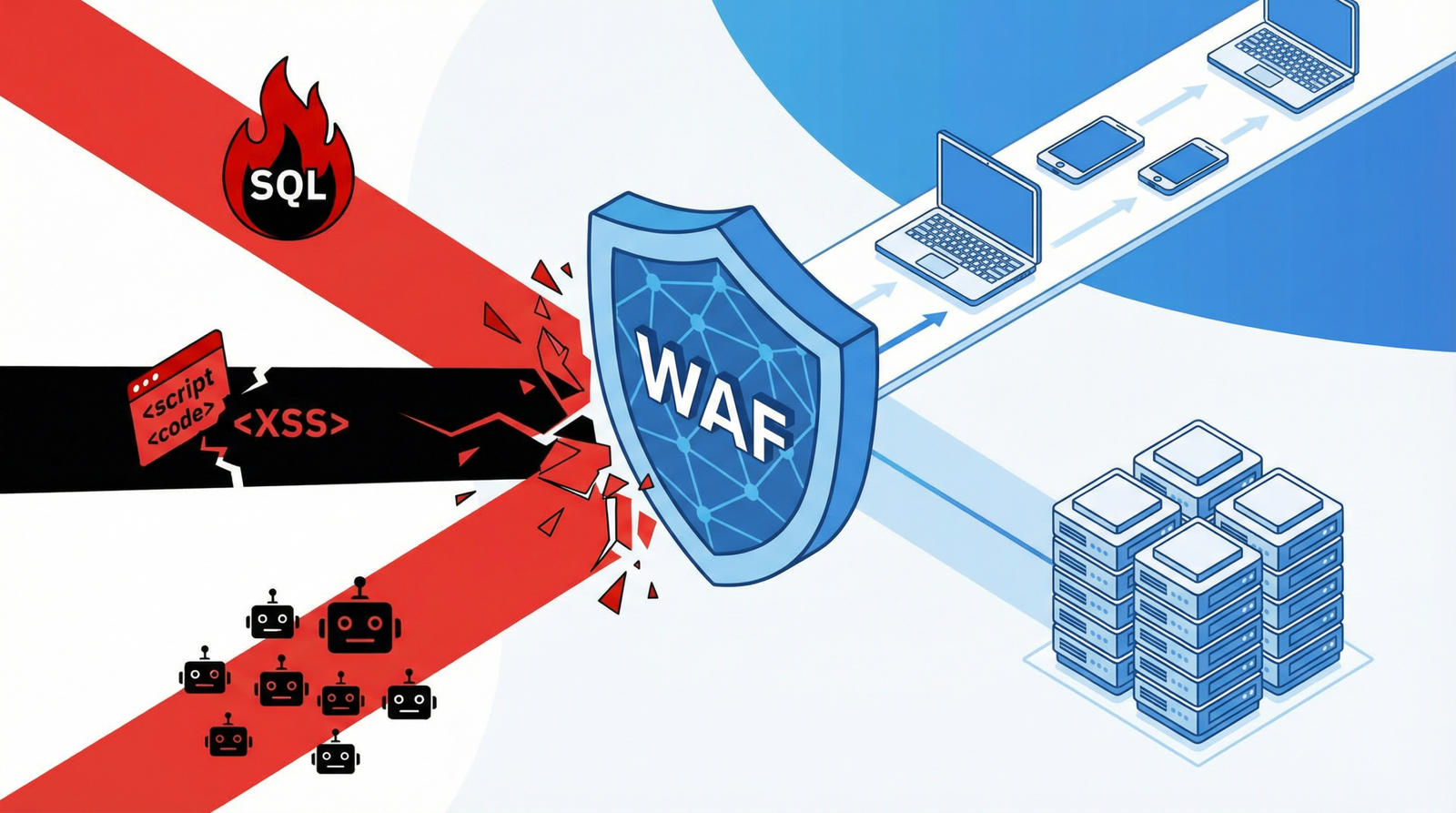
A WAF (e.g., Cloudflare, Sucuri Firewall) acts as a shield, filtering malicious traffic before it even reaches your WordPress installation. This significantly reduces the load on your server and protects against a wide range of attacks.
6. Keep Everything Updated
Regularly update your WordPress core, themes, and plugins. Developers frequently release security patches that address newly discovered vulnerabilities. Running outdated software is an open invitation for attackers.
7. Implement a VPN for Admin Access (Optional but Recommended)
For highly sensitive sites, requiring admin users to connect via a Virtual Private Network (VPN) adds an extra layer of network security, ensuring that admin traffic is encrypted and originates from trusted sources.
8. Regular Security Audits and Monitoring
Proactive monitoring of your site’s security logs and regular audits can help detect suspicious activity early. Tools like Sucuri SiteCheck or Wordfence’s scan features are invaluable.
Conclusion
The default /wp-admin/ URL is a known vulnerability that can severely impact your WordPress site’s security and performance. By implementing a combination of renaming your login URL, enforcing strong authentication, utilizing security plugins, and maintaining vigilant monitoring, you can significantly reduce your risk profile. Don’t wait for a breach to act; secure your WordPress admin area today and ensure a faster, safer experience for both you and your users.