The Silent Threat: How Unprotected WordPress Logins Cripple Your Site’s Performance and Security
In the ever-evolving landscape of cyber threats, one vulnerability remains stubbornly persistent for WordPress site owners: the lack of robust protection against brute-force login attacks. These relentless assaults don’t just threaten your site’s security; they can significantly degrade its performance, leading to a poor user experience and potential data breaches. For 2025 and beyond, understanding and mitigating this risk is not just a best practice—it’s a necessity.
What Exactly is a Brute-Force Attack?

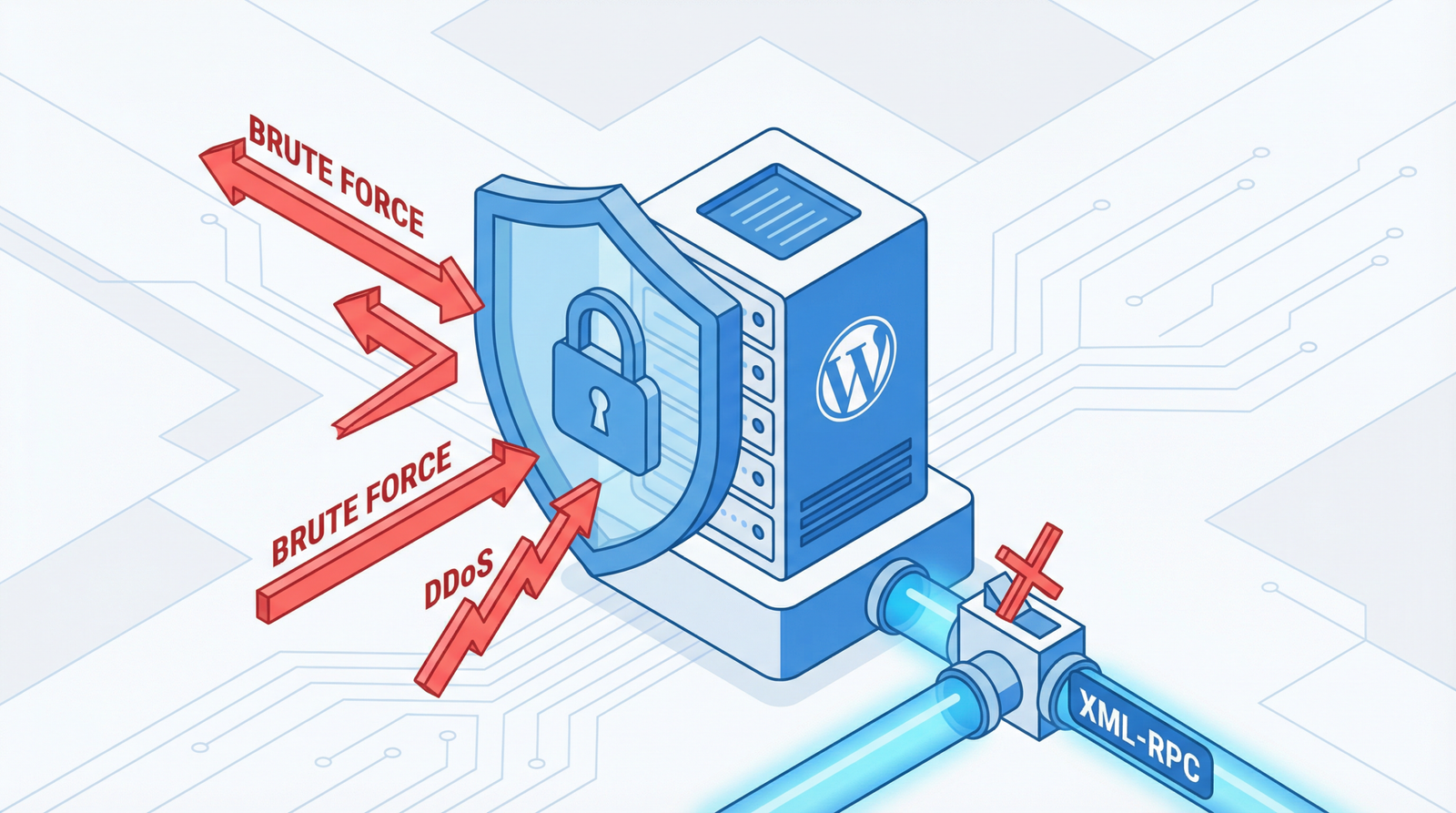
A brute-force attack is a trial-and-error method used by hackers to guess login credentials. Automated bots repeatedly attempt various combinations of usernames and passwords until they find a match. Without proper defenses, your WordPress login page becomes an open target, allowing unlimited attempts. This isn’t just a theoretical concern; brute-force attacks remain a highly prevalent and effective method for compromising websites.
Why Unprotected Logins Are a Double-Edged Sword for Your Site
The consequences of neglecting login protection extend far beyond a simple security risk:
- Performance Degradation: Each failed login attempt consumes valuable server resources. Under a sustained brute-force attack, your server can become overwhelmed, leading to slow loading times, timeouts, and even complete site unavailability for legitimate users. This directly impacts user experience and can harm your SEO rankings.
- Security Compromise: Given enough time and attempts, especially against weak passwords, brute-force attacks can succeed. Once an attacker gains access, they can inject malware, steal data, deface your site, or use it for malicious activities, severely damaging your reputation and potentially leading to legal repercussions.
- Resource Exhaustion: Beyond CPU and memory, these attacks can exhaust bandwidth and database connections, making your site unresponsive and costly to maintain.
How to Identify if Your WordPress Site is Vulnerable
Proactive monitoring is key to detecting and addressing brute-force vulnerabilities:
- Test for Unlimited Attempts: Manually try to log in with incorrect credentials multiple times. If you can make an endless number of failed attempts without any lockout or CAPTCHA, your site is vulnerable.
- Review Server Access Logs: Look for an unusually high number of requests to
wp-login.phpfrom suspicious IP addresses or patterns of rapid, repeated login failures. Tools like cPanel’s Awstats or raw access logs can reveal this activity. - Check for Security Plugins: Verify if you have an active security plugin that specifically offers login protection, rate limiting, or brute-force defense.
- Monitor Login Activity: Regularly check your WordPress dashboard for unusual login patterns, such as logins from unfamiliar locations or at odd hours.
Fortifying Your WordPress Login: Actionable Steps for 2025/2026
Protecting your login page requires a multi-layered approach. Here’s how to implement robust defenses:
1. Implement Login Rate Limiting
This is your first line of defense, restricting the number of login attempts within a specific timeframe from a single IP address. While plugins are the easiest route, you can implement basic rate limiting with custom code:
// Simple login rate limiting
function limit_login_attempts($user, $username, $password) {
    $ip = $_SERVER['REMOTE_ADDR'];
    $transient_key = 'login_attempts_' . md5($ip);
    $attempts = get_transient($transient_key);

    // Allow 5 attempts within 15 minutes
    $max_attempts = 5;
    $lockout_time = 15 * MINUTE_IN_SECONDS; // 15 minutes

    if ($attempts >= $max_attempts) {
        $time_left = get_option('_transient_timeout_' . $transient_key) - time();
        wp_die('Too many failed login attempts. Please try again in ' . ceil($time_left / 60) . ' minutes.');
    }
    return $user;
}
add_filter('authenticate', 'limit_login_attempts', 30, 3);

// Track failed login attempts
function track_failed_login($username) {
    $ip = $_SERVER['REMOTE_ADDR'];
    $transient_key = 'login_attempts_' . md5($ip);
    $attempts = get_transient($transient_key);

    if ($attempts === false) {
        set_transient($transient_key, 1, 15 * MINUTE_IN_SECONDS);
    } else {
        set_transient($transient_key, $attempts + 1, 15 * MINUTE_IN_SECONDS);
    }
}
add_action('wp_login_failed', 'track_failed_login');
(Add this code to your theme’s functions.php file or a custom plugin. Remember to back up your site before making direct code modifications.)
2. Leverage Comprehensive Security Plugins
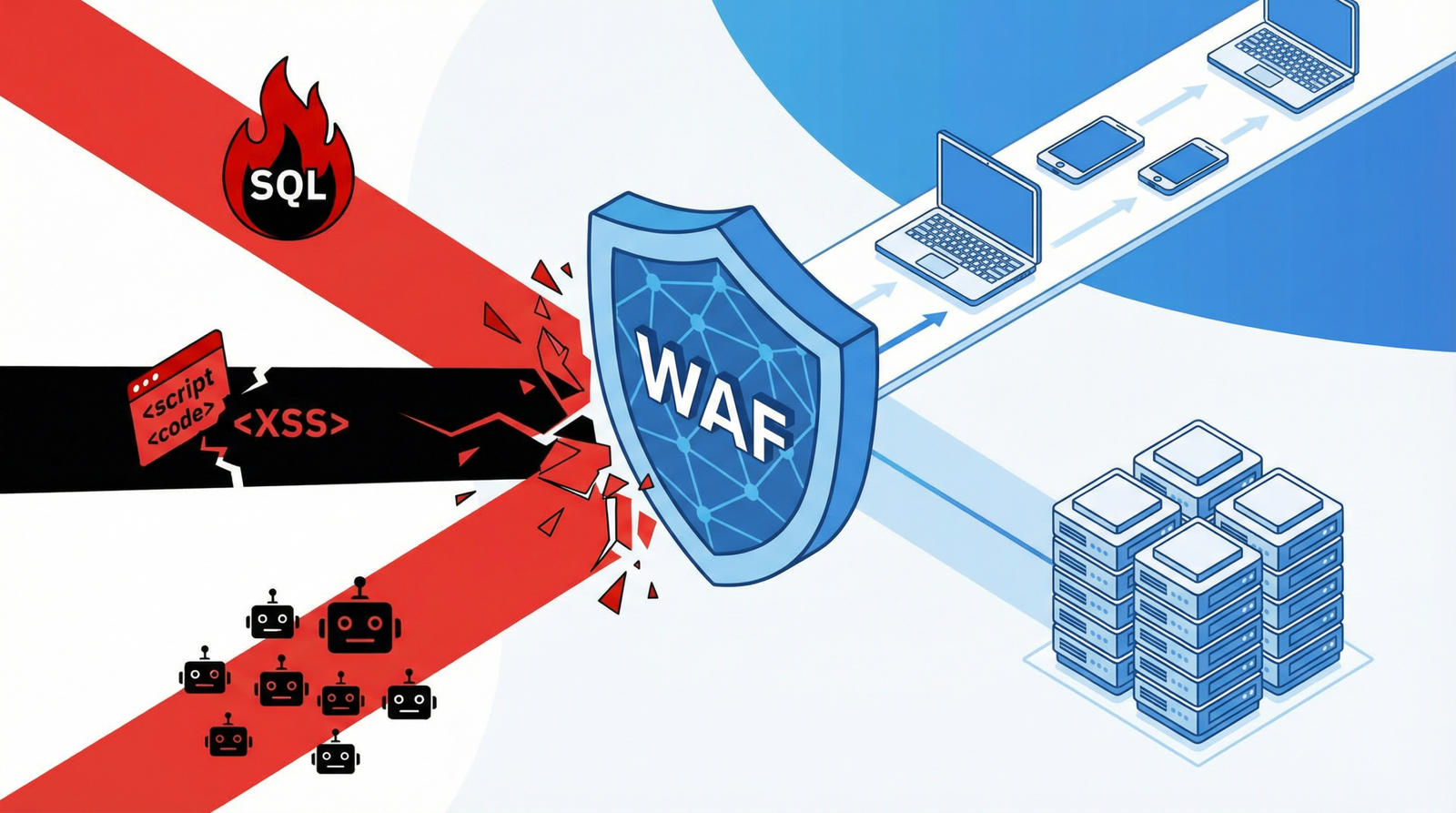
For most WordPress users, a dedicated security plugin offers the most robust and user-friendly solution. These plugins often include advanced brute-force protection, firewalls, malware scanning, and other critical security features. Highly recommended options for 2025/2026 include:
- Wordfence Security: Offers a powerful firewall, malware scanner, and advanced brute-force protection with real-time threat intelligence.
- iThemes Security Pro: Provides a suite of security features, including strong password enforcement, two-factor authentication, and local brute-force protection.
- Limit Login Attempts Reloaded: A dedicated plugin specifically designed for login rate limiting and brute-force defense.
- Jetpack: Includes basic brute-force protection as part of its wider feature set.
3. Implement Advanced Login Security Measures (CAPTCHA/2FA)
To further deter automated attacks and enhance user account security:
- CAPTCHA: Introduce a CAPTCHA challenge after a certain number of failed login attempts. This helps distinguish between human users and bots. Many security plugins offer this functionality, or you can integrate services like Google reCAPTCHA.
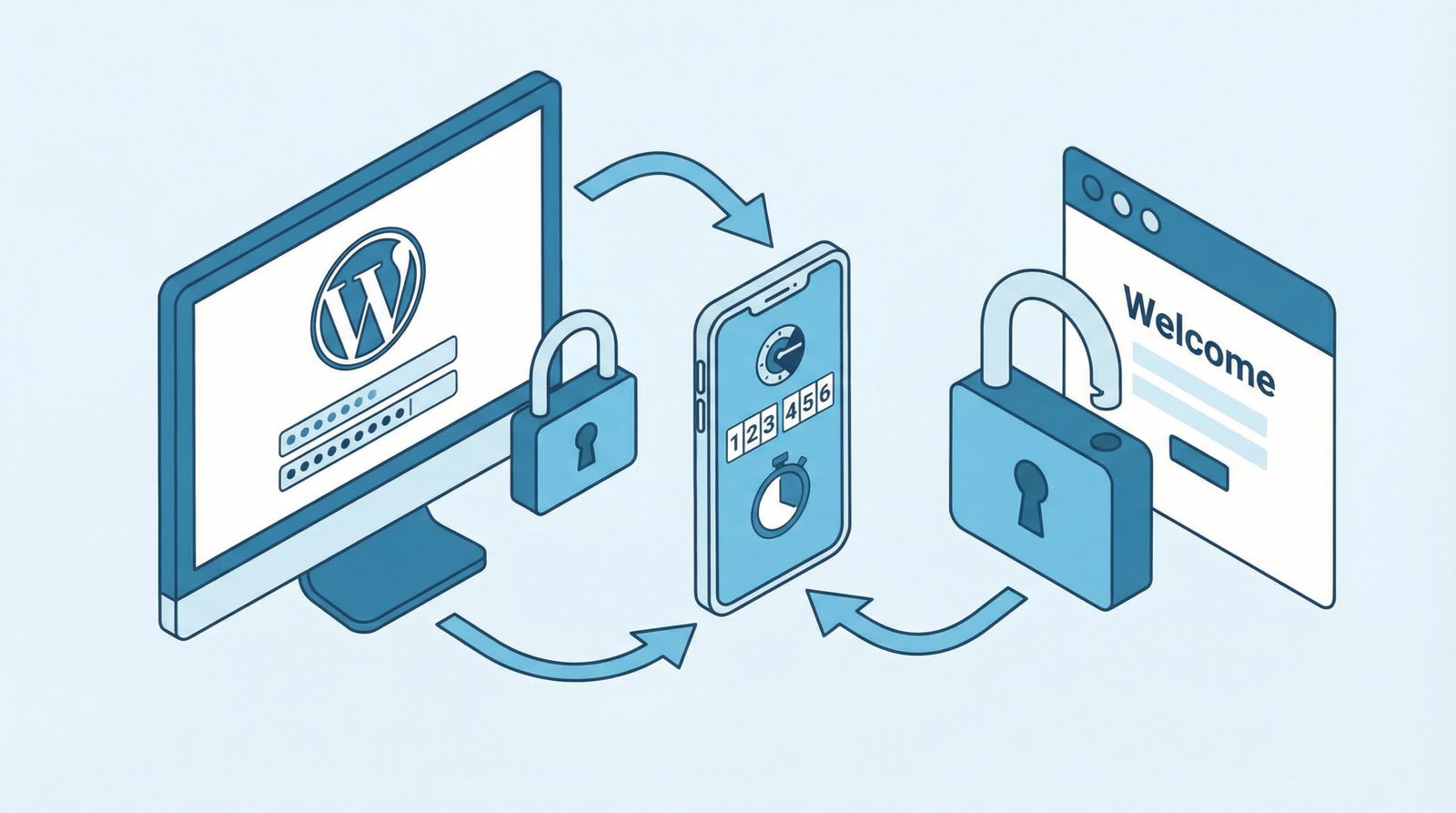
- Two-Factor Authentication (2FA): This adds an extra layer of security by requiring a second form of verification (e.g., a code from a mobile app) in addition to the password. This is crucial for protecting against compromised credentials.
4. Server-Level Protection (.htaccess)
For an additional layer of defense, you can configure your web server (Apache via .htaccess or Nginx) to block suspicious requests before they even reach WordPress. This can be complex and requires server administration knowledge, but it’s highly effective.
# Limit login attempts at server level (Apache .htaccess example)
<Files wp-login.php>
    Order Deny,Allow
    Deny from all
    # Allow only 5 requests per minute per IP (example, requires mod_evasive or similar)
    # Consult your hosting provider or server admin for specific rate limiting rules.
    Allow from 123.123.123.123 # Example: Allow your own IP
</Files>
(Caution: Incorrect .htaccess modifications can break your site. Always back up before editing and consult with your hosting provider or a professional.)
5. Monitor and Alert on Suspicious Activity
Being informed about potential attacks allows for rapid response. Configure your site or security plugins to send email alerts for multiple failed login attempts. This allows you to quickly identify and block malicious IPs.
// Email alerts for multiple failed logins
function email_failed_login_alert($username) {
    $ip = $_SERVER['REMOTE_ADDR'];
    $transient_key = 'login_attempts_' . md5($ip);
    $attempts = get_transient($transient_key);

    // Send alert on the 5th failed attempt
    if ($attempts == 5) {
        $message = "Multiple failed login attempts detected:\n";
        $message .= "Username: $username\n";
        $message .= "IP Address: $ip\n";
        $message .= "Time: " . date('Y-m-d H:i:s') . "\n";
        wp_mail(get_option('admin_email'), 'Security Alert: Failed Login Attempts', $message);
    }
}
add_action('wp_login_failed', 'email_failed_login_alert');
Conclusion
Ignoring brute-force login protection is a critical oversight that can have severe consequences for your WordPress site’s performance and security. By implementing a combination of rate limiting, robust security plugins, advanced authentication methods, and vigilant monitoring, you can significantly reduce your vulnerability and ensure a safer, faster experience for your users. Don’t wait for an attack to happen; secure your login page today.