The Hidden SEO Killer: Why Ugly Permalinks Are Still Haunting Your Website (and How to Fix Them)
The Hidden SEO Killer: Why Ugly Permalinks Are Still Haunting Your Website (and How to Fix Them)
In the fast-paced world of web performance and SEO, some fundamentals remain evergreen. One such critical, yet often overlooked, aspect is your website’s permalink structure. While the term “ugly permalinks” might sound like a relic from the early days of the internet, their negative impact on user experience and search engine optimization is as relevant in 2025/2026 as it ever was. If your WordPress site is still sporting URLs like ?p=123 or ?page_id=456, you’re inadvertently sabotaging your site’s visibility and user engagement.
What Exactly Are Ugly Permalinks?
Ugly permalinks are essentially non-descriptive URLs that rely on numerical IDs and query parameters to identify content. Instead of a clear, human-readable path that tells both users and search engines what a page is about, you get a string of characters that offers no context. For example, compare:
Why Ugly Permalinks Are a Modern-Day SEO and UX Nightmare
The implications of using ugly permalinks extend far beyond aesthetics. They actively harm your website in several crucial ways:
Zero SEO Benefit: Search engines like Google use keywords in URLs as a minor ranking signal. Ugly permalinks offer no relevant keywords, missing an easy opportunity to signal your content’s topic.
Poor User Experience (UX): A clean URL is intuitive. Users can often guess the content of a page just by looking at its URL. Ugly permalinks are confusing, hard to remember, and difficult to share, leading to a less satisfying user journey.
Reduced Click-Through Rates (CTR): In search results, a descriptive URL can increase the likelihood of users clicking on your link. An ambiguous URL might deter potential visitors.
Trust and Authority: Professional, well-structured URLs convey a sense of credibility and professionalism. Ugly permalinks can make a site appear outdated or less trustworthy.
Social Sharing Challenges: Long, parameter-laden URLs are cumbersome to share on social media and can look spammy.
How to Identify Ugly Permalinks on Your Site
Checking for this issue is straightforward:
Browser Address Bar: Simply navigate through your website and observe the URLs in your browser’s address bar. Do you see question marks (?) followed by numbers or generic parameters?
WordPress Settings: Log into your WordPress admin dashboard. Go to Settings → Permalinks. If the “Plain” option is selected, or if a custom structure results in non-descriptive URLs, you have ugly permalinks.
The Definitive Guide to Fixing Ugly Permalinks (and Boosting Your SEO)
Rectifying this issue is one of the most impactful, yet relatively simple, SEO improvements you can make. Here’s how:
Step 1: Change Your Permalink Structure in WordPress
This is the primary action. Navigate to Settings → Permalinks in your WordPress dashboard. You’ll see several options:
Plain:?p=123 (Avoid this! This is the ugly permalink.)
Day and name:/%year%/%monthnum%/%day%/%postname%/
Month and name:/%year%/%monthnum%/%postname%/
Numeric:/archives/%post_id%
Post name:/%postname%/ (Highly Recommended for most blogs and businesses)
Custom Structure: Allows you to define your own.
For most websites, especially blogs and business sites, the “Post name” (/%postname%/) option is ideal for its simplicity and SEO benefits. For e-commerce or news sites, consider structures that include categories or dates for better organization:
For Blogs:/%category%/%postname%/
For Businesses:/%postname%/
For News Sites:/%year%/%monthnum%/%postname%/
For E-commerce:/shop/%product_cat%/%postname%/
After selecting your preferred structure, click “Save Changes.”
Step 2: Implement 301 Redirects (Crucial!)
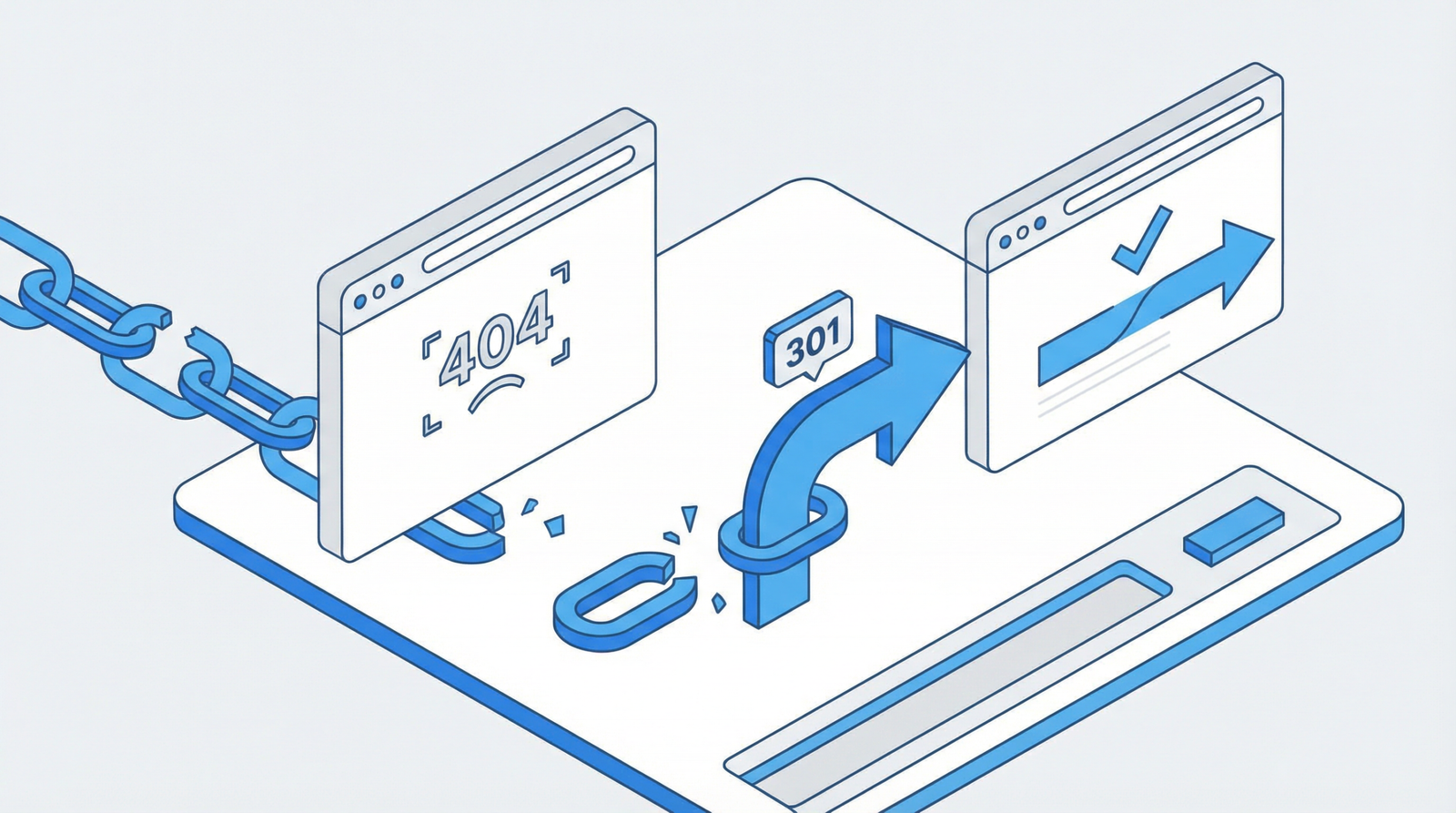
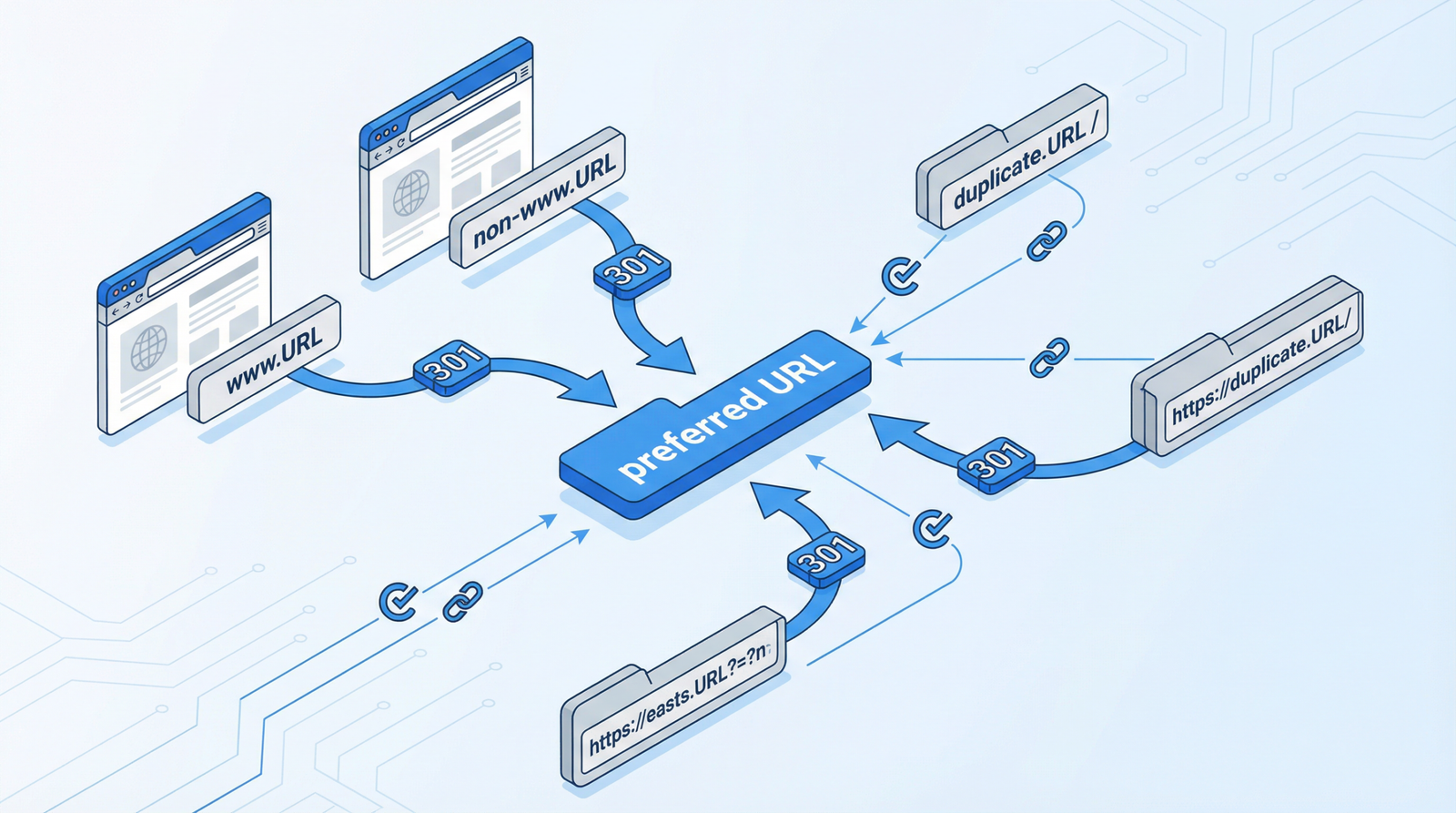
Changing permalinks means all your old URLs will break, leading to 404 errors and a massive hit to your SEO. You MUST implement 301 (permanent) redirects from your old ugly URLs to your new clean ones. For WordPress, this is often handled automatically by the platform when you change the permalink structure. However, for older or more complex setups, or if you’re migrating from a non-WordPress site, you might need to add custom redirect rules to your .htaccess file or use a dedicated redirect plugin.
A simple PHP function can also be added to your theme’s functions.php file (or a custom plugin) to catch and redirect old ugly URLs:
// Automatically redirect old ugly URLs
function redirect_ugly_permalinks() {
    if (isset($_GET['p']) && is_numeric($_GET['p'])) {
        $post_id = intval($_GET['p']);
        $new_url = get_permalink($post_id);
        if ($new_url) {
            wp_redirect($new_url, 301);
            exit;
        }
    }
    if (isset($_GET['page_id']) && is_numeric($_GET['page_id'])) {
        $page_id = intval($_GET['page_id']);
        $new_url = get_permalink($page_id);
        if ($new_url) {
            wp_redirect($new_url, 301);
            exit;
        }
    }
}
add_action('template_redirect', 'redirect_ugly_permalinks');
For custom post types, you might need to define rewrite rules:
// Set custom permalinks for custom post types
function custom_post_type_permalinks() {
    add_rewrite_rule(
        '^products/([^/]+)/?$',
        'index.php?post_type=product&name=$matches[1]',
        'top'
    );
}
add_action('init', 'custom_post_type_permalinks');

// Flush rewrite rules after activation
function flush_rewrite_rules_on_activation() {
    custom_post_type_permalinks();
    flush_rewrite_rules();
}
register_activation_hook(__FILE__, 'flush_rewrite_rules_on_activation');
Step 3: Important Post-Change Considerations
Backup Your Site: ALWAYS create a full backup of your website and database before making significant changes to permalinks.
Update Internal Links: While redirects handle external traffic, it’s best practice to update all internal links within your content to point to the new, clean URLs. This improves site performance and avoids unnecessary redirect chains.
Resubmit Sitemap: Generate and resubmit your XML sitemap to Google Search Console (and other search engines) to help them quickly discover your new URL structure.
Monitor for 404 Errors: Keep a close eye on your Google Search Console for any new 404 (Page Not Found) errors. This indicates that some redirects might not be working correctly.
Conclusion
In the ever-evolving landscape of web performance and SEO, clean, descriptive permalinks remain a foundational element for success. By taking the time to address ugly permalinks, you’re not just cleaning up your URLs; you’re significantly enhancing user experience, boosting your search engine visibility, and building a more professional, trustworthy online presence. Don’t let an outdated URL structure hold your website back in 2025 and beyond!