Three different problems tend to get filed under the same heading: URLs that lead nowhere, URLs that lead somewhere by way of three other places, and URLs that were badly named to begin with. They feel related because they all involve addresses, and the advice you find online treats them as one topic. They are not one topic, they have different costs, and two of them are routinely overstated.

Advertisement. We earn a commission if you sign up through this link, at no extra cost to you.
Here is what each actually does to a site, and what to do about it.
A 404 is not a penalty
Start with the thing most articles get wrong. Google does not penalize a site for returning 404s. John Mueller has said this about as plainly as Google says anything: 404s are a normal part of the web, and having them does not hurt your rankings. A site that has never returned a 404 is a site that has never changed.
What a broken URL actually costs you is narrower and easier to reason about:
Any links pointing at it stop counting. This is the real loss. If three sites linked to an article and you moved it without a redirect, those three links now point at an error page and the value they carried evaporates. That is worth fixing, and it is the only reason most 404s are worth fixing.
Anyone who follows that link leaves. A visitor who clicks a result and lands on an error page does not go looking for the new location. They go back to the results page and click a competitor.
You lose whatever the page had earned. Rankings, accumulated relevance, and the history Google had built up about that URL all end at the 404.
Notice what is not on that list. There is no site-wide quality signal, no crawl penalty, no “Google thinks you are neglected” effect. A page nobody linked to and nobody visits, returning a 404 after you deleted it, costs you nothing at all — and deliberately serving a 404 or a 410 for content you genuinely removed is correct behavior, not a problem to solve.
This matters practically because it changes what you do with a list of 404s. You do not need to redirect all of them. You need to redirect the ones that have links or traffic, and let the rest go.
Finding what is actually broken
Search Console, Pages report
Under Indexing, the “Not found (404)” reason lists the URLs Google tried and failed to fetch. This is your list, but treat it as raw material — it includes URLs that were never real, URLs from bad links on other people’s sites, and things you deleted on purpose.
A 404 monitor on the site
Rank Math and the Redirection plugin both log every 404 as it happens, with the referrer. This is more useful than Search Console for one specific reason: it tells you which broken URLs people are actually hitting right now, which is a much better prioritization signal than which ones Googlebot happened to try.
A crawl
Screaming Frog, free up to 500 URLs, finds broken internal links — the ones where your own site points at a page that no longer exists. These are entirely your fault and entirely within your control, so fix them at the source rather than papering over them with redirects.
Backlink data
Ahrefs and Semrush both have a “best pages by links” report filtered to 404s. This is the highest-value list on this page: broken URLs that other people are linking to. Each one is a redirect that recovers something real.
One URL at a time
For checking a single path, httpstatus.io shows the full hop sequence and the status code at each step. It is the fastest way to see a chain you suspected but could not prove.
Which redirect to use
There are only four you need.
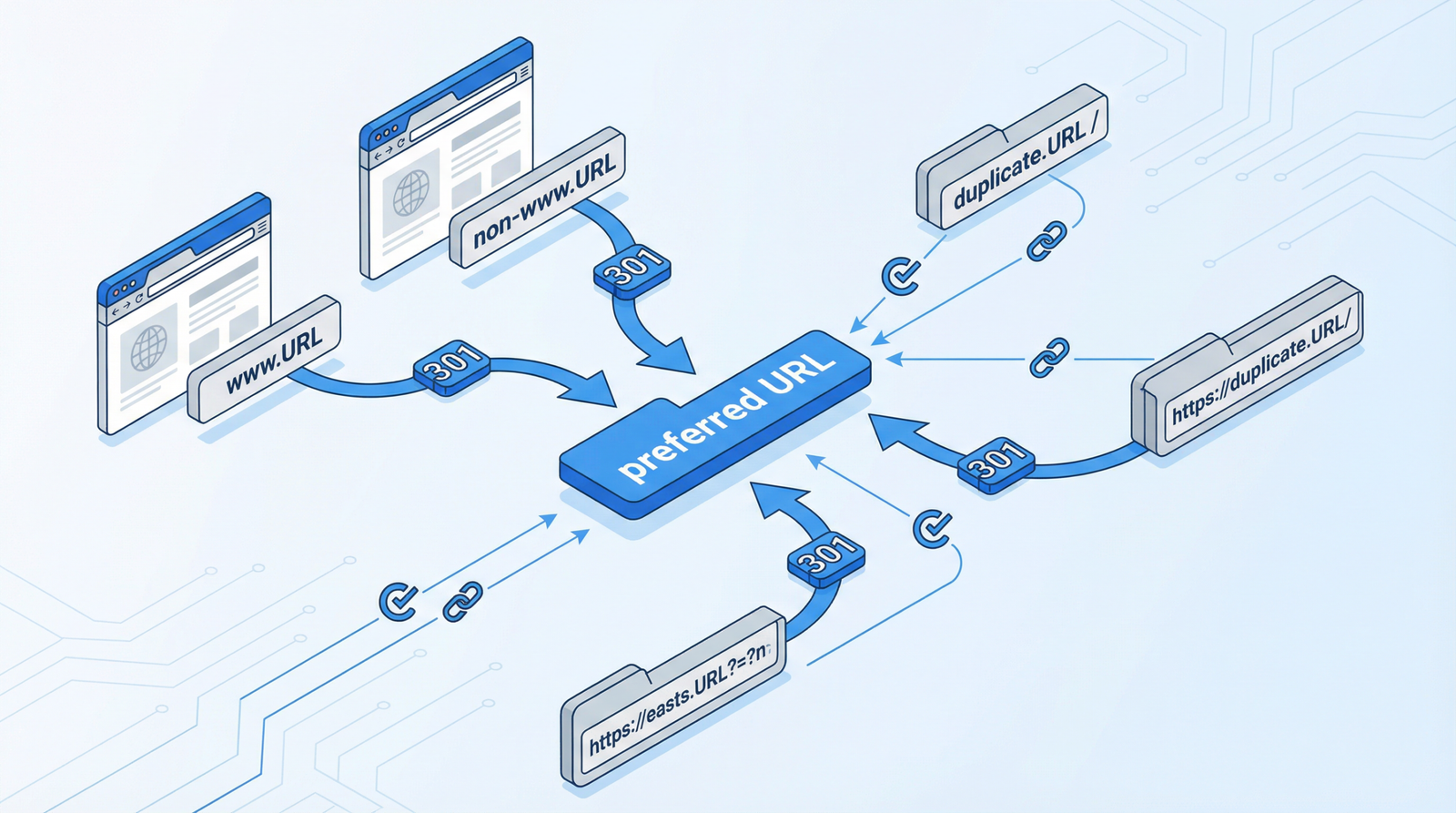
301 — permanent. The default for anything that moved and is not coming back. Passes ranking signals. Use this unless you have a specific reason not to.
302 — temporary. Tells Google to keep the old URL indexed because the move is short-term. Correct for a page under maintenance or a seasonal takeover. Wrong for a migration, and using it there is one of the more common ways to make a URL change worse than doing nothing.
307 — temporary, method preserved. The HTTP/1.1 version of a 302. Rarely something you choose deliberately in a CMS.
410 — gone. Says the content was removed intentionally and is not coming back. Google drops 410s from the index slightly faster than 404s. Use it for deliberately retired content — a discontinued product with no successor, an event that has passed.
The rule that covers most cases: if a page has a genuine successor, 301 to it. If it does not, do not invent one. Redirecting a deleted product to the homepage is a pattern Google treats as a soft 404 anyway, so you gain nothing and lose the honest signal.
Fixing missing redirects
What WordPress already does
WordPress has a built-in mechanism that catches more than people expect. When you change a single post’s slug, WordPress stores the old one and 301s it to the new URL automatically. No plugin, no configuration. If you rename a post, the old link keeps working.
What it does not do is handle a change to your permalink structure. Switching from /%year%/%monthnum%/%postname%/ to /%postname%/ changes every URL on the site at once, and the built-in mechanism does not cover that. Articles that tell you WordPress handles this automatically are wrong, and following them is how sites lose their entire archive from the index.
Use the plugin you already have
If you run Rank Math, the Redirections module is built in and its 404 monitor feeds straight into it — you can see a broken URL and create its redirect in the same screen. The Redirection plugin does the same job standalone and is free. Yoast puts its redirect manager in the paid version.
Any of these is better than writing redirect logic in functions.php. Custom PHP that hooks template_redirect and scans every 404 runs on requests that could have been served from cache, is invisible to whoever maintains the site next, and reimplements badly what the plugin already does well.
Redirect at the server for bulk moves
For a migration with hundreds of URLs, server-level rules are faster because they run before WordPress loads. Apache, in .htaccess:
Redirect 301 /old-page.html /new-page/
RedirectMatch 301 ^/old-directory/(.*)$ /new-directory/$1
Nginx:
location /old-path/ {
    return 301 https://example.com/new-path/;
}
Back up the config first. A syntax error in .htaccess returns a 500 for the entire site, not just the rule you got wrong.
Map before you move
The only reliable way through a restructure is a spreadsheet made before anything changes: every existing URL in one column, its destination in the next, and a deliberate decision — redirect, 410, or leave — for each row. Export the URL list from your sitemap or a crawl. Do this first and the migration is boring. Do it afterwards and you are reconstructing what used to exist from Search Console errors for the next six months.
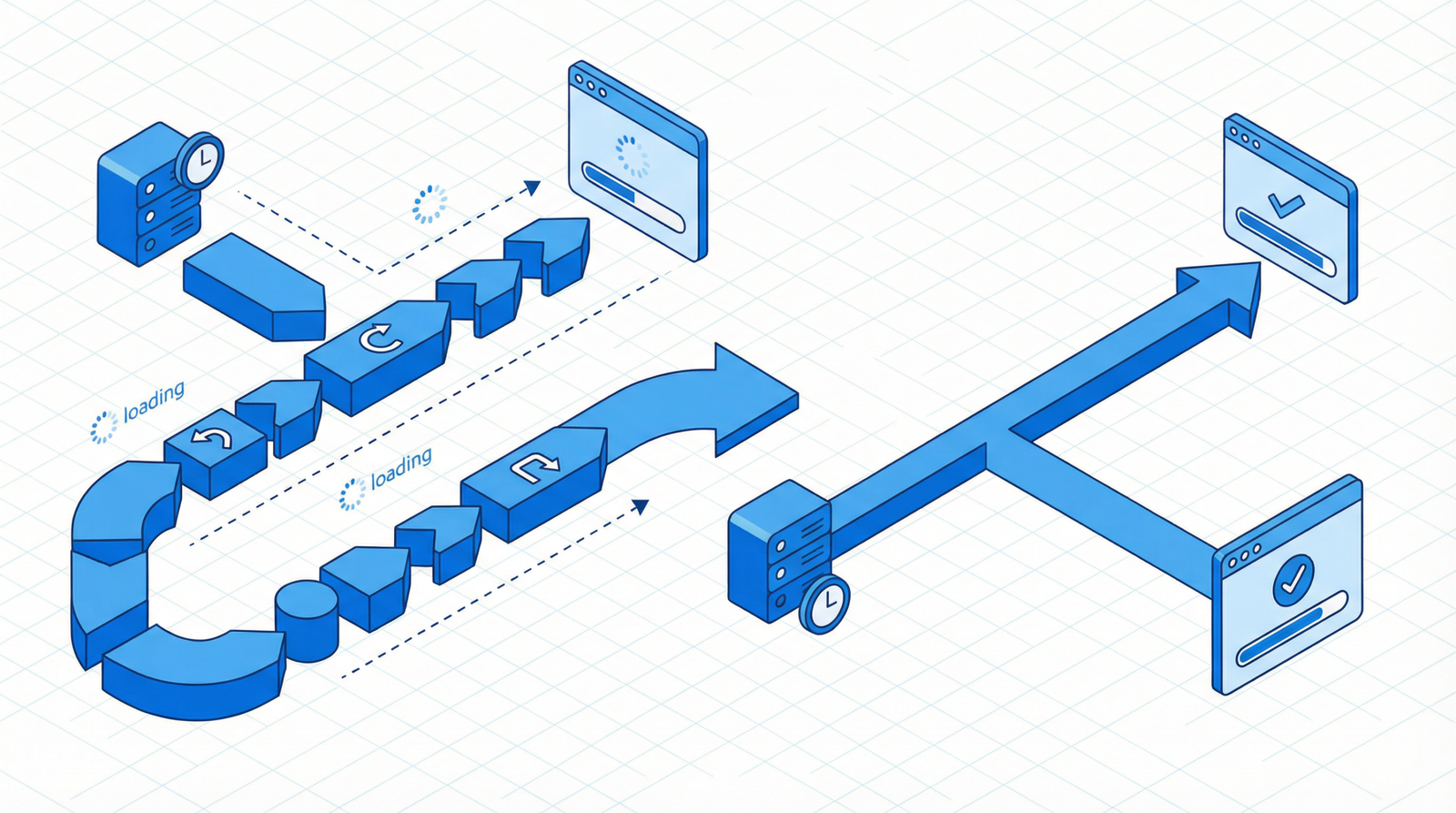
Redirect chains, honestly
A chain is A to B to C when A could have gone straight to C. They accumulate on their own — you redirect an old URL, then later move its destination, and now the first redirect points at a redirect.
The claim you will read everywhere is that each hop leaks link equity. That was true a long time ago and has not been since around 2016, when Google confirmed that PageRank is not lost through 30x redirects. Anyone telling you a chain is bleeding authority is repeating advice that expired a decade ago.
What is still true is smaller but real:
Every hop is a round trip. Two extra redirects on a mobile connection is a few hundred milliseconds before the browser has even started fetching the page. On a URL that gets real traffic, that is worth removing.
Google stops following after about ten hops and recommends staying under three. Beyond that the destination simply does not get crawled.
Long chains break silently. Each link in the chain is a thing that can be deleted by someone who does not realise what depends on it.
So: flatten chains, but treat it as maintenance rather than an emergency. Export your redirect list, find every entry whose destination is itself a redirect source, and repoint it at the final URL. Both the plugin route and the server route handle this the same way — the work is in the mapping, not the implementation.
Permalink structure
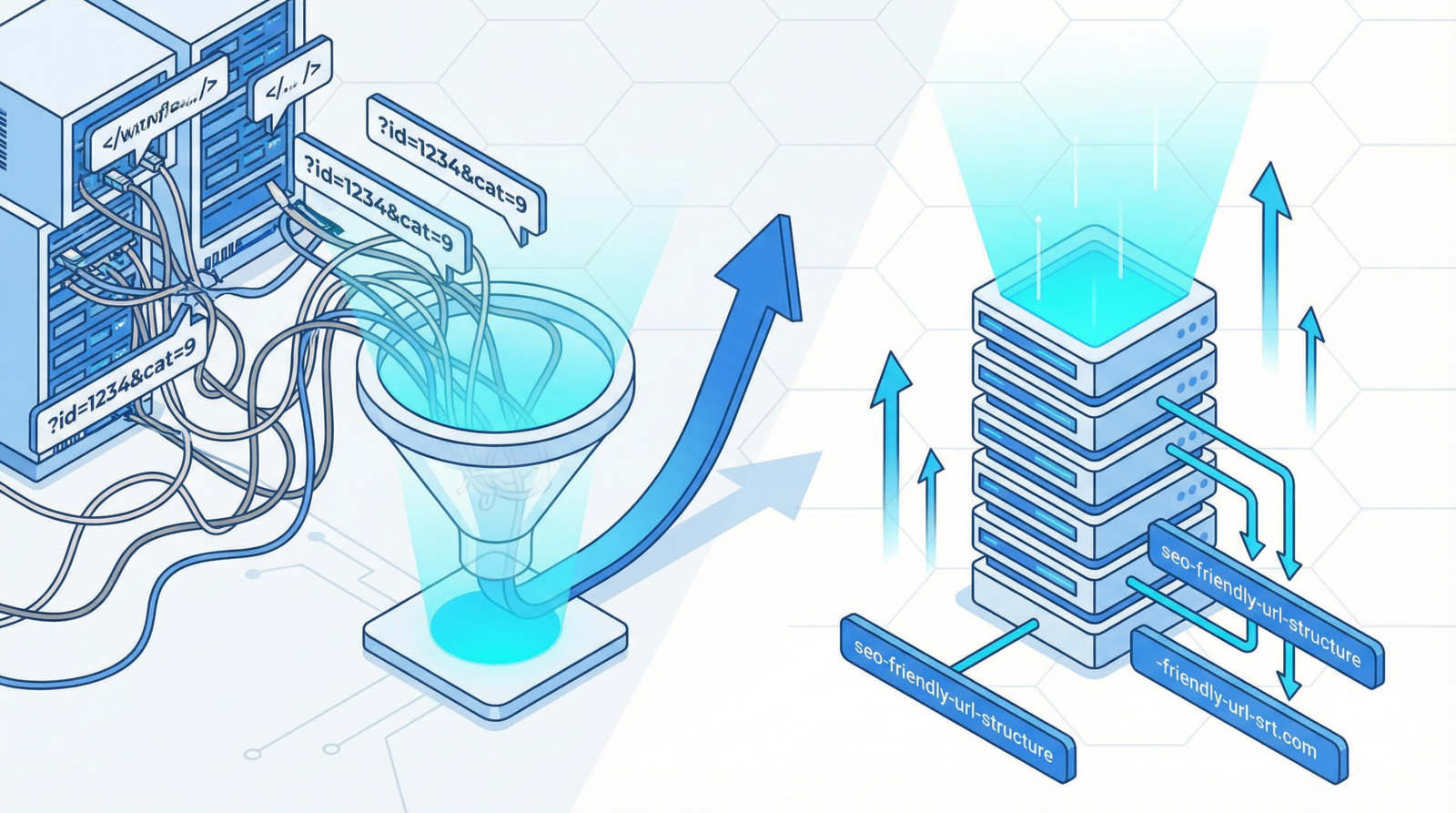
URLs like /?p=49 tell nobody anything. The fix is Settings → Permalinks, and for most sites /%postname%/ is the right answer: short, descriptive, no dates to make the content look stale.
Two honest caveats, because this topic attracts overclaiming.
Keywords in the URL are a very light signal. Google has described it as minor, and there is no evidence a good slug moves you up a page. The real benefits are the human ones — a URL someone can read in a search result, remember, and paste into a message without it looking like spam.
Changing structure on an established site is genuinely risky. Every URL changes at once, WordPress does not redirect structure changes for you, and you are betting your entire archive on getting the rules right. If your permalinks are merely inelegant — /2019/03/some-post/ rather than /some-post/ — leaving them alone is usually the better call. Change them when they are actually broken, like plain ?p= URLs, and when you do, write the mapping first and test it on a staging copy.
For new sites the decision is free, so make it deliberately: /%postname%/ for a business site or blog, /%category%/%postname%/ if categories are a real navigational structure and not an afterthought, dates only if you publish news where recency is the point.
Checking that it worked
- Test the actual old URLs, not a sample. A redirect checker on each one, confirming a single 301 to a 200.
- Watch for new 404s in your monitor for a two weeks after any change. This is where you catch the rules you got subtly wrong.
- Update internal links. Redirects keep visitors moving, but an internal link pointing at a redirect is a hop you control and could have removed.
- Resubmit the sitemap with the new URLs only. A sitemap full of redirecting URLs contradicts everything else you have just told Google.
- Leave the redirects in place. Permanently. There is no point at which it becomes safe to delete them — old links live for years, and a redirect costs nothing to keep.
The short version
Redirect the broken URLs that have links or traffic; let the rest 404 or 410 honestly. Use 301 for anything permanent and never 302 for a move. Flatten chains when you find them, but do not panic about link equity that is not actually leaking. Fix genuinely broken permalink structures and leave merely imperfect ones alone. And before any restructure, write the mapping first — everything else here is recoverable, and that one is not.
Working through this list on your own site and would rather not? That is what an Expert Web Audit is for.

Advertisement. We earn a commission if you sign up through this link, at no extra cost to you.