The Silent Killer: How Plugin Bloat is Crushing Your WordPress Performance (2025/2026 Update)
The Silent Killer: How Plugin Bloat is Crushing Your WordPress Performance (2025/2026 Update)
In the fast-paced world of web performance, every millisecond counts. For WordPress users, one of the most insidious threats to a blazing-fast website often lurks in plain sight: **plugin bloat**. While plugins are the backbone of WordPress’s versatility, an unchecked collection can transform your site from a lean, mean, content-delivery machine into a sluggish, vulnerable behemoth. This issue remains as critical as ever in 2025/2026, continuing to be a top concern for WordPress site owners.
What Exactly is Plugin Bloat?
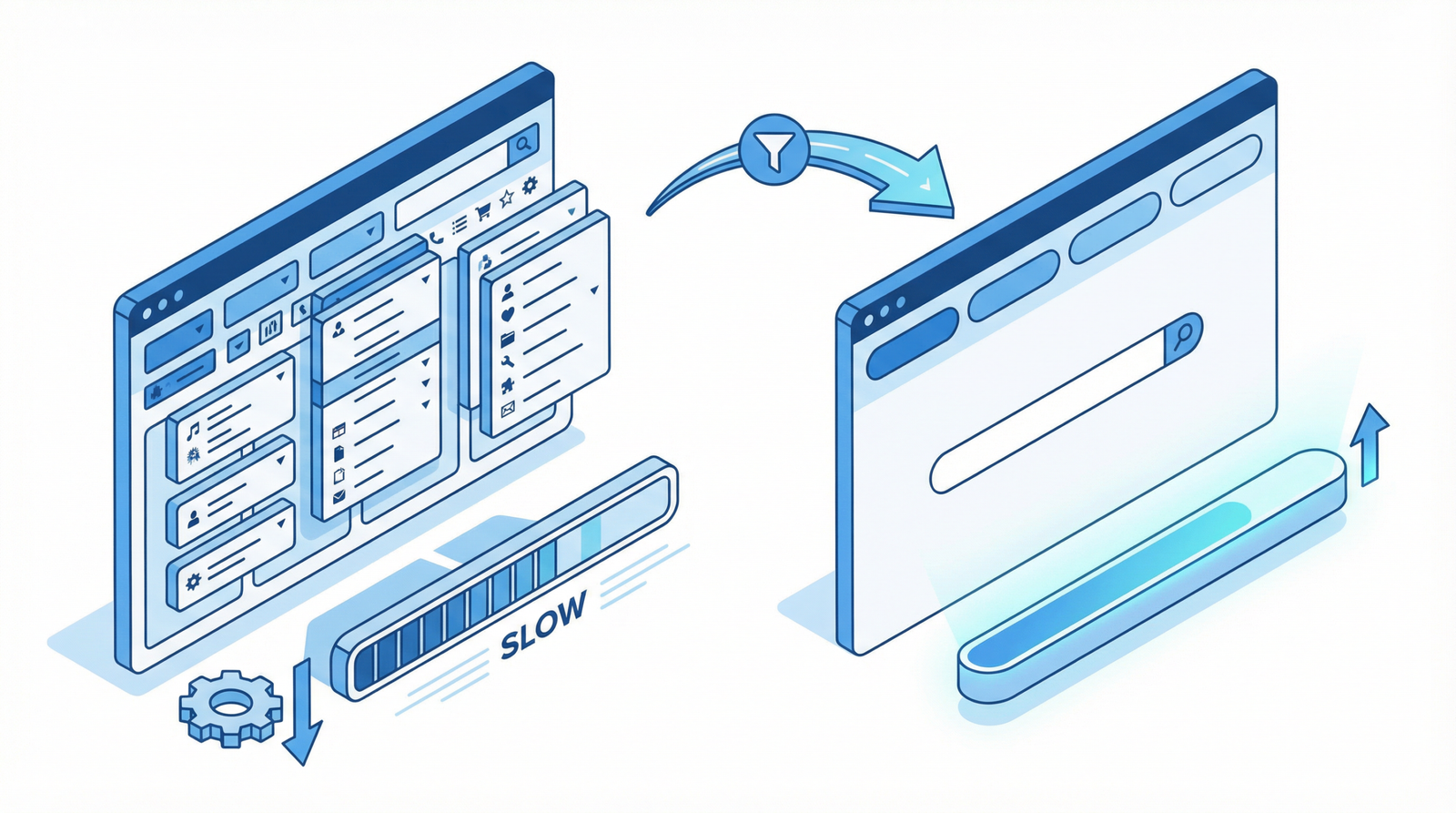
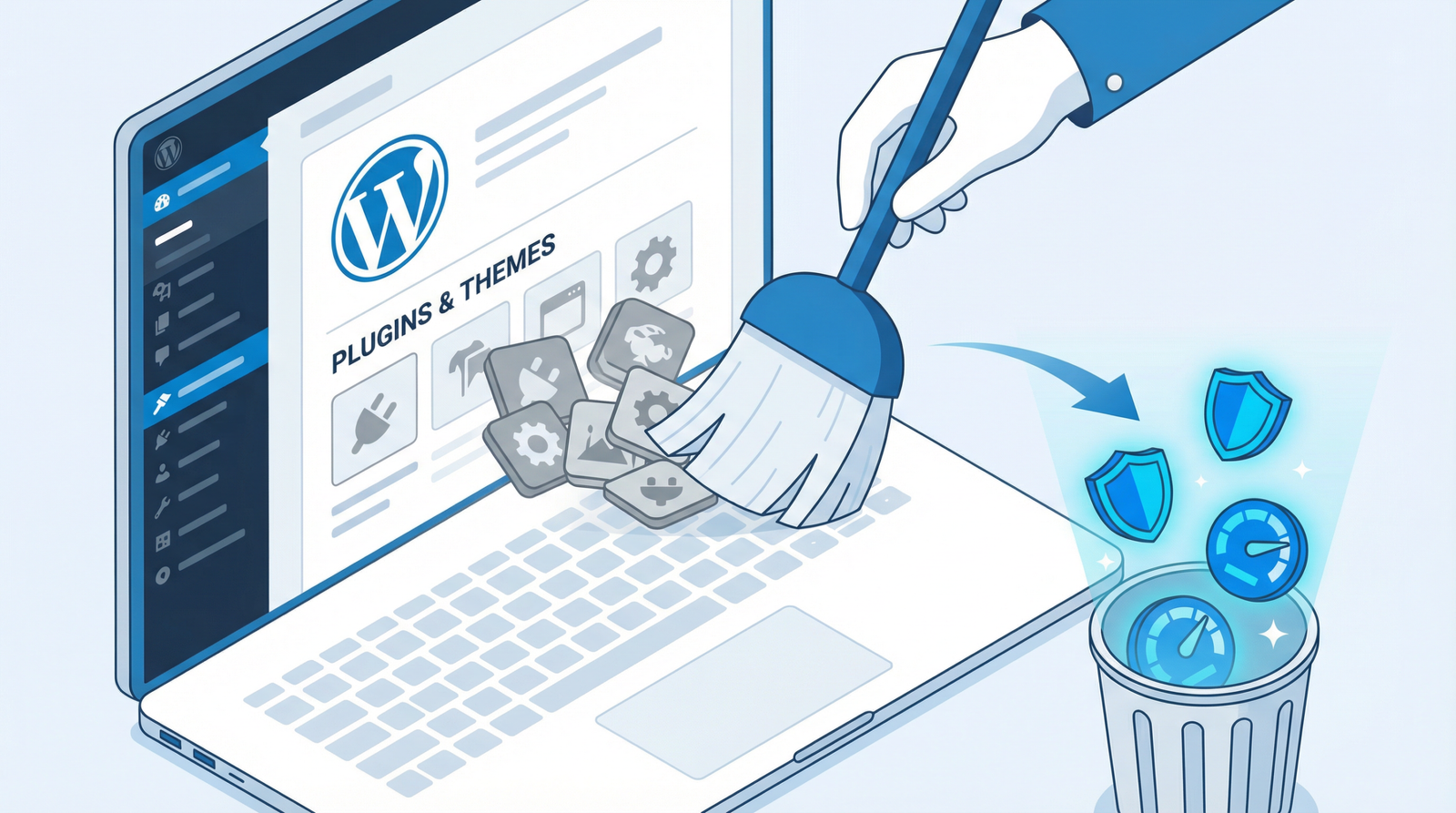
Plugin bloat occurs when your WordPress site accumulates an excessive number of active plugins, particularly those that are no longer in use, provide redundant functionality, or are poorly coded. It’s akin to carrying around a backpack full of unnecessary items – each one adds weight, slowing you down.
Why Plugin Bloat Devastates Your Website
The impact of too many plugins extends far beyond mere inconvenience. Each plugin, regardless of its perceived utility, introduces additional code, often leading to:
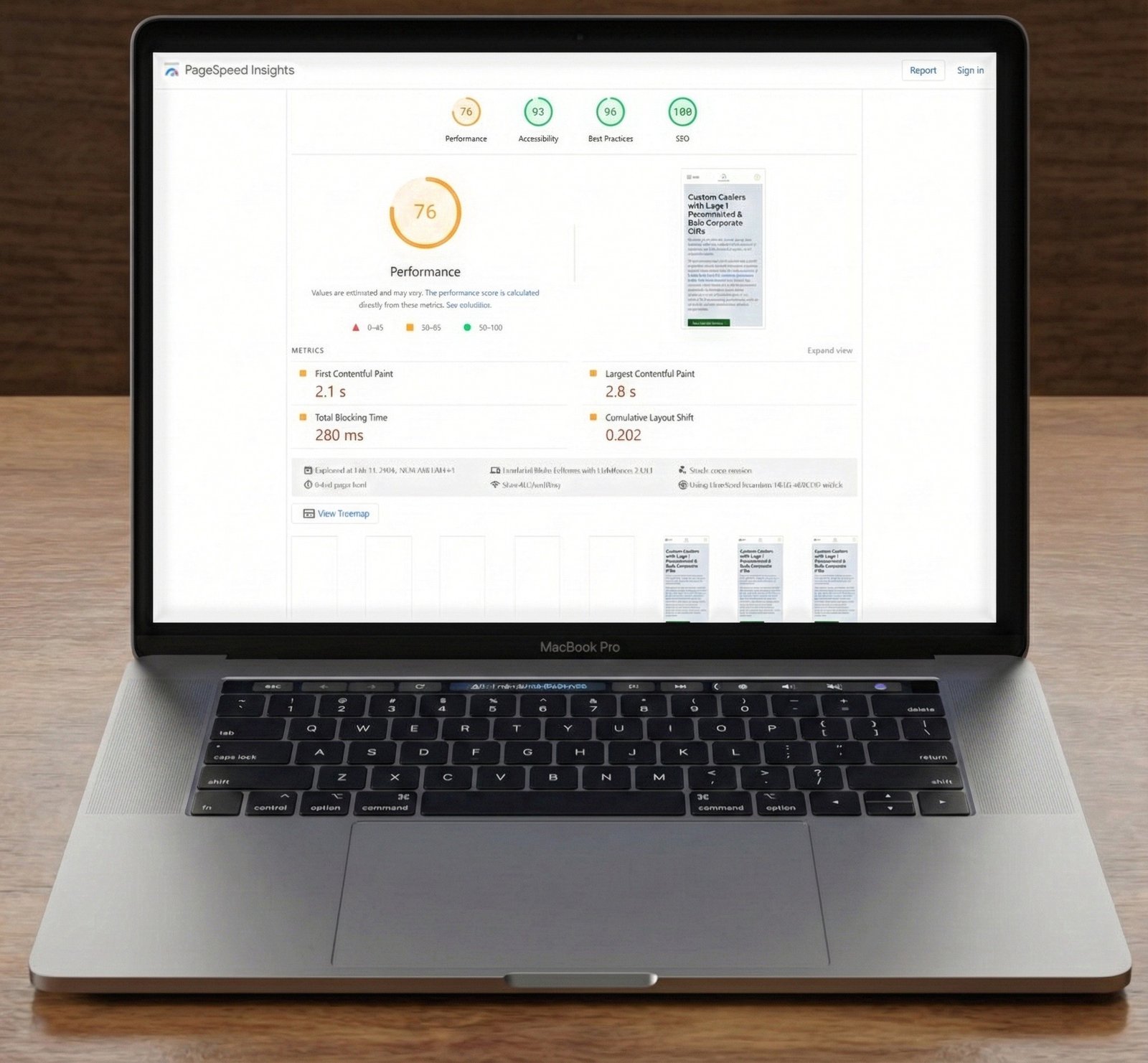
Slower Load Times: More code means more files to load, more HTTP requests, and increased database queries. This directly translates to longer page load times, a critical factor for user experience and SEO.
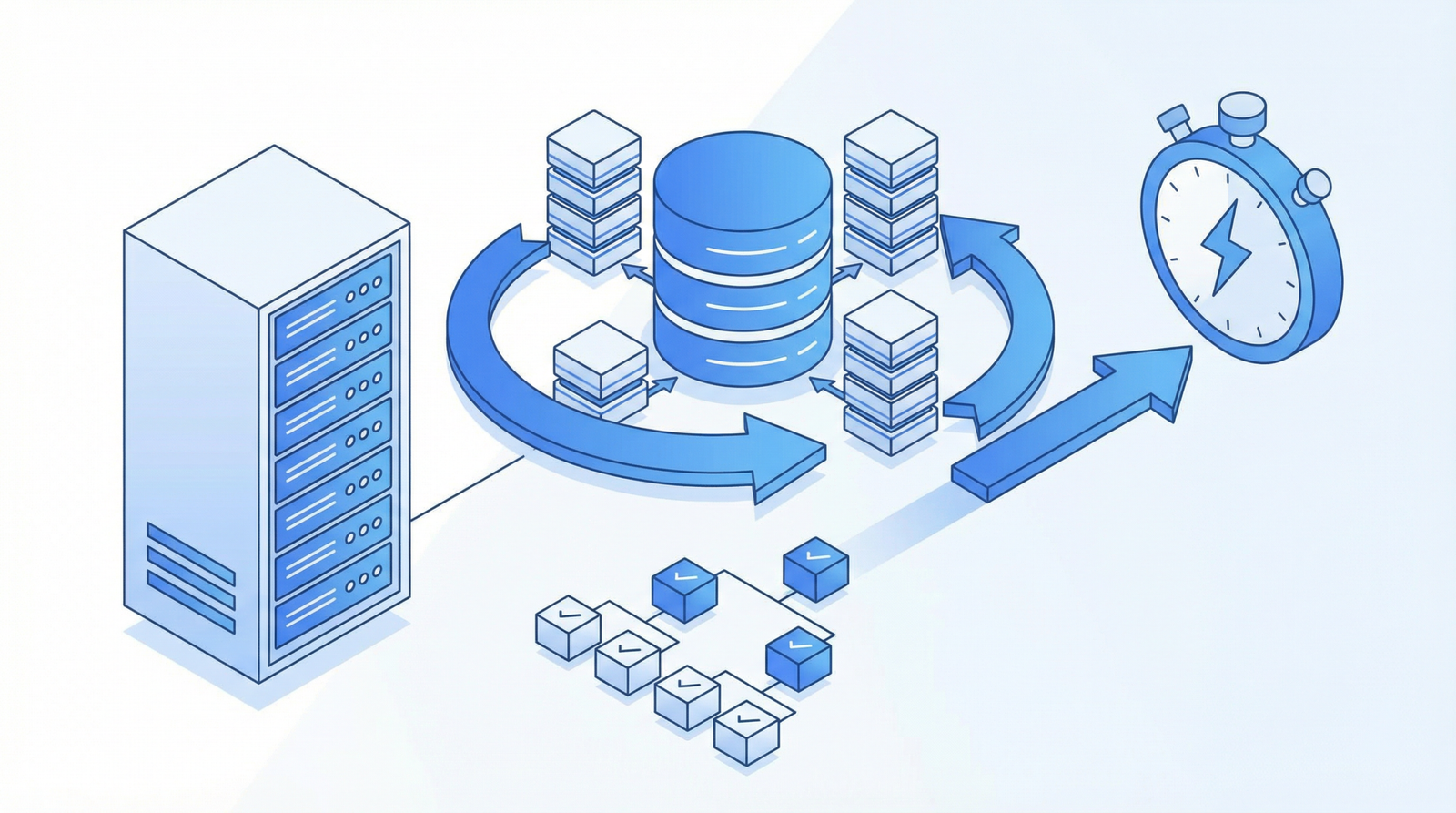
Increased Memory Usage: Plugins consume server resources. An abundance of active plugins can quickly exhaust your server’s memory, leading to slower processing and potential crashes.
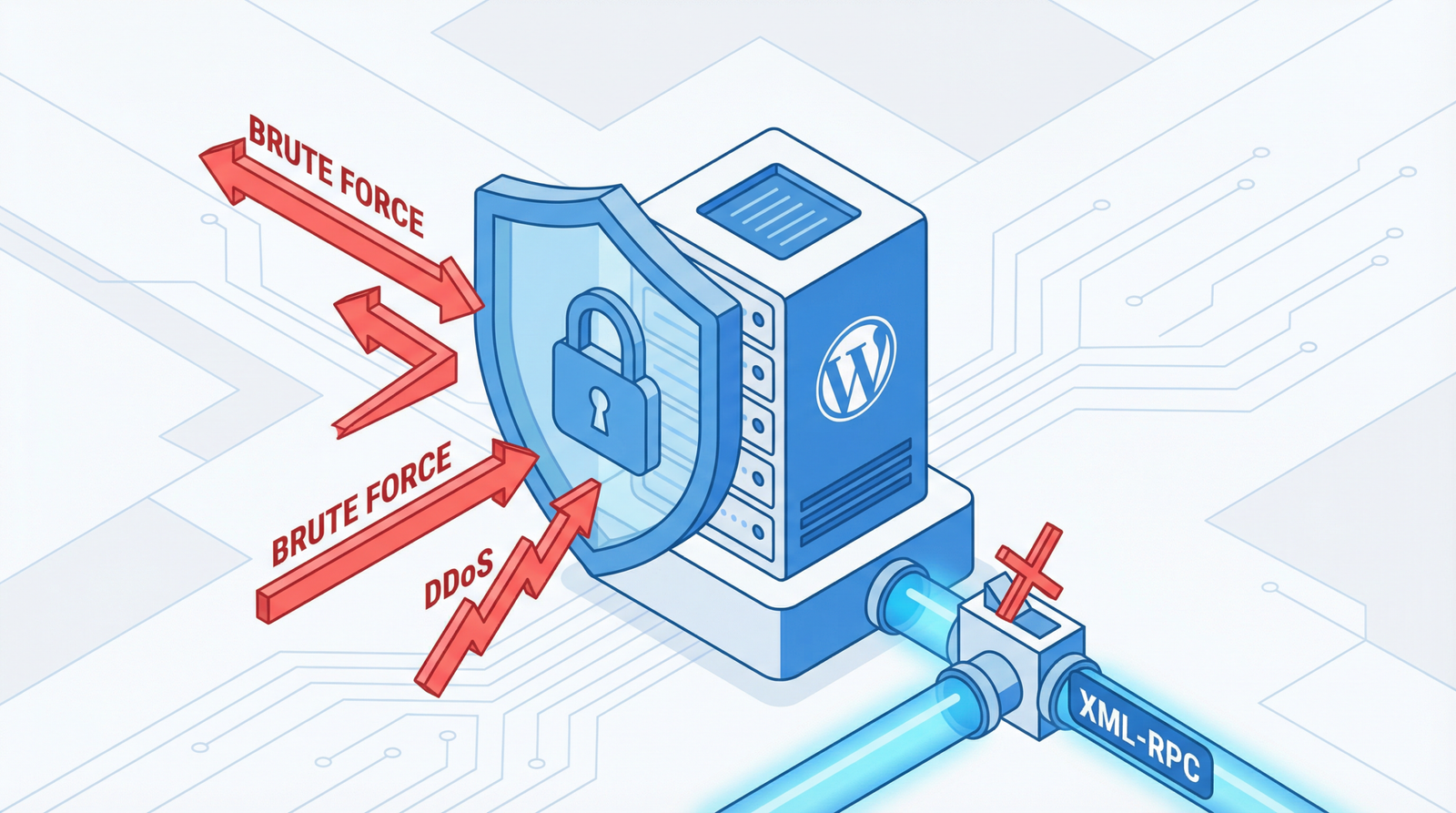
Higher Security Risks: Every plugin is a potential entry point for vulnerabilities. The more plugins you have, especially outdated or poorly maintained ones, the larger your attack surface becomes.
Plugin Conflicts: Different plugins can sometimes interfere with each other, leading to unexpected errors, broken functionalities, or even site-wide crashes.
Maintenance Headaches: Managing and updating a large number of plugins is time-consuming and increases the likelihood of issues during updates.
Spotting the Symptoms: How to Check for Plugin Bloat
Identifying plugin bloat is the first step towards recovery. Here’s how to diagnose the problem:
Review Your Installed Plugins: Navigate to your WordPress Dashboard → Plugins → Installed Plugins. Take stock of all active plugins. A general rule of thumb is that more than 20-25 active plugins can often be excessive, though this can vary based on plugin quality and site complexity.
Identify Unused Plugins: Look for plugins that you installed for a specific, one-off task and forgot to deactivate, or those whose functionality you no longer require.
Check for Overlapping Functionality: Do you have multiple plugins performing similar tasks (e.g., two different caching plugins, or separate SEO plugins for different features)?
Utilize Performance Monitoring Tools: Tools like Query Monitor can be invaluable. This plugin allows you to see which plugins are consuming the most resources, generating the most database queries, or taking the longest to load.
The Cure: A Step-by-Step Guide to Plugin Optimization
Once you’ve identified the culprits, it’s time for a strategic cleanup. Follow this plugin audit process:
1. Deactivate and Delete Ruthlessly
Remove Unused Plugins: If a plugin isn’t actively contributing to your site’s core functionality or user experience, deactivate and then delete it. Simply deactivating isn’t enough, as residual files and database entries can still linger.
Consolidate Functionality: Look for opportunities to replace multiple single-purpose plugins with one comprehensive solution. For example:
Instead of separate plugins for SEO, redirects, and schema markup, consider an all-in-one solution like Rank Math or Yoast SEO.
Replace multiple security plugins with a single, robust solution such as Wordfence or Sucuri.
Consolidate caching and optimization features with powerful plugins like WP Rocket or LiteSpeed Cache.
2. Audit Plugin Necessity
For every remaining plugin, ask yourself: “Does this provide essential functionality that cannot be achieved otherwise, or is its benefit truly worth its performance cost?” Be honest in your assessment.
3. Prioritize Quality and Maintenance
Choose Wisely: Only use well-maintained plugins with strong reviews, a history of regular updates, and good support. Outdated plugins are a security and performance nightmare.
Essential Categories (Keep Minimal): Focus on having one high-quality plugin for each critical category:
Optimization isn’t a one-time task. Implement a routine maintenance schedule:
Monthly: Review active plugins for continued necessity and check for available updates.
Quarterly: Perform a deeper dive into plugin performance, security logs, and potential conflicts.
Annually: Conduct a complete plugin audit and cleanup, similar to the initial process, to ensure your site remains lean and efficient.
Conclusion
Plugin bloat is a persistent challenge for WordPress users, but it’s one that can be effectively managed with a proactive approach. By regularly auditing your plugins, consolidating functionality, and prioritizing quality over quantity, you can significantly improve your website’s performance, enhance security, and deliver a superior user experience. Don’t let an overgrown plugin forest choke the life out of your WordPress site – cultivate a lean, fast, and secure online presence.