Is Your Page Builder Slowing Down Your Site? The Hidden Performance Cost of Elementor, Divi, and WPBakery
The Silent Performance Killer: How Page Builders Bloat Your Website
Page builders have revolutionized web design, empowering users to create stunning, complex layouts without writing a single line of code. Tools like Elementor, Divi, and WPBakery are incredibly popular for their ease of use and extensive feature sets. However, this convenience often comes at a significant, often hidden, cost: website performance.
The Problem: Unnecessary Code Bloat
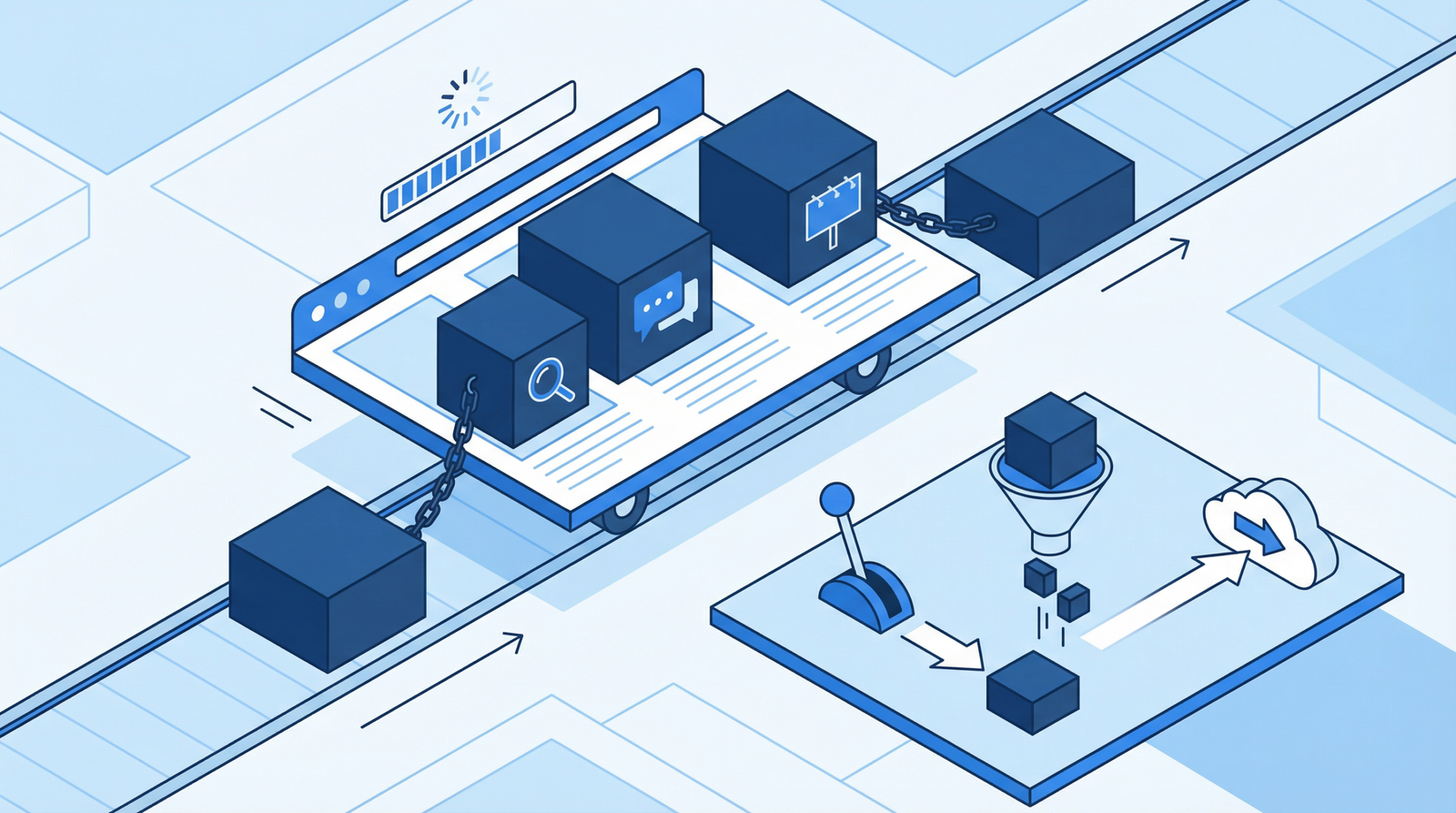
The core issue with many page builders is their tendency to load all their CSS and JavaScript assets across your entire website, regardless of whether those specific styles or scripts are actually used on a given page. Imagine building a house and bringing every single tool you own to every room, even if you only need a hammer in one. That’s essentially what happens with site-wide asset loading.
This means that even a simple blog post or a landing page that doesn’t utilize the page builder’s complex features will still be forced to download hundreds of kilobytes, or even megabytes, of unnecessary code. This bloat directly impacts your site’s loading speed and overall user experience.
Why This Hurts Your Site (and Your Business)
In today’s competitive digital landscape, website speed is paramount. Every extra kilobyte and every additional HTTP request contributes to slower page load times, which can lead to:
Higher Bounce Rates: Users expect fast-loading websites. If your site takes too long, they’ll leave before they even see your content.
Lower Search Engine Rankings: Google and other search engines prioritize fast, performant websites. Core Web Vitals, especially Largest Contentful Paint (LCP) and Cumulative Layout Shift (CLS), are heavily influenced by asset loading. Excessive CSS/JS can significantly degrade these metrics.
Poor User Experience: A sluggish website frustrates visitors, making them less likely to engage with your content, make a purchase, or return in the future.
Increased Server Costs: More data transferred means more bandwidth consumed, potentially leading to higher hosting bills.
UPDATE NEEDED for 2025/2026: While page builders remain widely used, the performance concerns are more critical than ever. Modern web standards and user expectations demand leaner, faster sites. The impact on Core Web Vitals is a primary concern for SEO and user experience.
How to Check if Your Page Builder is Bloating Your Site
Identifying this issue is crucial for optimization. Here’s how you can check:
View Page Source: On a page that you know doesn’t heavily use your page builder, right-click and select “View Page Source” (or similar). Look for references to files like elementor.min.css, wpb_composer.min.js, or divi-builder.js. If they’re present, they’re likely loading site-wide.
Browser Developer Tools (Network Tab): Open your browser’s developer tools (usually F12 or Ctrl+Shift+I), go to the “Network” tab, and refresh the page. Filter by CSS and JS files and observe if page builder assets are loading on pages where they shouldn’t be. Pay attention to their file sizes.
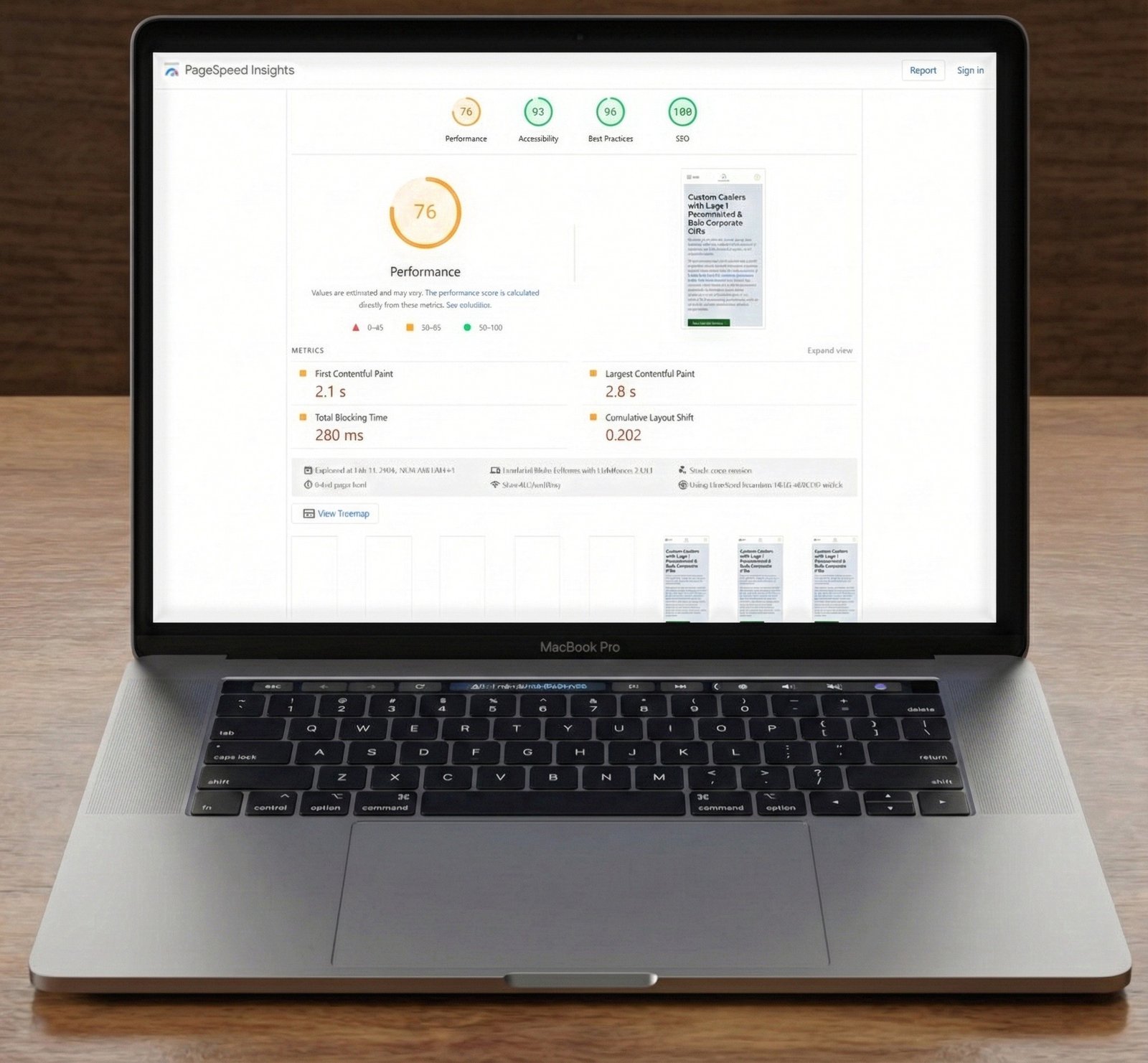
Performance Auditing Tools: Tools like Google Lighthouse, GTmetrix, and WebPageTest will highlight excessive script and stylesheet sizes, often pointing to page builder bloat.
Query Monitor Plugin (WordPress): For WordPress users, the Query Monitor plugin can show you exactly which scripts and styles are enqueued on each page, helping you pinpoint unnecessary page builder assets.
Actionable Steps to Fix Page Builder Bloat
Don’t despair! While page builders can be performance hogs, there are several strategies to mitigate their impact:
For Elementor Users:
Elementor has made strides in recent years to address performance. Ensure you’re utilizing these features:
Go to Elementor → Settings → Features. Enable “Optimized DOM Output” and “Improved Asset Loading”.
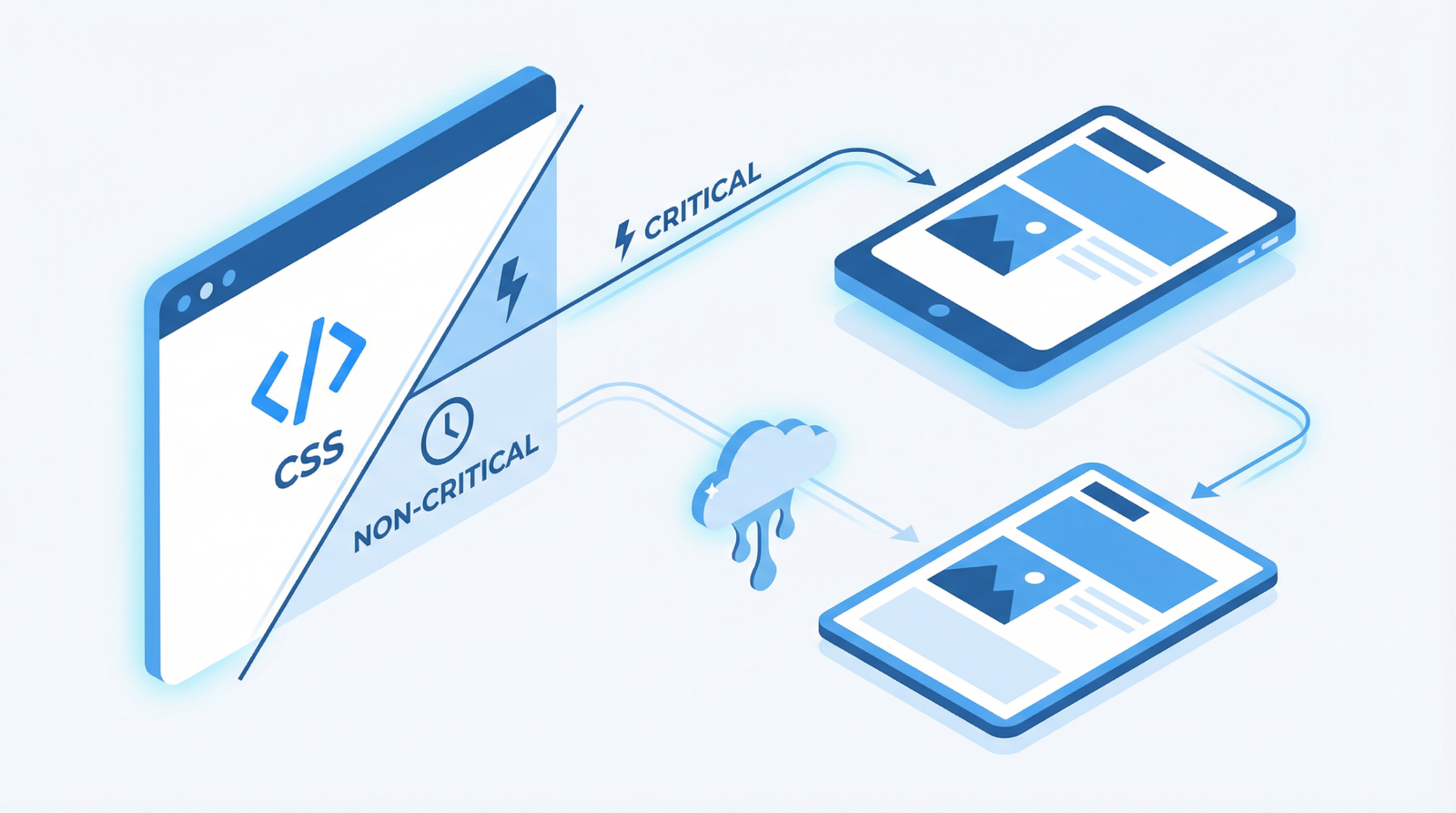
Under Elementor → Settings → Advanced, set “CSS Print Method” to “Internal Embedding”. This can reduce HTTP requests by inlining critical CSS.
Consider using Elementor’s built-in “Experiments” for further optimizations, but test thoroughly.
For WPBakery Users:
WPBakery (formerly Visual Composer) often requires more manual intervention:
// Disable WPBakery on specific pages or post types
function disable_wpbakery_on_pages() {
    if (!is_page(array('home', 'about', 'contact')) && !is_singular('your_custom_post_type')) { // Adjust page/post type IDs or slugs
        wp_dequeue_style('js_composer_front');
        wp_dequeue_script('wpb_composer_front_js');
    }
}
add_action('wp_enqueue_scripts', 'disable_wpbakery_on_pages', 999); // Use a high priority
This code snippet, added to your theme’s functions.php file or a custom plugin, conditionally dequeues WPBakery’s assets on specified pages where it’s not used.
These plugins are invaluable for fine-grained control over asset loading:
Install and Activate: Choose a reputable plugin like Asset CleanUp, Perfmatters, or WP Rocket.
Page-Specific Disabling: Navigate to a page that doesn’t use the page builder. These plugins allow you to disable specific CSS and JavaScript files for that page, or even globally for certain post types.
Unload Globally, Load Conditionally: For maximum impact, you can often unload page builder assets globally and then selectively load them only on pages where the page builder is actively used.
Test Thoroughly: After disabling any assets, always test the affected pages to ensure no functionality is broken.
General Page Builder Optimization & Alternatives:
Conditional Loading: For advanced users, you can write custom code to conditionally load page builder assets only when a page is built with that specific builder. This requires checking post meta data.
Use Page Builders Sparingly: Reserve page builders for complex layouts where their benefits truly outweigh the performance cost. For simple content pages, consider using the native WordPress block editor (Gutenberg).
Switch to Block-Based Themes: Modern block themes are designed for performance and integrate seamlessly with the Gutenberg editor, often eliminating the need for heavy page builders.
Consider Custom Development: For critical pages (e.g., homepage, key landing pages) where performance is absolutely non-negotiable, investing in custom HTML/CSS development can yield the best results.
Conclusion
While page builders offer incredible flexibility, their impact on website performance cannot be ignored. By understanding how they load assets and implementing the optimization strategies outlined above, you can significantly improve your site’s speed, enhance user experience, and boost your search engine rankings. Prioritize performance in your web development workflow to stay competitive in 2025/2026 and beyond.