The Silent Killer of Conversions: How Late LCP Elements Are Hurting Your Website in 2025/2026
The Silent Killer of Conversions: How Late LCP Elements Are Hurting Your Website in 2025/2026
In the fast-paced digital landscape of 2025 and 2026, website performance isn’t just a technical detail; it’s a critical determinant of your online success. Among the myriad metrics, Largest Contentful Paint (LCP) stands out as a paramount indicator of user experience and, consequently, your search engine rankings and conversion rates. If your LCP element is loading too late, you’re not just losing milliseconds; you’re losing potential customers and valuable organic traffic.
What Exactly is Largest Contentful Paint (LCP)?
LCP measures the render time of the largest image or text block visible within the viewport. It’s a crucial metric because it directly reflects when a user perceives the main content of your page has loaded. Think of it as the moment your website truly comes to life for the visitor. In 2025, LCP remains a cornerstone of Google’s Core Web Vitals, emphasizing its continued importance for SEO and user satisfaction.
The Problem: Your LCP Element is a Late Bloomer
The core issue arises when your page’s LCP element—be it a hero image, a prominent heading, or a significant text block—doesn’t begin loading until late in the page load process. This delay creates a frustrating user experience, as visitors are left staring at a blank or incomplete screen, wondering if your site is broken or just incredibly slow.
Why a Poor LCP Score Devastates Your Site
Search Engine Rankings: LCP is a Core Web Vital, and Google explicitly uses it as a ranking factor. Consistently poor LCP scores (above 2.5 seconds) will negatively impact your visibility in search results, pushing your competitors ahead.
User Experience: Users expect instant gratification. A slow-loading LCP element leads to a perception of a sluggish website, increasing frustration and impatience.
Higher Bounce Rates: When users encounter delays, they’re more likely to abandon your site before engaging with your content or products. This directly translates to higher bounce rates.
Lower Conversions: Whether your goal is sales, sign-ups, or lead generation, a poor LCP can significantly hinder your conversion rates. Users are less likely to complete desired actions on a site they perceive as slow or unreliable.
How to Diagnose Your LCP Woes
Identifying a late-loading LCP element is the first step towards recovery. Here’s how you can check:
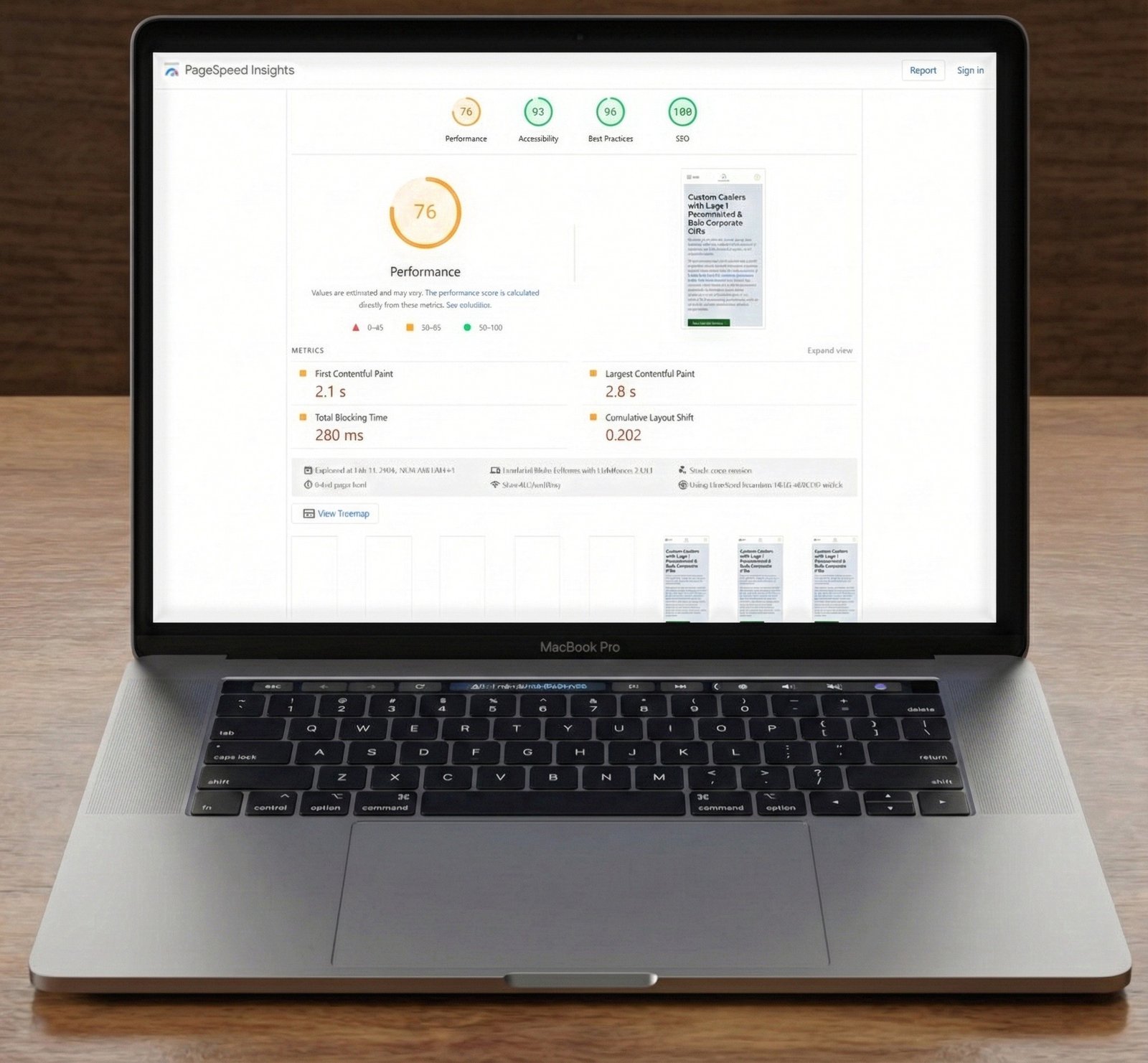
PageSpeed Insights & Chrome DevTools: These are your primary tools. Run your page through Google PageSpeed Insights, or open the Performance tab in Chrome DevTools.
LCP Score Analysis: Look for LCP scores exceeding the recommended threshold of 2.5 seconds. Anything above this indicates a problem that needs immediate attention.
Identify the LCP Element: In the diagnostics section of PageSpeed Insights or the Timings section of DevTools, you’ll find which specific element is identified as your LCP. This is crucial for targeted optimization.
Waterfall Chart Inspection: Within Chrome DevTools, examine the waterfall chart in the Network tab. Pinpoint when your identified LCP element begins to load in relation to other resources. A late start is a clear red flag.
Actionable Strategies to Optimize Your LCP in 2025/2026
Once you’ve identified the problem, it’s time to implement solutions. These strategies are vital for achieving excellent LCP scores:
1. Prioritize Your LCP Resource with Preload
Tell the browser to fetch your LCP resource as early as possible. This is especially effective for images or fonts that are critical for the initial render.
Ensure the `as` attribute is correctly set (e.g., `image`, `font`, `style`) and the `href` points to the exact resource.
2. Leverage `fetchpriority=”high”` for LCP Images
For LCP images, the `fetchpriority=”high”` attribute is a powerful signal to the browser, indicating that this image is more important than others and should be fetched with higher priority. This is a key optimization for 2025/2026.
Combine this with responsive image techniques (`srcset`, `sizes`) for optimal results across devices.
3. Drastically Reduce Server Response Time (TTFB)
Your server’s response time, often measured as Time to First Byte (TTFB), directly impacts when the browser can even start rendering your page. Aim for a TTFB of under 200ms. Strategies include:
Optimizing Database Queries: Slow database operations can significantly delay server responses.
Efficient Server-Side Code: Ensure your backend code is optimized and free of bottlenecks.
Utilizing a CDN: A Content Delivery Network (CDN) can serve static assets from servers geographically closer to your users, reducing latency.
Caching: Implement robust server-side and browser caching strategies to reduce the load on your server and speed up content delivery.
Choosing a Fast Host: The quality of your hosting provider plays a crucial role. Invest in a reputable host that offers fast, reliable infrastructure.
4. Optimize Image and Video Assets
Large, unoptimized media files are frequent culprits for slow LCP. Ensure all images and videos are:
Compressed: Use modern compression formats (e.g., WebP, AVIF) and tools to reduce file sizes without sacrificing quality.
Properly Sized: Serve images at the exact dimensions they will be displayed.
Lazy-Loaded (Non-LCP): Only lazy-load images and videos that are below the fold. Your LCP element should *never* be lazy-loaded.
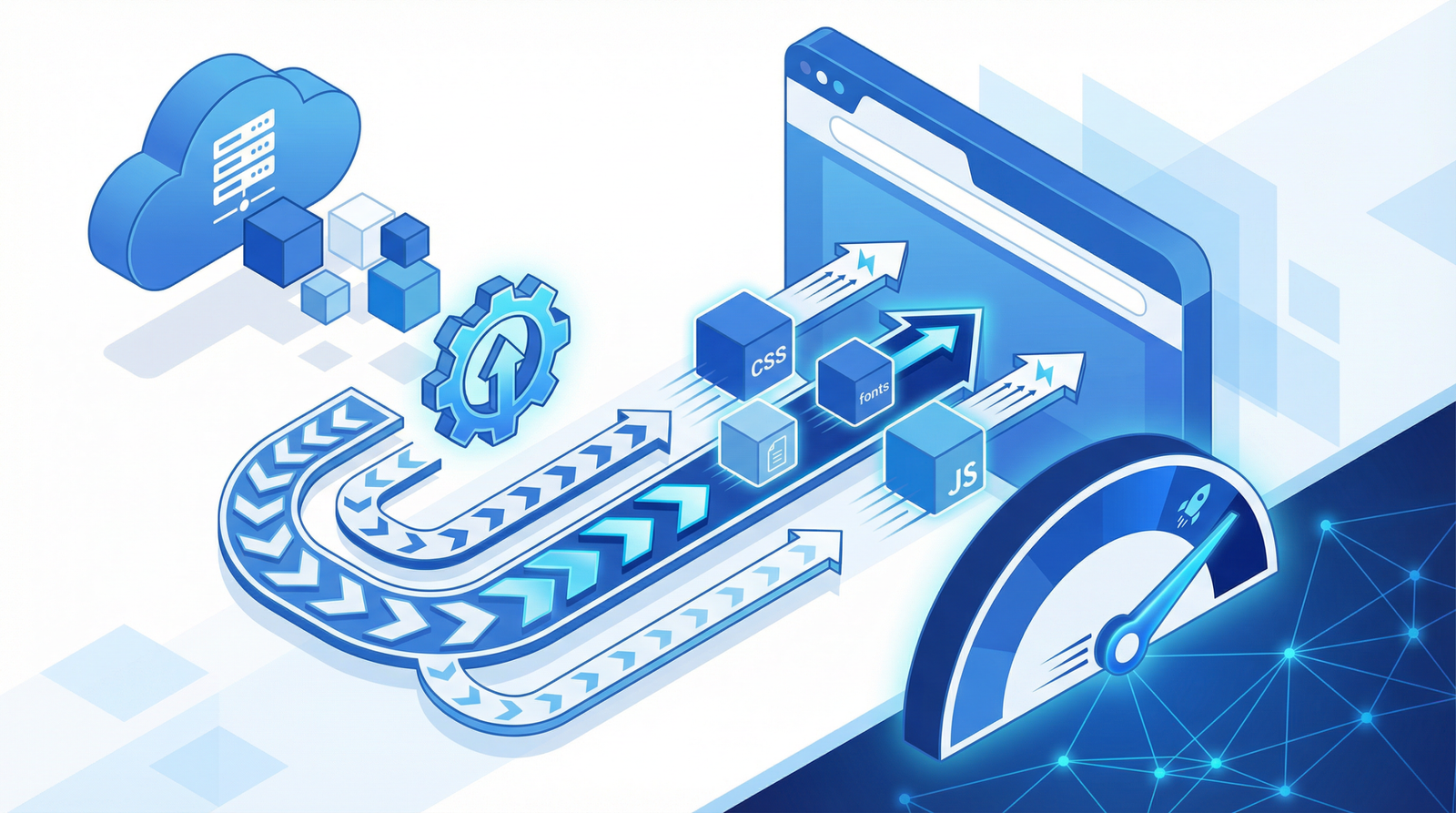
5. Minimize Render-Blocking Resources
CSS and JavaScript files can block the browser from rendering content until they are fully processed. To improve LCP:
Critical CSS: Extract and inline critical CSS needed for the above-the-fold content.
Defer Non-Critical CSS/JS: Load non-essential CSS and JavaScript asynchronously or defer their parsing until after the main content has rendered.
Remove Unused Code: Audit your codebase for unused CSS and JavaScript and remove it.
Conclusion: A Faster LCP for a More Successful Website
In the competitive digital landscape of 2025/2026, a fast Largest Contentful Paint is non-negotiable. By understanding its importance, diagnosing issues effectively, and implementing these actionable optimization strategies, you can significantly improve your website’s performance, enhance user experience, boost your SEO, and ultimately drive more conversions. Don’t let a late-loading LCP element be the silent killer of your online potential.